概要
ヒットした/しなかった検索クエリ分析ランキングの利用方法について説明します。
|
前提として、/document/search API実行時のリクエストフィールド"logQuery"に検索クエリを設定しておく必要があります。 |
-
ワークスペースへアクセスします。
-
「ウィジェットの追加」をクリックします。
-
「ウィジェットの選択」をクリックします。
-
「外部コンテンツ」をクリックし、「追加ボタン」をクリックします。
-
追加されたウィジェットのテキストボックスに以下を入力します。
ヒットした検索クエリの場合 https://onboarding.piano.io/public/insight-widgets/jps-searchQueries.html?start={{start}}&stop={{stop}}&siteId={{site}} ヒットしなかった検索クエリの場合 https://onboarding.piano.io/public/insight-widgets/jps-searchQueries.html?start={{start}}&stop={{stop}}&siteId={{site}}&type=zero -
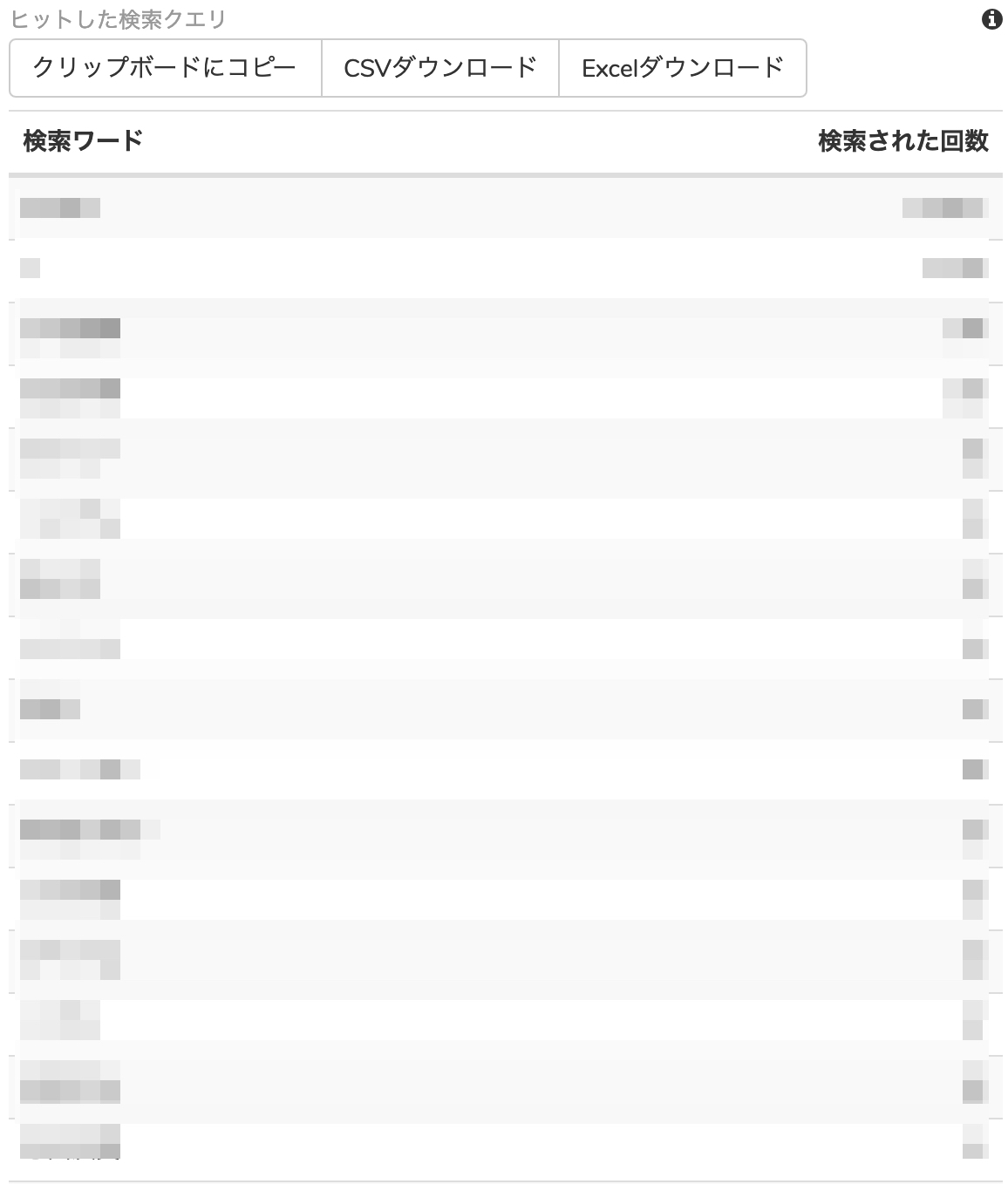
以下のようなウィジェットが表示されます。