
Cxense Advertising provides the ability to import and export your Campaigns for offline management.
Importing Campaigns
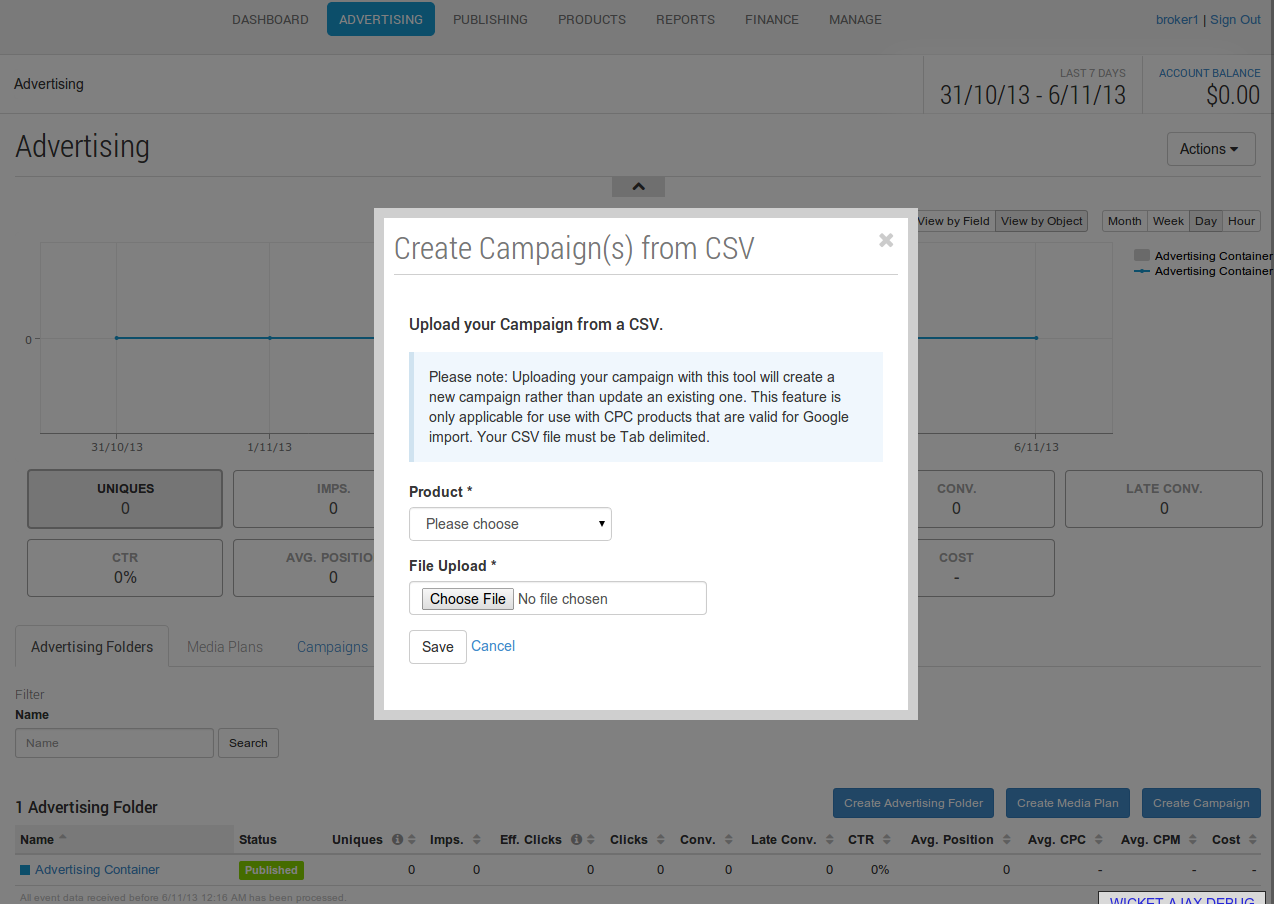
Simply navigate to the advertising tab or a specific advertising account, and select 'Import CPC campaigns' from the actions drop-down in the top right of the page. Select a product to do the import for (if there is more than one CPC Product available), locate your *.csv file and select save to import.
CSV file format
Cxense Advertising expects your csv file to be tab delimited and encoded in UTF-8. Campaigns exported from Google AdWords are in this format by default. You can use Google Spreadsheet to import your csv file in a tab delimited format. Once you have finished editing, select 'download as' to export it as a valid csv file.
There are four different line types that can exist in the file. These are (with columns specified inside the brackets):
-
Campaign (Campaign, Campaign Daily Budget) - defines a campaign
-
Ad (Campaign, Ad Group) - defines an Ad within a campaign
-
Text Creative (Campaign, Ad Group, Headline, Description Line 1, Description Line 2, Display URL, Destination URL) - defines a Text Creative within an Ad
-
Keyword (Campaign, Ad Group, Max CPC, Keyword, Keyword Type) - defines a Keyword with an Ad
The Campaign and the Ad must be defined before Keyword and Text Creative lines that reference them.
-
A valid Campaign line (containing only the columns Campaign, Campaign Daily Budget) must exist before Ad lines that reference the Campaign
-
A valid Ad line (containing only the columns Campaign, Ad Group) must exist before Keyword and Text Creative lines that reference the Ad.
An example csv file showing this format can be found below (valid-import-data.csv):
The columns defined above are the ones that Cxense Advertising uses. Other columns can exist in the file, and these will be ignored.
Valid CPC Products
In order to be able to use this feature there must be one or more valid CPC products available. A CPC product is considered valid for csv import if it meets the following conditions:
-
The product must be for sale.
-
The product must be a CPC product.
-
The product must define one Text Creative Feature and one Keyword Feature in its template. Both of these features must exist at the Ad scope.
-
The Text Creative feature template must:
-
Specify that 'Title', 'Destination URL', 'Display URL' and 'Content' are available.
-
The content field must be valid for 1 or 2 lines of content.
-
If you are an Advertiser and you are unable to use this feature, you may need to contact your Cxense Advertising administrator so that a valid product can be configured.
Uploading your campaign with this tool will create a new campaign rather than update an existing one.
Exporting Campaigns
You can export campaigns at any time using the Export Campaign link located within the actions drop-down.