
Manage All Finance Accounts within your system, such as minimum balance, Credits / Debits, Prepay/ Postpay, disabling etc.
Overview
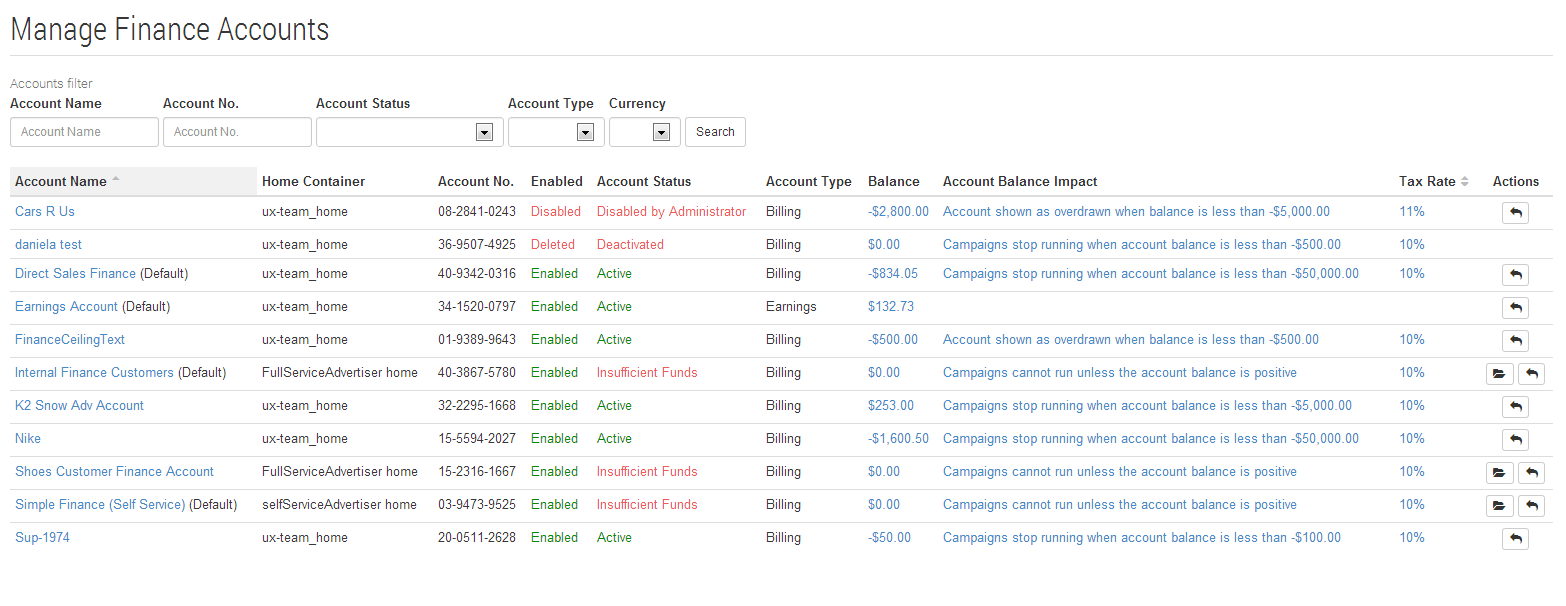
Brokers / System Managers have full control of all finance accounts in the Cxense Advertising system via the Manage Finance Account function, linked from the Manage Tab within the Cxense Advertising UI.
Advertising Finance Accounts (Billing Account)
Billing finance accounts can be specific to a folder (e.g. Advertising Account), or be used for multiple Advertising accounts (a default billing account).
Publishing Accounts (Earnings Accounts)
Earnings Accounts enable Publishers to accrue their revenue. Currently the Cxense Advertising system provides a single account for each Publishing Home Folder, which will in time be expanded to enable multiple earnings accounts per Publishing Folder.
The Manage Accounts page lists all (Billing & Earnings) accounts within the system and provides direct links for configuration. Note the available functions as shown below.
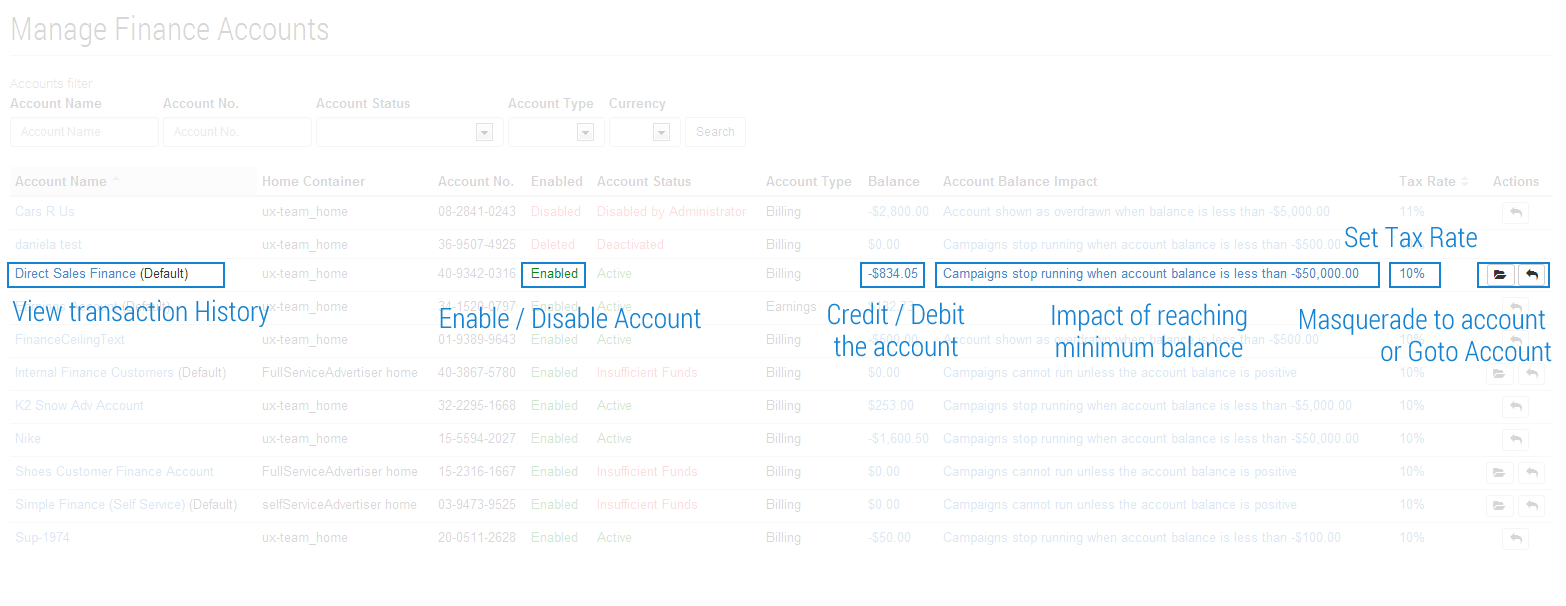
Simply click the appropriate link to configure the account as required. Resulting functions and screenshots follow.
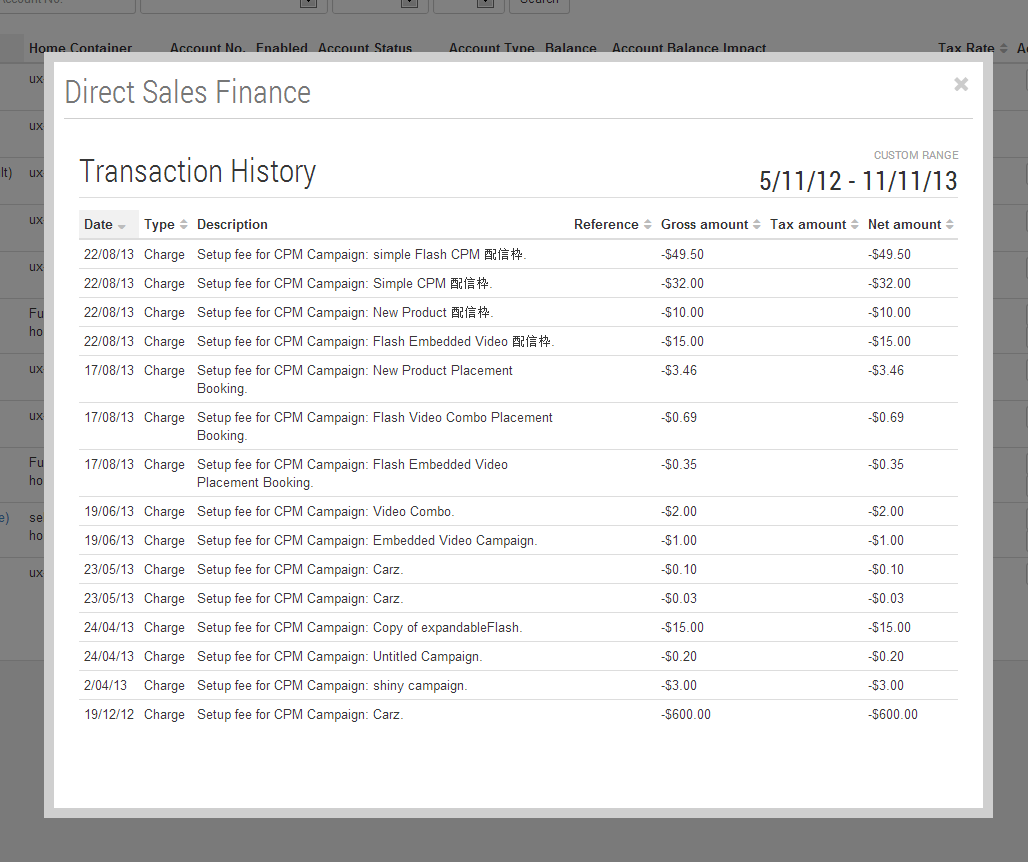
Viewing Transaction History of a Finance Account
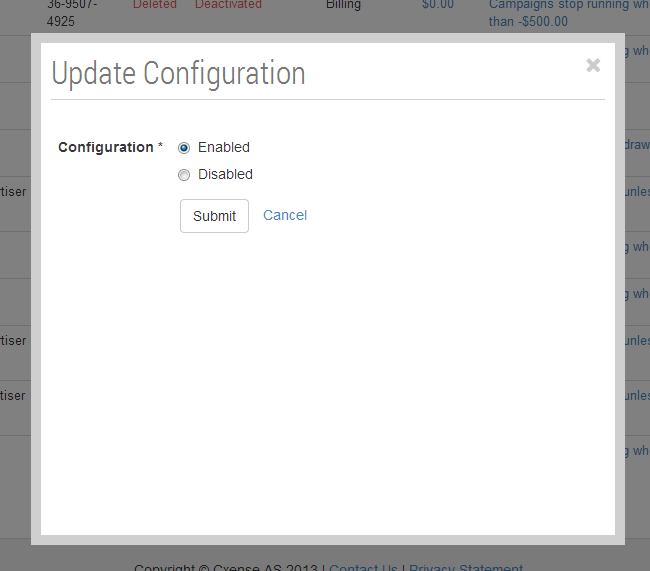
Enabling and Disabling Finance Accounts
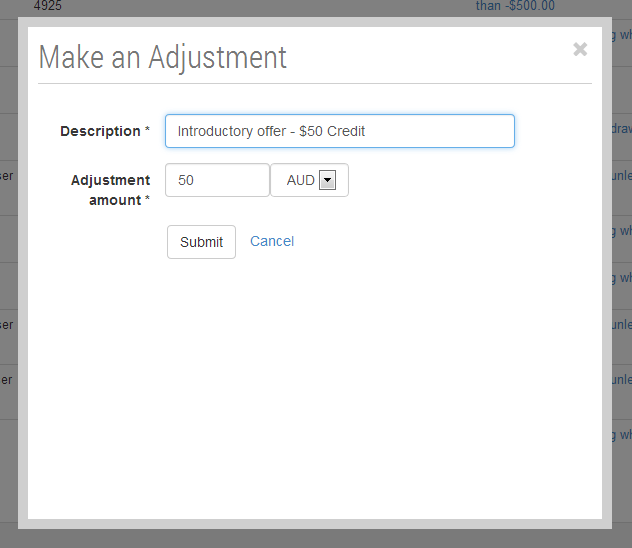
Making Credit and Debit Adjustments
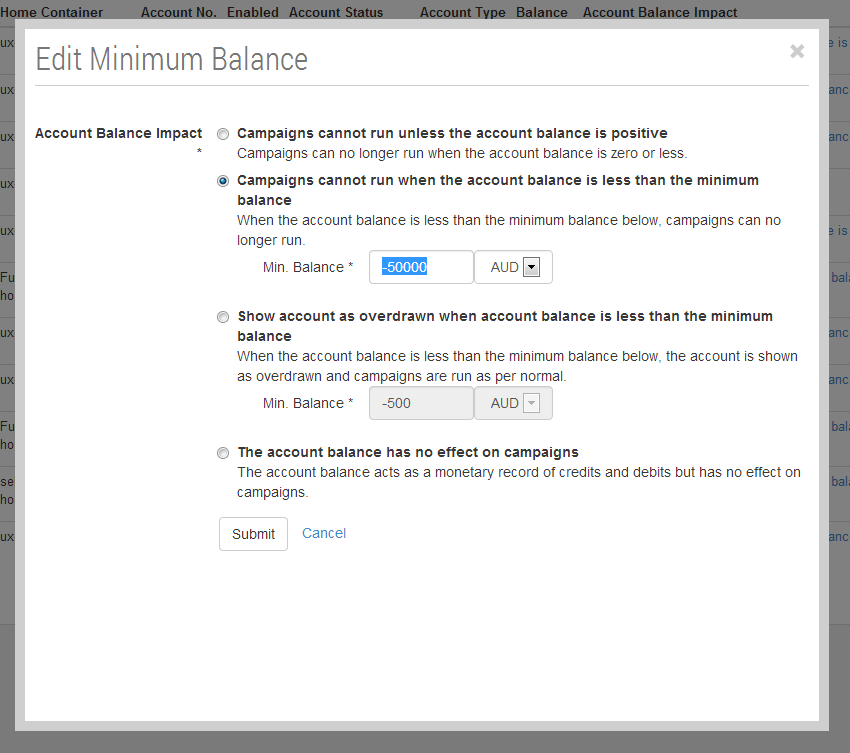
Setting the effect of Minimum Balance of a Finance Account
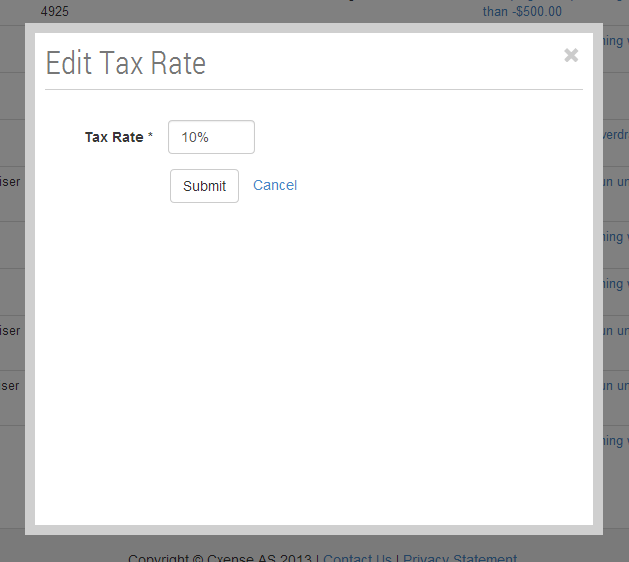
Setting Tax Rates
Browsing / Accessing Finance Account links
Using the links in the actions column, you can easily browse to the finance account itself, or the Advertising Account (Folder) containing the Campaigns and Ads that are charged to that Finance account.
Additional Information
Setting the Default Finance Account values is done using the System configuration feature.