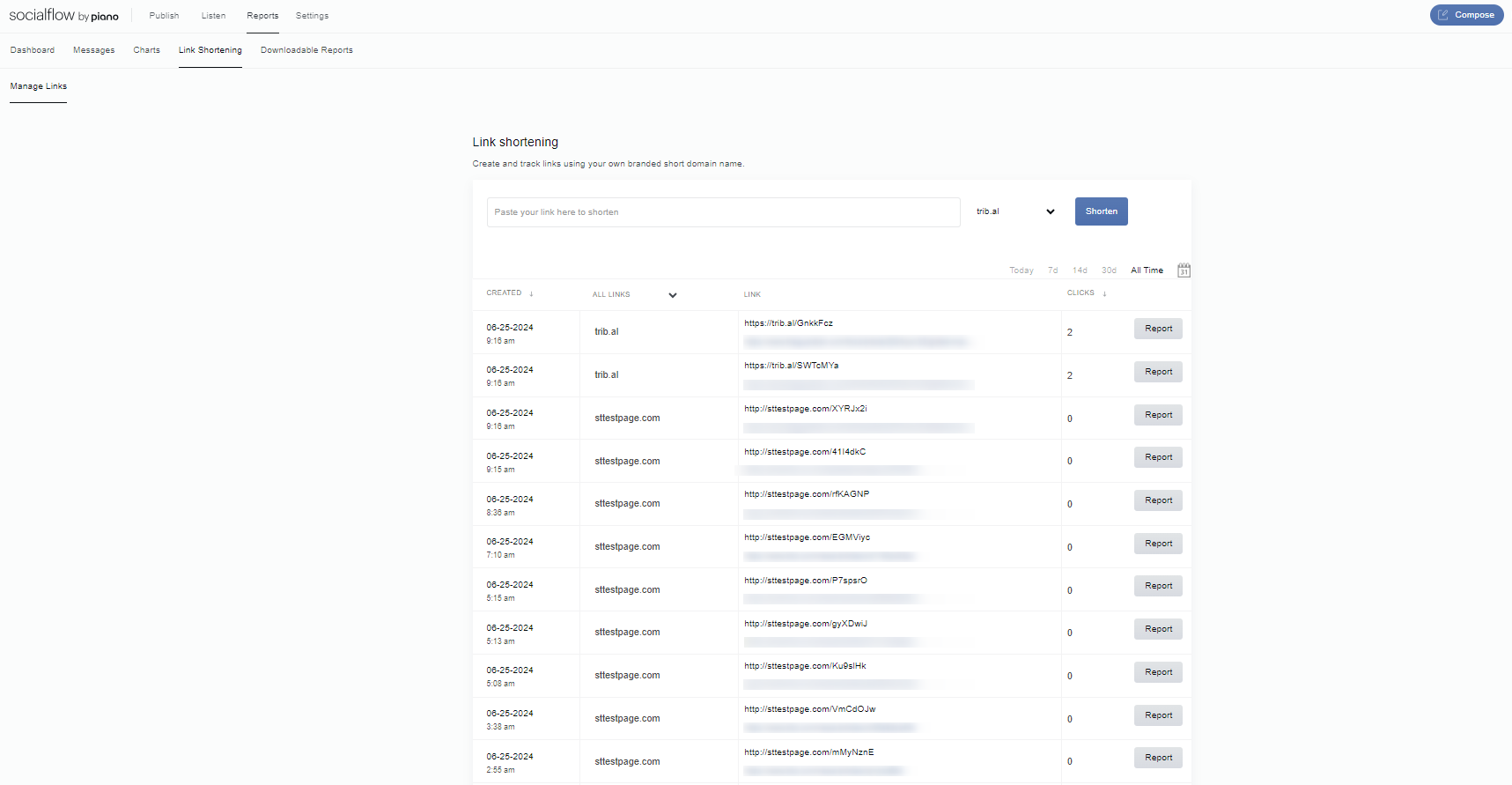
In the Reports section of SocialFlow, you’ll find a Link Shortening tab.
On this page, you can enter a long link into the box and select your link shortener from a drop-down.
Click the Shorten button and SocialFlow will create a short link for you to use anywhere, including outside of SocialFlow (for example, in a marketing email). Because we shortened the link, we'll still be able to track the clicks on the link even if it isn't distributed through SocialFlow publishing.
Each link is listed below with the number of clicks, and you can sort by date range or number of clicks.