
AdSpace Script tags are code snippets that dynamically request Ads from Cxense Advertising. Once the code snippet has been copied from the Cxense Advertising UI and pasted into the web page, the code will never need to be updated. Any updates made to the AdSpace within the Cxense Advertising UI will dynamically update.
3rd Party Ad Tag (Advanced)
If you're a business owner, you may have noticed a new tag on the Ad Space Ad Tag tab: "3rd Party Ad Tag (Advanced)".
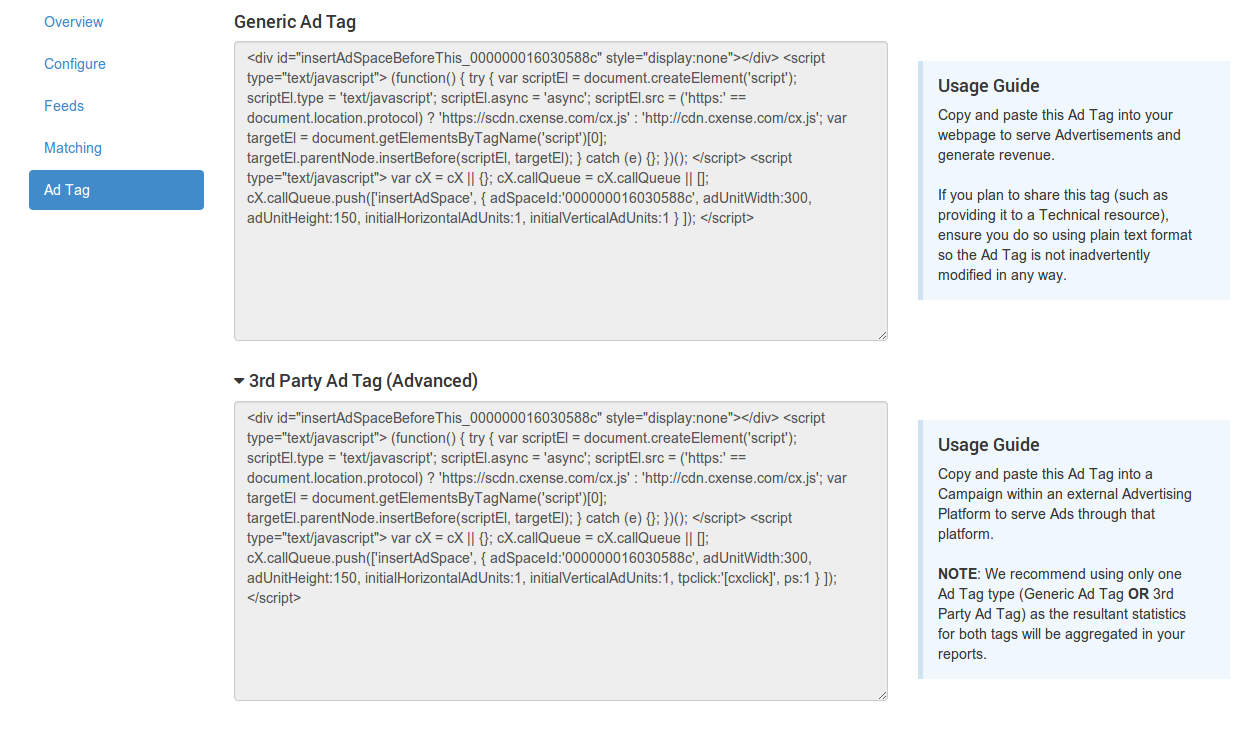
This tag is designed to be served by a third party system. By providing the tpclick parameter with a click-tracking URL, any clicks that occur on the ad space will be tracked through that URL.
Upon clicking an ad served through this tag, the click will register in Cxense Advertising and redirect to the destination URL. A click will be internally dispatched to the specified click-tracking URL.
The third party system may be able to dynamically insert an appropriate click-tracking URL when serving the ad. If, for example, the third party system has a click macro that will dynamically insert the click-tracking URL, tpclick should contain an unescaped version of that macro.
For example:
Example
|
Note Ensure the campaign in the third party system is configured with a size appropriate for the ad space.
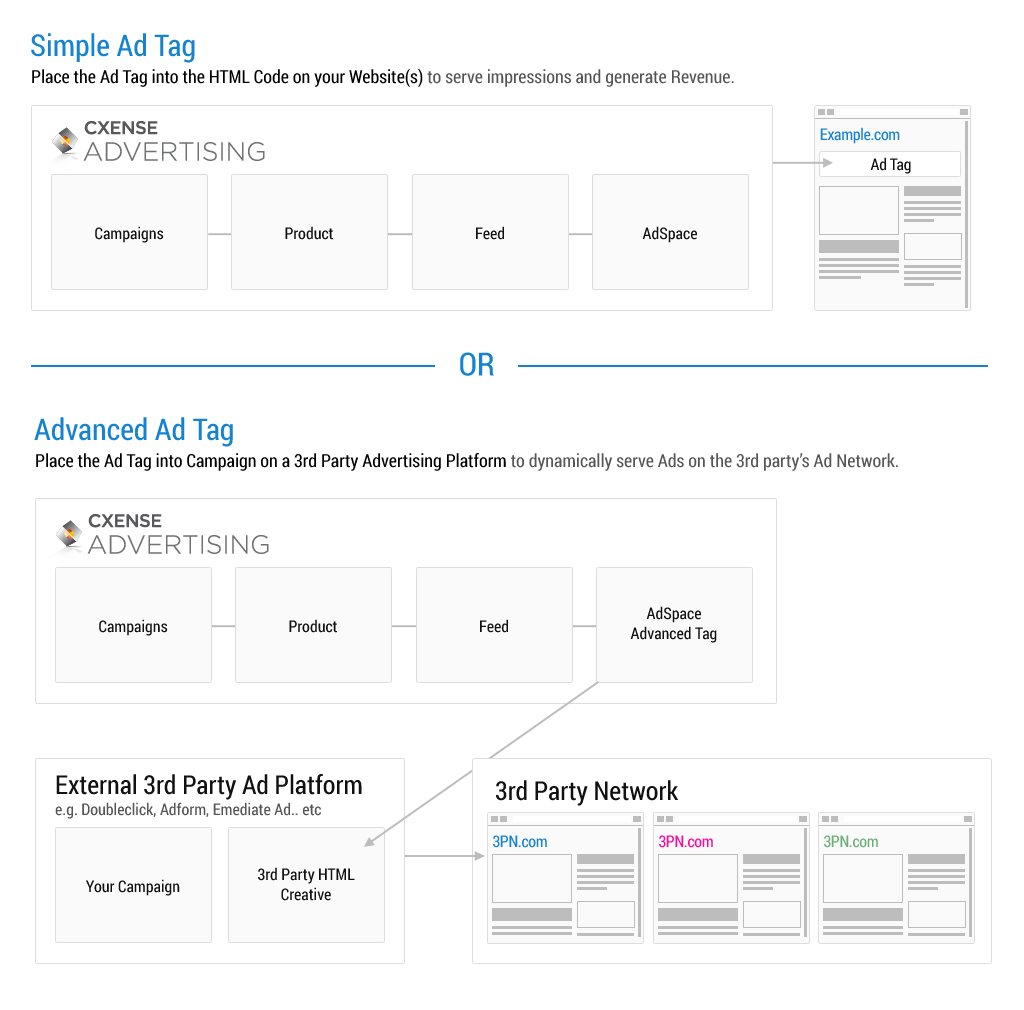
If you require assistance in adding the AdSpace code snippet to your page, please follow the procedural documentation here.