
You can obtain your API key by clicking on your user name (email) in the top right corner of your Insight application.
This will trigger a modal depicting your user's email and API key:
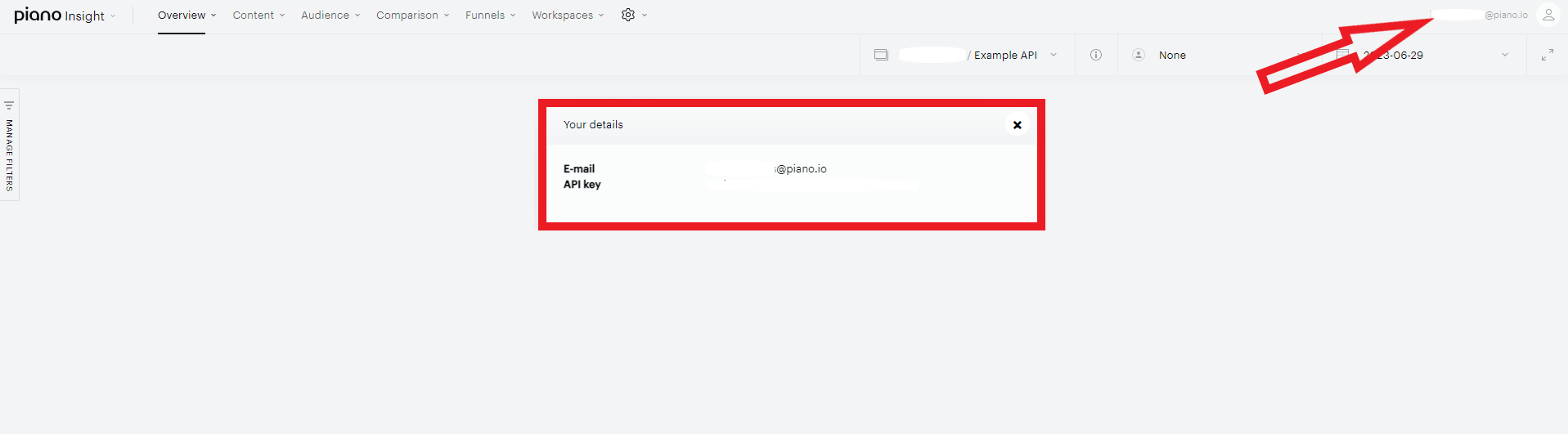
Please note, that your user needs to be granted the relevant permissions, for example, to the feature apiKeyOwner to view the API key. These permissions can be managed via the Insight dashboard under the Accounts Management menu by an admin user, or via the API endpoint /user/update.
This key can be used to call the Insight and DMP API endpoints here or is used to call them via the Python cx.py script.