
Combo Creatives provide the ability to use Flash, images and text to make a single advertisement creative.
Each Ad Product specifies the individual fields that make up the creative type, using any combination of Flash files, images and text. Each of these items require a name (e.g., 'logo', 'phone number', 'title text' etc.) to indicate to the Advertiser what to place in each field.
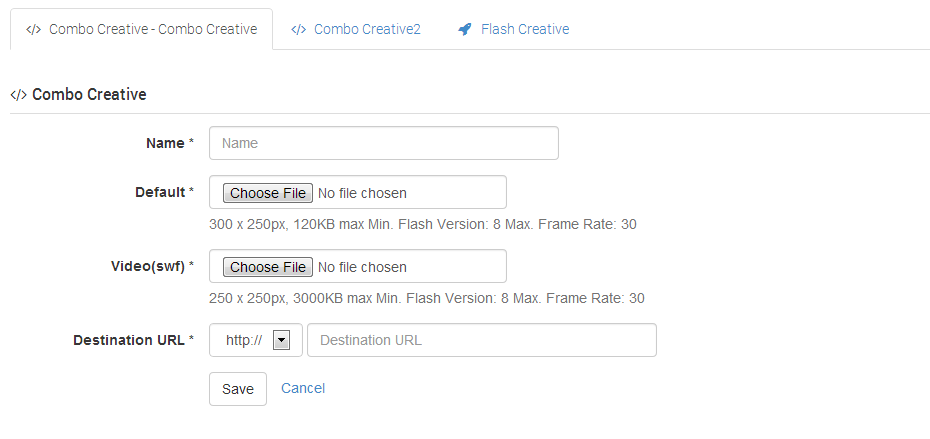
Each Ad Product can present the Combo Creatives differently using HTML markup. This markup will make the combo creative look different across multiple different placements. The preview function within cXad therefore is simply a preview of the actual elements, not the final presentation shown on a placement.
One Creative, Infinite Presentations..
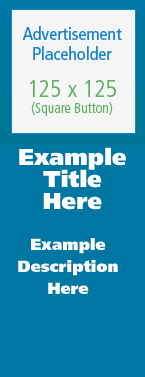
The images below are examples of two different presentations of the exact same creative. This highlights the power of the combo creative type - each presentation can be styled to fit any application - websites, mobile applications digital billboards etc.
Reference Name
Due to the dynamic field generation of the Combo Creative, it is necessary to always have a 'name' field, with which to reference the creative variant once created.