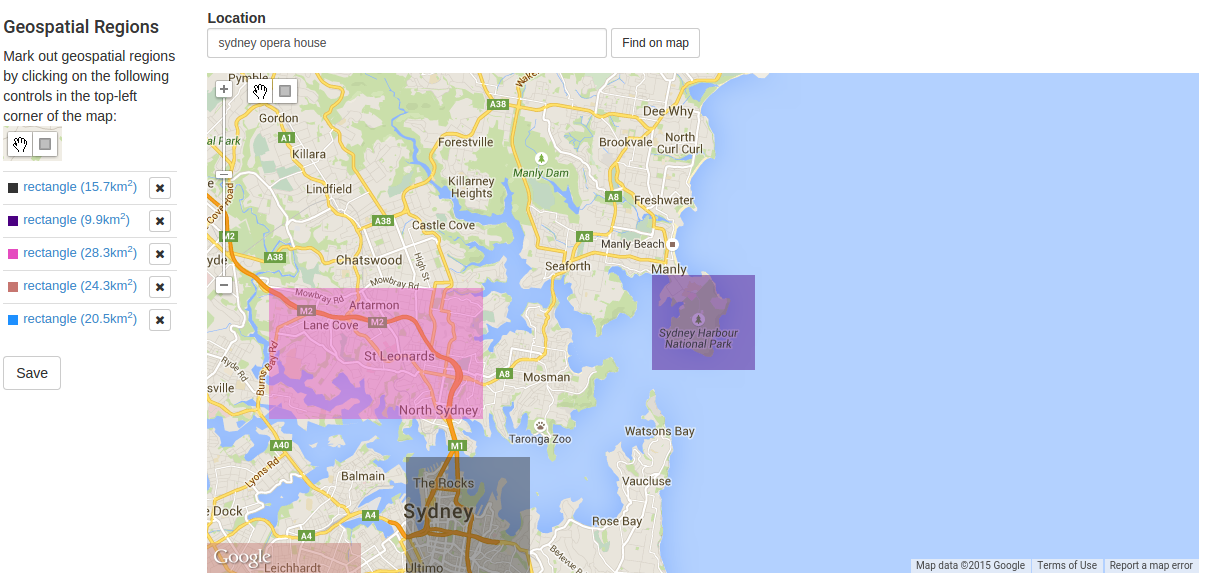
Specify geographical regions by which you wish to target your advertising.
Here's what it looks like to target five rectangular regions on and around the Sydney Opera House.
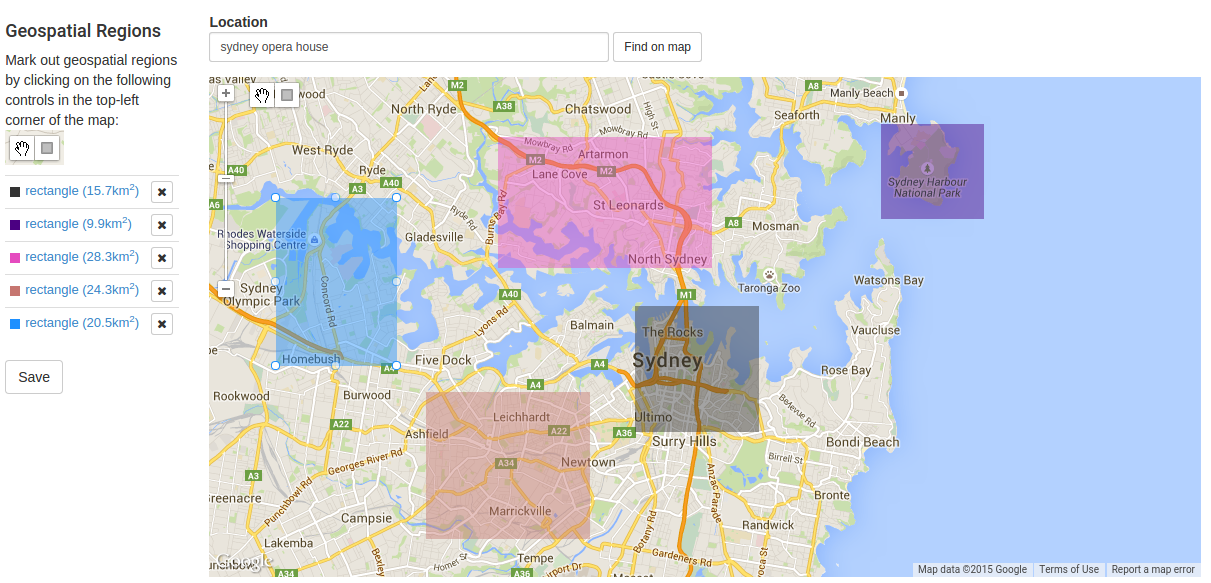
As the screenshot explains, just hit the rectangle in the top-left of the map to start drawing rectangles on the map. Hit the save button, and voilà, you'll only be serving ads from the campaign whenever a user is situated in any one of the rectangles you've specified.
Note: clicking on any one of the listed rectangles on the left will centre the map onto the rectangle. Here's what the feature looks like after having clicked on the text for the purple rectangle: