
We’ve migrated our documentation to a new site, which means some URLs have changed.
Audience

HTML 5 Creatives

Allows HTML code to be entered and rendered as the creative. This initial version is simple and shall be expanded to meet industry standards in the future.
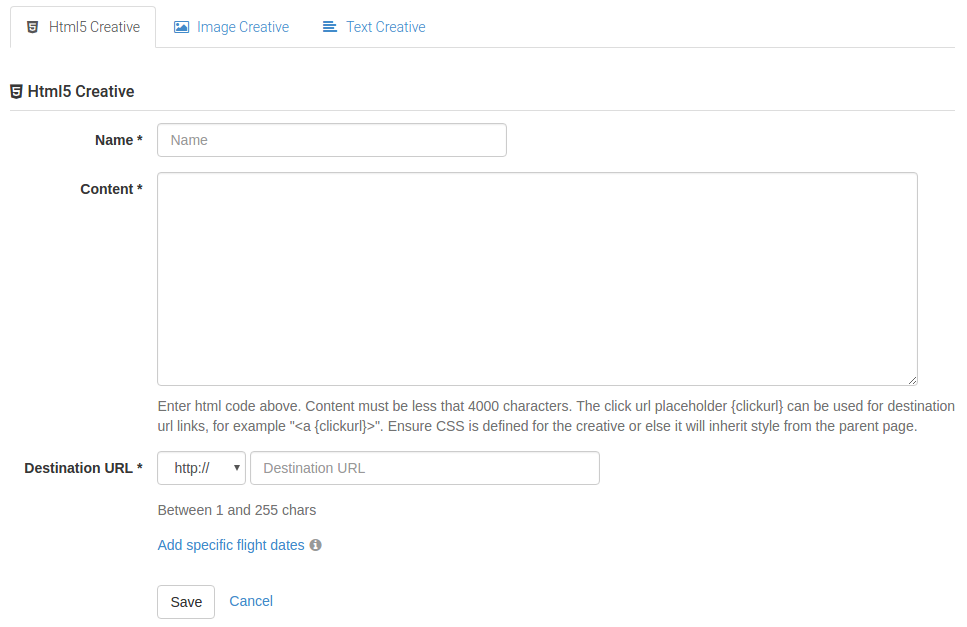
Creative.png

The creatives HTML code should be pasted into the content field.

Please note:

  • The length of the HTML code is currently limited to 4000 characters.

  • A click url placeholder "{clickurl}" can be used for any links in the code. This placeholder will be replaced by the ad server with a url that allows CxAd to track the click and will direct the end user to the destination url.

  • If no click url placeholder is present, then the ad server will render the creative wrapped in a link.

  • The creative is rendered inside a div in the ad space.

  • CSS should be defined for the HTML elements in the creative to ensure they do not inherit any style from the parent page.

Click URL examples

Creative with click url placeholder

Creative HTML

Rendered HTML

<h1>My Test Ad</h1><br>
Text goes here<br>
<a {clickurl}>Click here</a>
<div style="height: 100px; width: 300px; overflow: hidden;">
    <h1>My Test Ad</h1><br>
    Text goes here<br>
    <a href="http://adserver.cxad.cxense.com/adserver/click/23of4zxuBOZf_Guo3xri_vVVuksPmyl6IMOxs6wjQTNOdLNSzJ0ZbwmfWstCxUiqULtzydlq4TK7N6YvqxprN-nYjODGruwHItGq_9omRc3Gv3CfL8JehPoSGn1NeJHg0QZMHvu3tg.." rel="nofollow" target="_top">Click here</a>
</div>


Creative with no click url placeholder

Creative HTML

Rendered HTML

<h1>My Test Ad</h1><br>
Text goes here<br>
Click here
<div style="height: 100px; width: 300px; overflow: hidden;">
    <a href="http://adserver.cxad.cxense.com/adserver/click/FixtAQWXR3Uw1c2j8HqGEUp9XFv0EnNywFOUOCY6q8VmbaTiGqH4-xqA323mxaVF-cndxzOZn66EwrCKg600e8bdsXuu1MR0cb8riUsMcynLGGevsaR4oTwKwQyucGYb086eFBevMg.." rel="nofollow" style="height: 100px; width: 300px;" target="_top">
    <h1>My Test Ad</h1><br>
    Text goes here<br>
    Click here
    </a>
</div>

Last updated: