The goal of this feature is to allow brokers to test out a new product before opening it up for use across their ad network. To achieve this, brokers can configure products to restrict particular roles. Users without a valid role will not see the restricted products when they are creating campaigns or ad spaces.
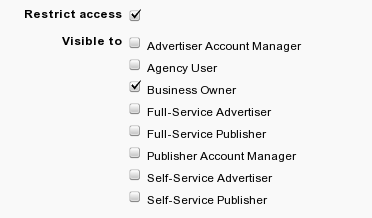
To configure which roles are restricted from a product, check 'Restrict access', and then check roles that should be granted access: