
Definition
A site is a perimeter that stores information about your app or website based on your tagging plan structure. To access data at any time you must specify at least 1 site, may it be on a document, API call or through our solutions' analysis'. To be able to access a site a user must either be listed as a administrator, a delegate (only the delegation's sites), or associated to a Team referring to the site.
Level 1 sites
Level 1 sites are mandatory to store the traffic information, they have an ID (usually in a 6 digits format).
Example :
My site www.piano.io is a level 1 site with the ID 123456.
Available information
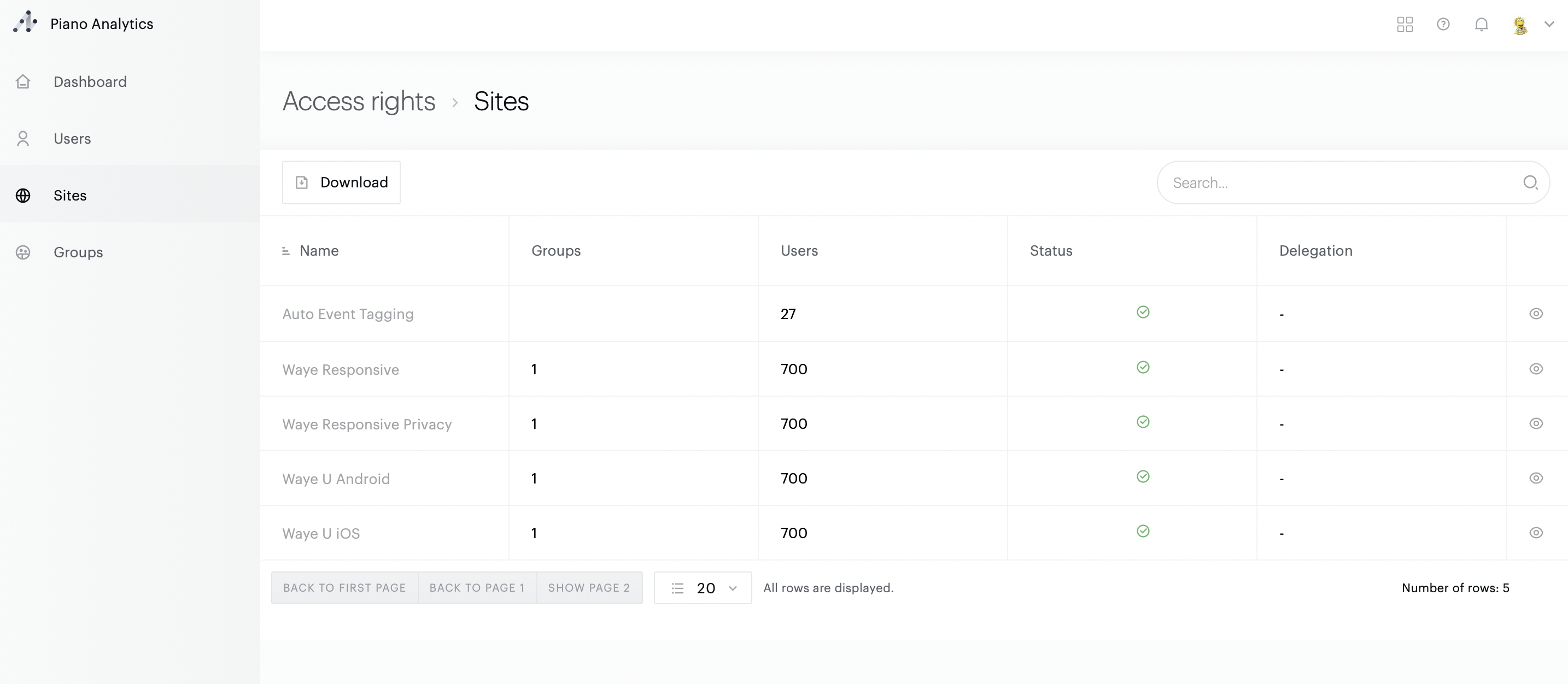
You can find information on access rights to your sites in 2 ways.
-
The level 1 site name
-
The number of Teams giving access to the level 1 site
-
The number of users that can access it
-
Its status (Open/Closed)
-
Its delegation (if associated to a delegation)
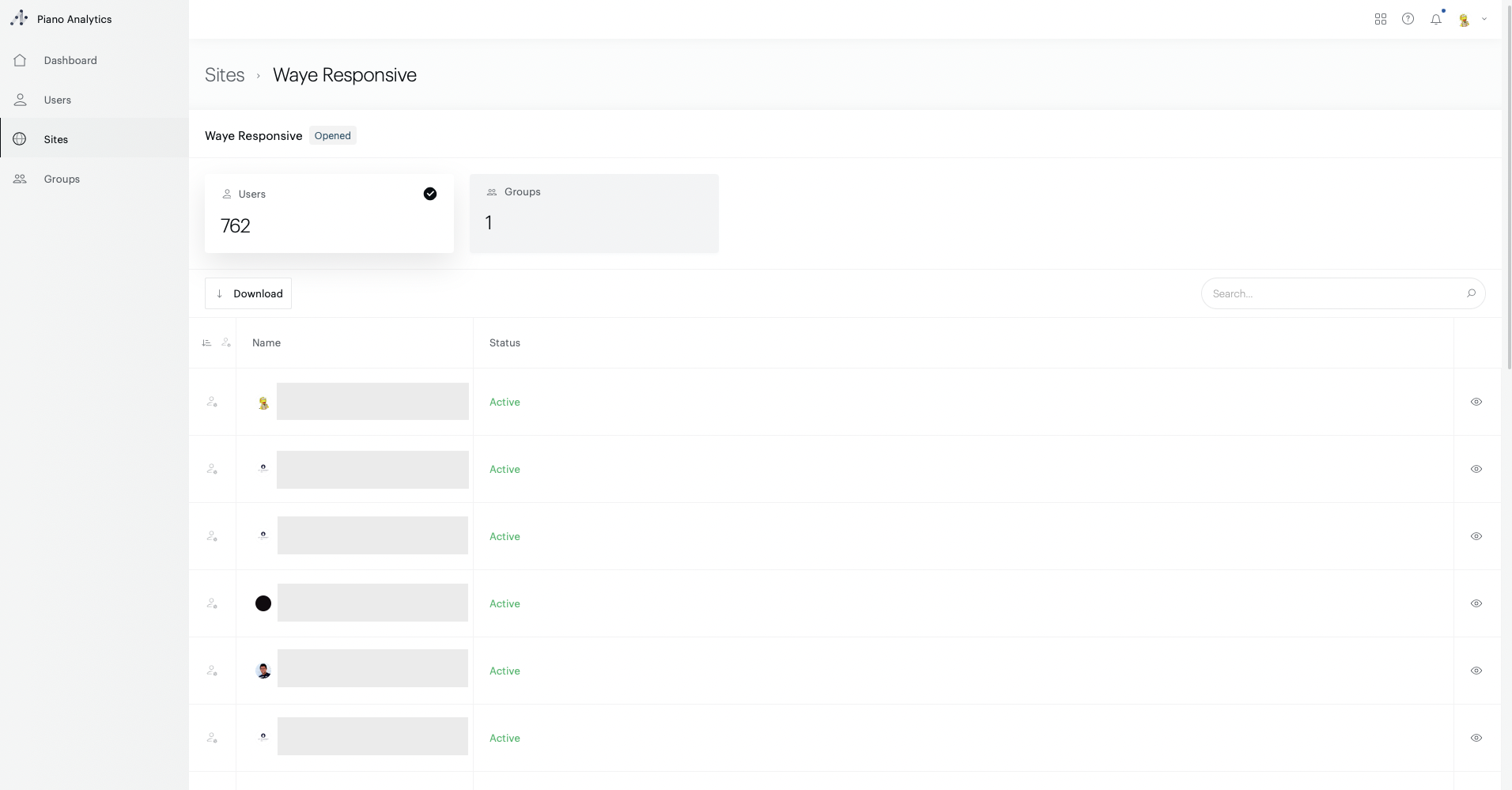
Site page :
-
Users that can access it and their status
-
Teams giving access to it, their role and level
Site creation
Administrators are the only users that can request a site addition. To submit a request to create a site, you need to go in Data Collection Portal > Dashboard and click on the "+" button. Once you submitted the request, our teams will check the request and add the site in the quickest time, letting you know when the site addition is completed.
Please note that adding a site, does not add it automatically to a delegation. If you need the site to be associated to a delegation, you need to add it manually after its creation is completed.
Delete a site
Deleting a level 1 site can be performed by an Admin of the organisation.
The option is available from Data Collection Portal > Dashboards > select a site > Danger zone
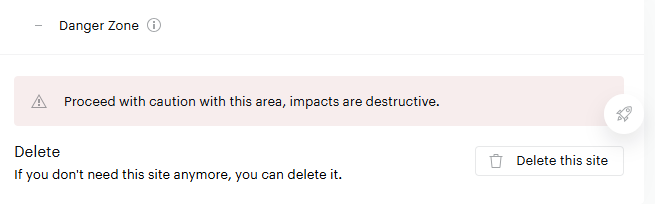
A deleted site will be withdrawn from your list of level 1 sites. You will not have access to data from the deleted site anymore (except via the Data Sharing feature). We recommend that you extract any history that you might need.
Please note that scheduled exports configured to export data from a level 1 site that is being deleted will be automatically suspended (even if they include other sites that are still live).
You must therefore review your export configurations before deleting sites and make sure those sites are no longer in use.
Export sites
Access to your sites (number of users, Teams, associated delegation) can be exported by clicking on the top left Download button.