
Introduction
The Piano Training Center is our digital learning environment where you can find product onboarding courses ranging from basic features to advanced uses. Each course includes graded quizzes and exercises to test your knowledge and ensure you’re learning how to use our product. Courses can be accessed at any time, so team members can learn at their own pace, and there is no limit to the number of team members you can invite. These training sessions are ideal for new team members who need to get up to speed quickly on Piano products or for existing Piano users who just need a refresher on specific topics.
Account creation
Follow the instructions to create your WorkRamp account using your corporate email address (note: you will not be able to register with your personal email address).
Click here to create your account.
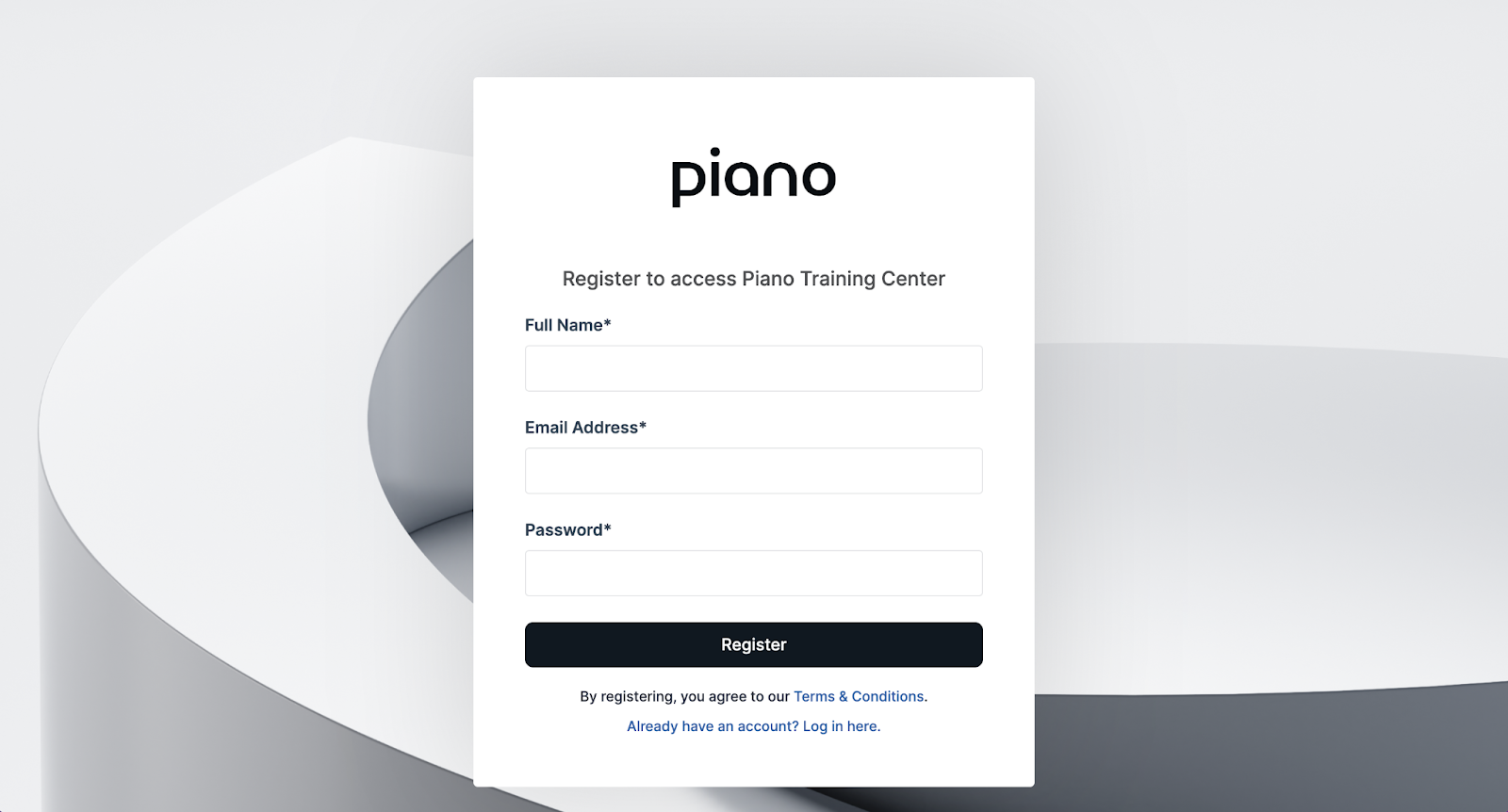
If you already have an account, you can select "Already have an account? Log in here."
Note: WorkRamp is a third party Learning Management System (LMS) outside of Piano. You're creating a new set of credentials/profile when enrolling in training.
Be sure to bookmark the home page so you'll have easy access for later on. Once you’re registered and have full access to our library of product training courses you can enroll in an individual course or a full learning path.
Enrolling in courses
Trainings
In the Trainings tab you will find collections of training materials organized by product. We recommend enrolling in the Platform Introduction course to get an overview of each of the products.
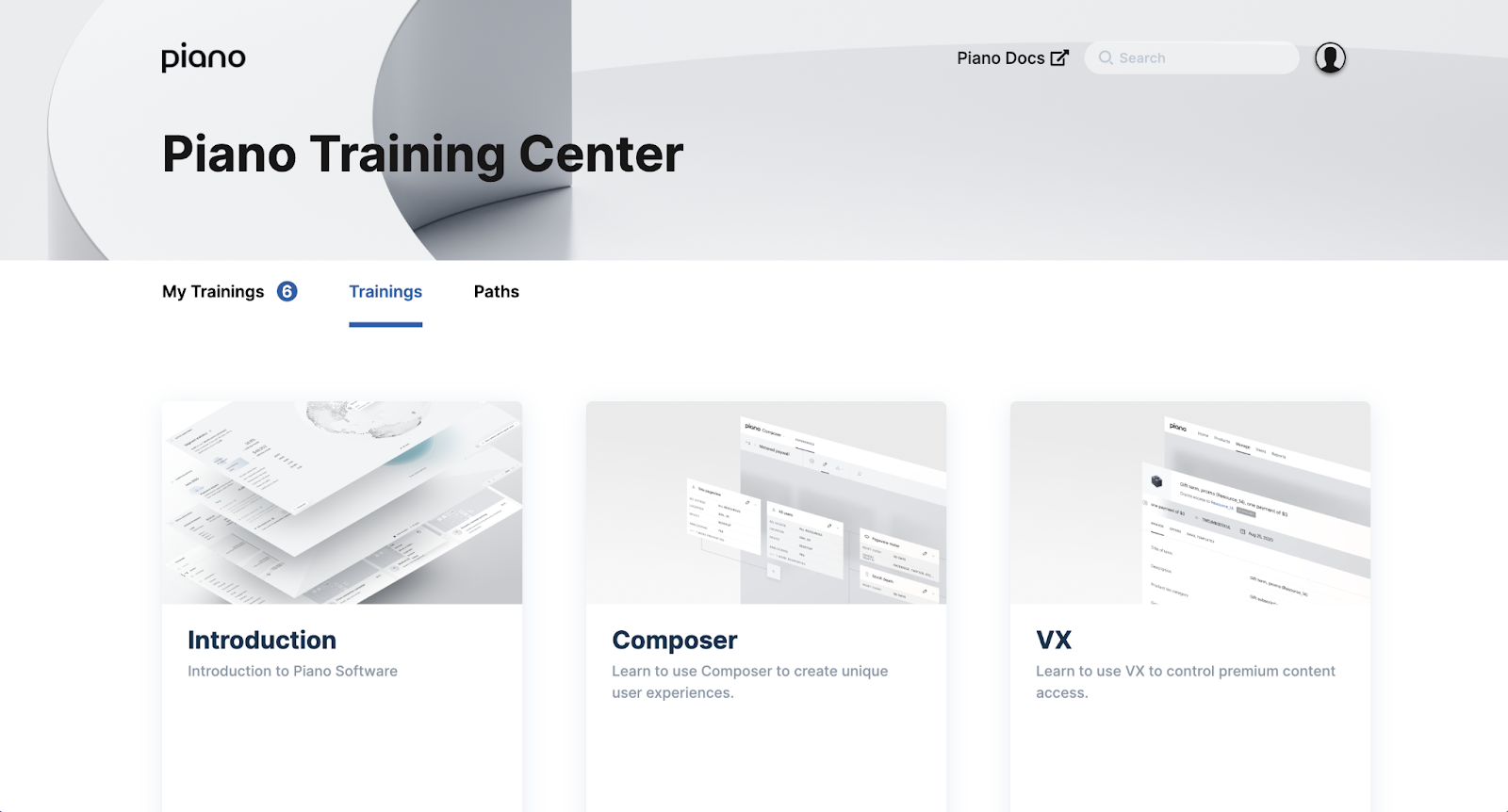
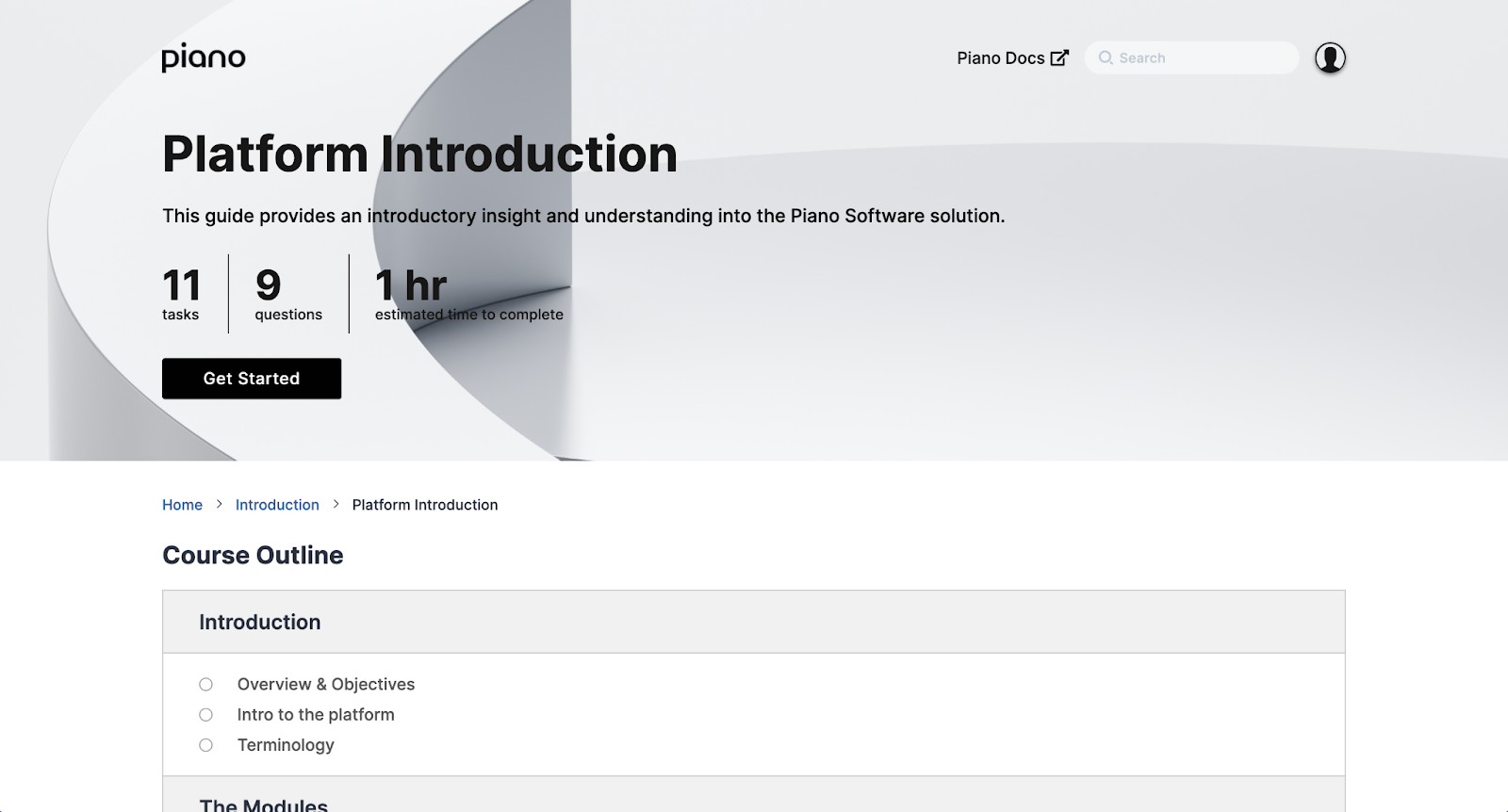
Click on a collection to view the courses that are included. Select a course to preview its contents and enroll by clicking "Get Started".
Paths
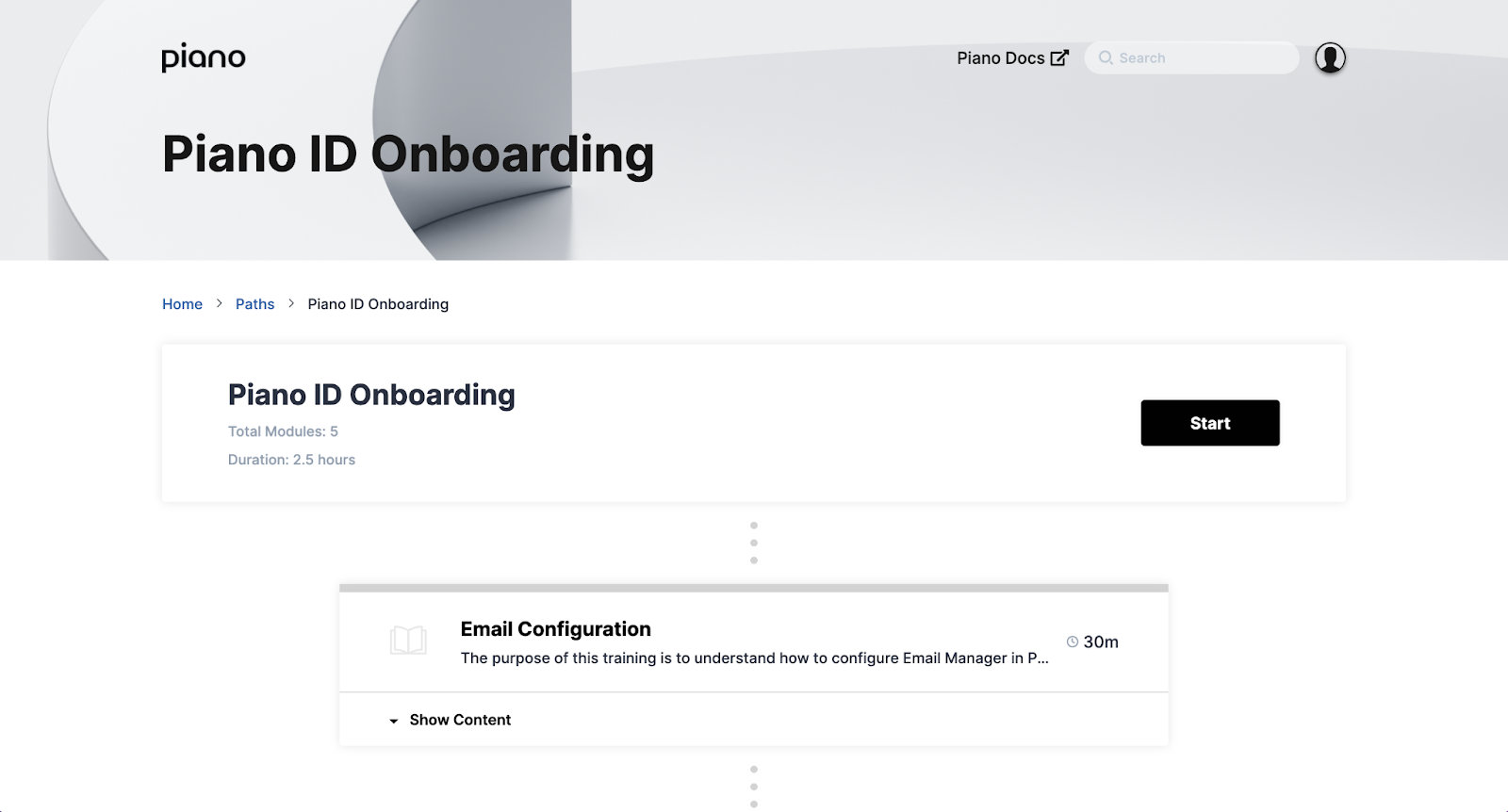
In the Paths tab you will find curated collections of training courses that must be completed in a specified order. Note: Not all of the available courses are included in a path since the paths are designed to only include the information you need to get started.
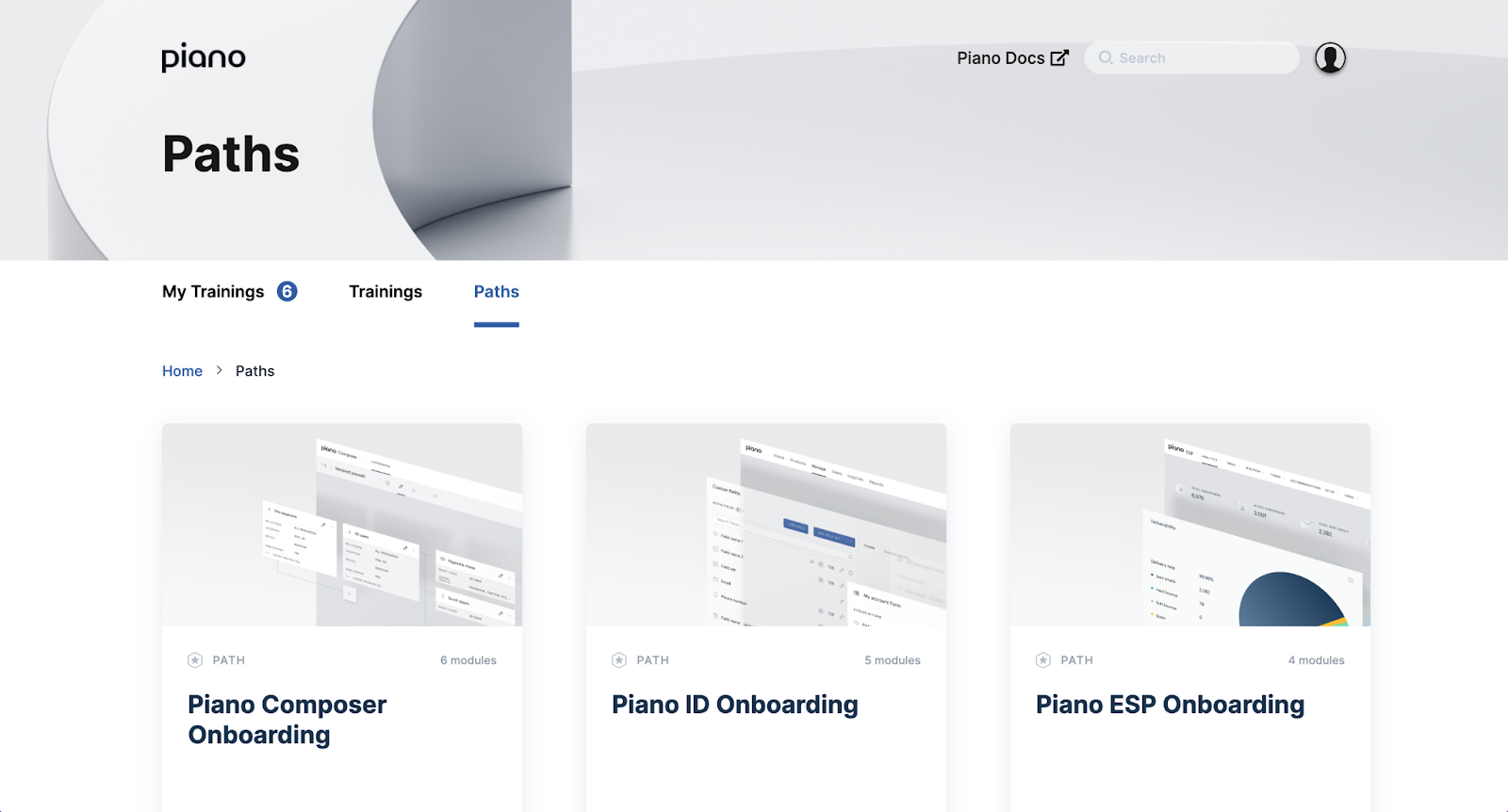
Click on a path to view the courses that are included and click "Start" to enroll in the first course.
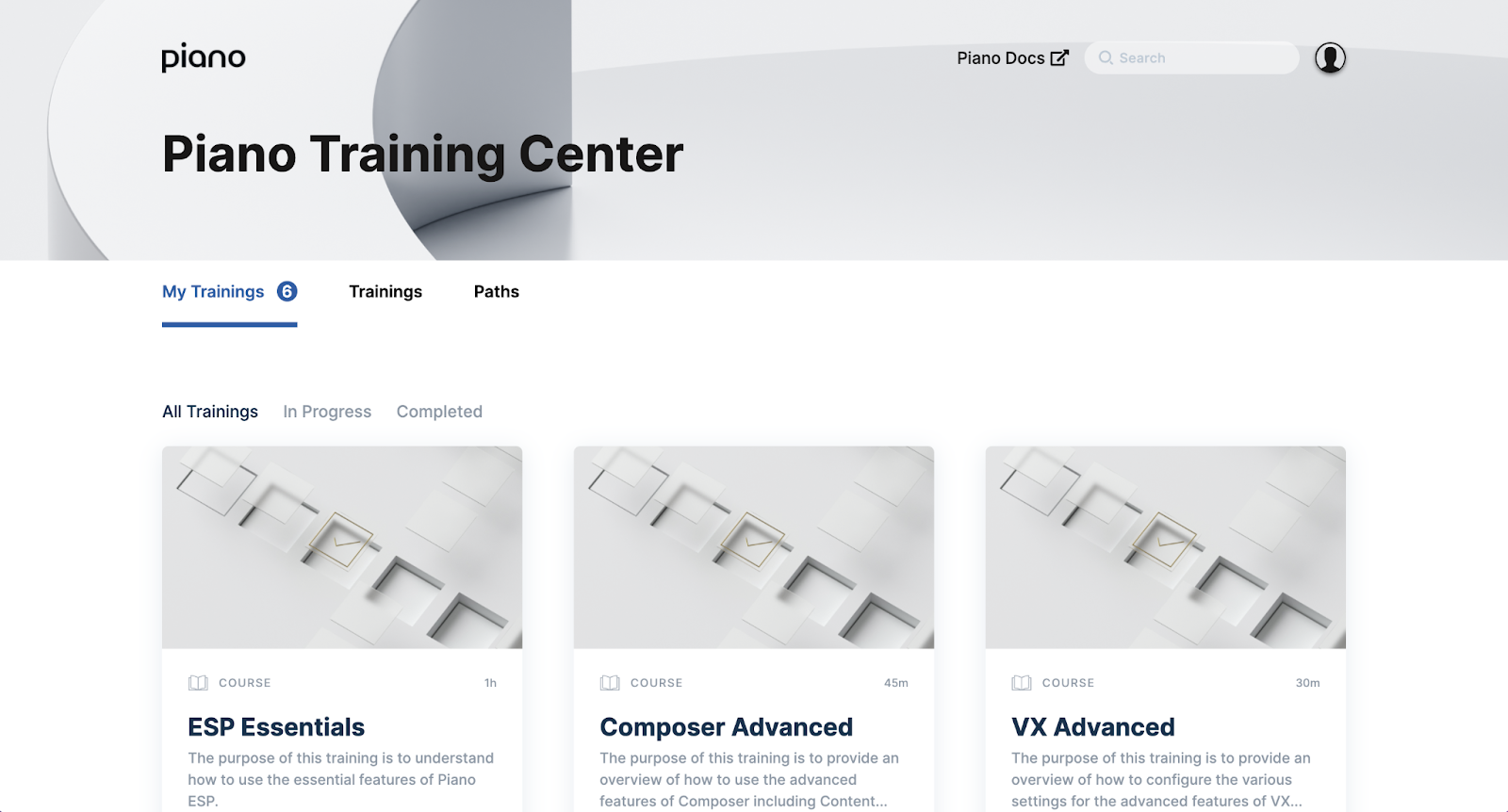
My Trainings
Once you are enrolled in courses they will appear under the My Trainings tab. You can toggle between In Progress and Complete or view All Trainings, making it easy to come back to your courses at any point.
Which courses to take
If you’re new to Piano, we recommend enrolling in whichever learning path corresponds with your Piano product suite. For example, if you license Piano Composer, VX, and ID, you should enroll in the paths for Composer Onboarding, VX Onboarding, and ID Onboarding which contain all the essential information for getting started with those products.
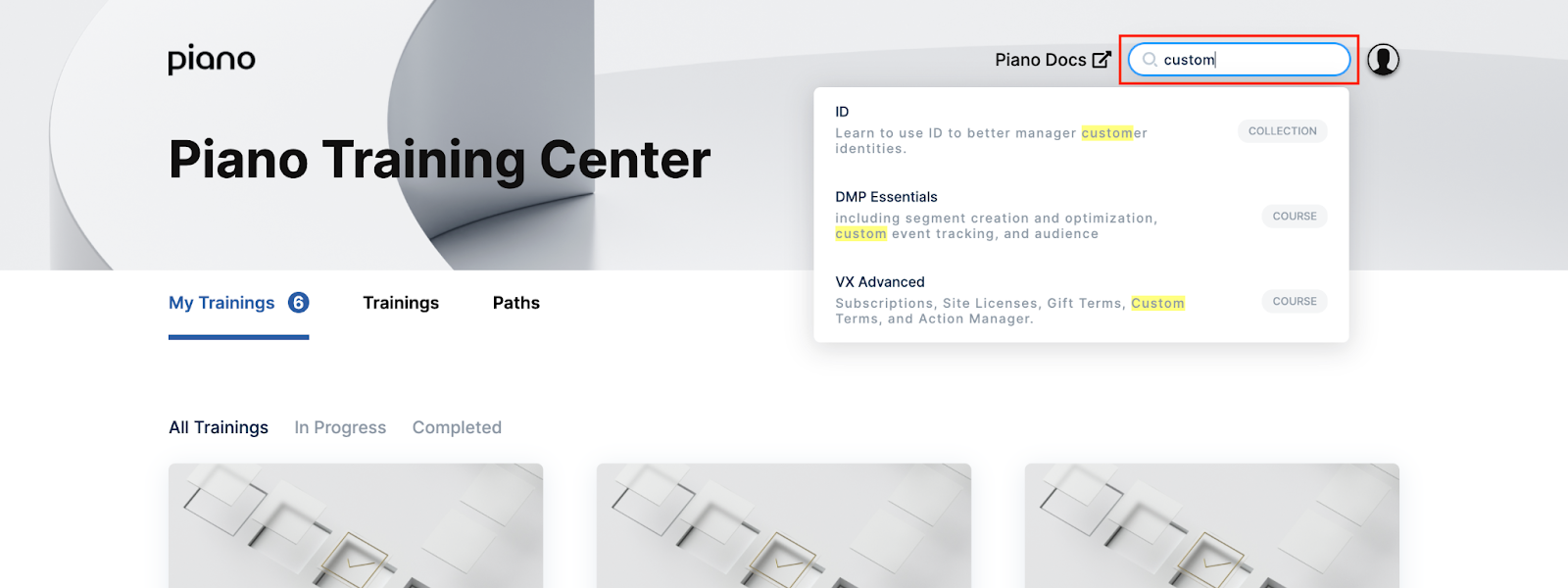
If you just need a refresher on a specific topic, try searching for it in the top right corner.
Most courses follow a standard naming convention to make them easier to identify.
-
Configuration: These courses include instructions for configuring settings within Piano.
-
Implementation: These courses cover the steps required to set up a feature or product for the first time.
-
Essentials: These courses include an overview of the primary features and functionality of the tool.
-
Advanced: These courses cover the advanced features and functionality of the tool.
-
Examples: These courses include examples of how the feature or product can be used in real-life applications.
If you can’t find what you’re looking for, just reach out to your main Piano contact. New content is added to the Training Center on a regular basis.