
Configuring authorized Redirect URIs under the Authorized tab in the Identity Management configuration is mandatory for maintaining the security of user data during authentication processes, or social sign-in.
This setting allows you to whitelist trusted URLs that users can be redirected to after a successful authorization, such as login, payment, or double-opt-in. Given that the redirect URL may contain sensitive information, this precaution is necessary to prevent users from being redirected to unauthorized or arbitrary URLs, which could pose a significant security risk.
Failing to configure this setting could be a potential security risk to your application.
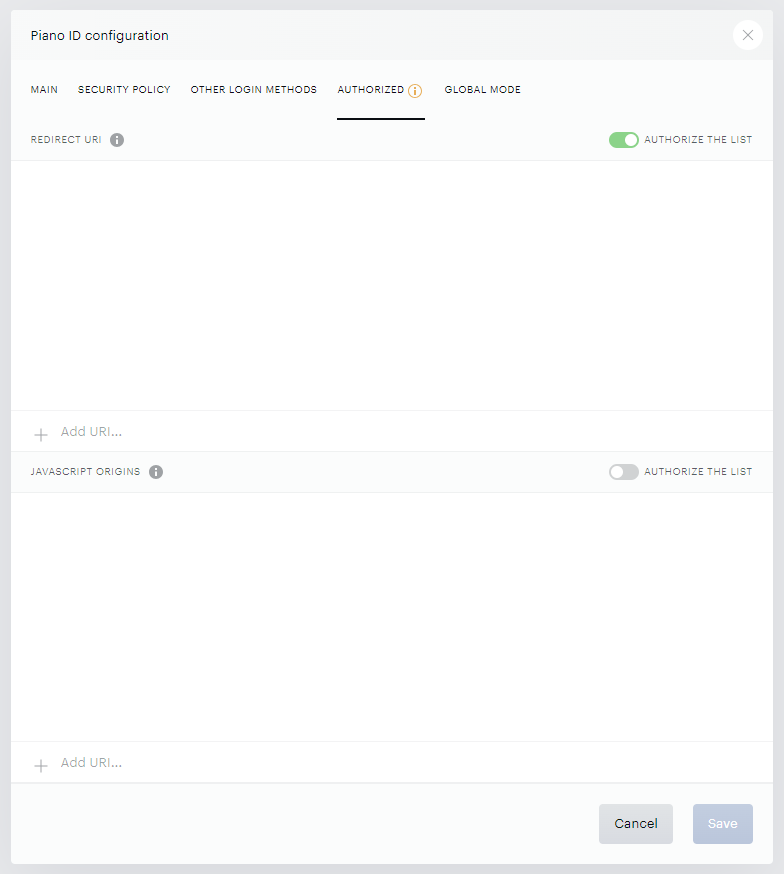
Inputs can include standard web URLs using http or https protocols, as well as custom URI schemes like io.piano.id.mobileApp://success for mobile integrations. More information about these custom URIs is available under the following links for Android and iOS.
For social login to work properly, enabling Authorized Redirect URIs (and including the ID origins and HTTP origins of your web - i.e. your website's URL) is mandatory.
If you have whitelabeled your domain, don't forget to add the authorized Redirect URI in the following format: https://auth.yourdomain.com/id/api/v1/identity/login/social/callback. Be sure to replace auth.yourdomain.com with your whitelabeled subdomain.
To enhance security and prevent account takeover vulnerabilities, it is mandatory to add the top domain for whitelabeling as a redirect URI as well.
Note: this setting does not allow the use of wildcards or relative URL paths.
If additional URLs exceed the visible window space, a scrollbar will appear, though it only becomes visible when you click inside the window.
In case this setting is improperly configured, users may encounter an "Origin not allowed" error. This error indicates that the redirect URL or domain attempting to authenticate is not on the approved list of authorized Redirect URIs. To resolve this, ensure that all necessary URLs are properly included within the settings.