
Use case: You already have a Threads account that is linked, and you want to add another Threads account.
From the Settings → Application → Social Accounts interface, click on "Add Social Account", then select Threads:
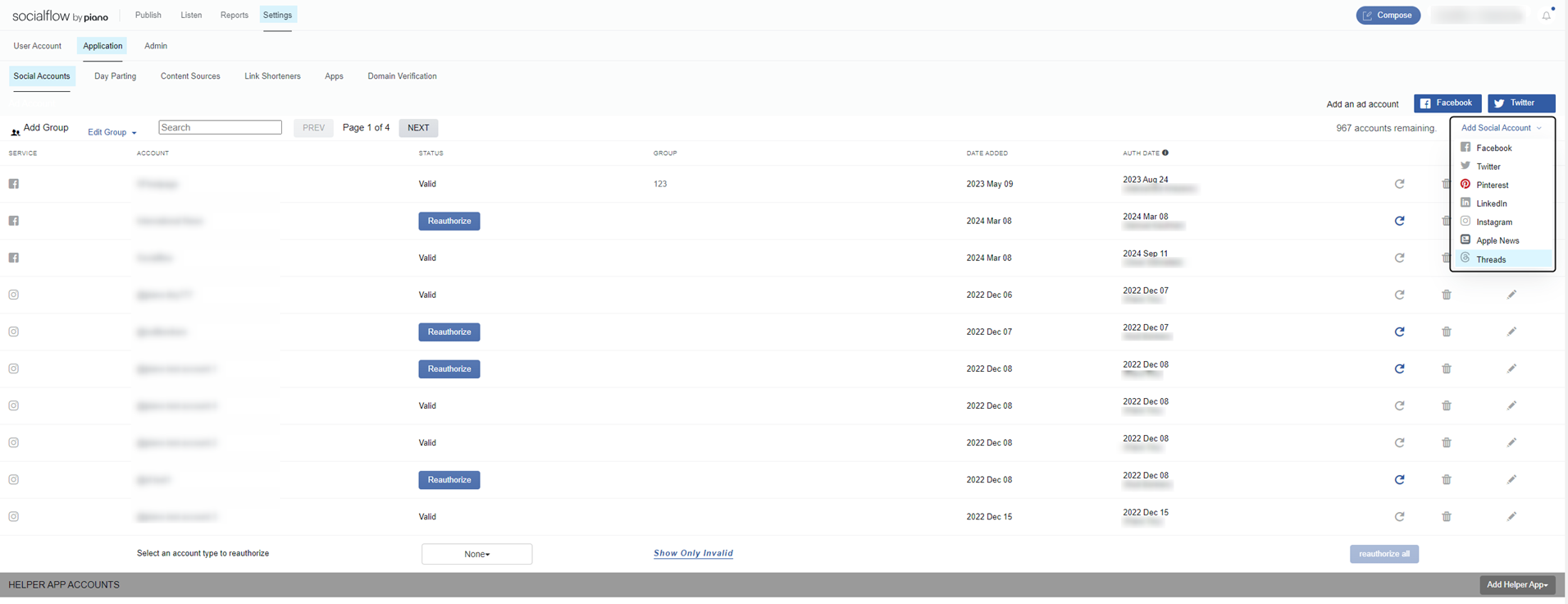
In this situation, make sure that you are not trying to add the same account a second time. To switch to a different Threads account, you will need to log in to a different Threads account first, and then add a new Threads handle.
After you are logged into the second Instagram account, you will need to go to Threads and click "Login with Instagram", so the browser will overwrite the previous Threads session with new cookies. Otherwise, you still have old Threads cookies (from the 1st account) even when you logged in to Instagram with a different handle.
Threads doesn't support switching accounts during authorization, so our clients need to be logged in to Threads with the handle that they want to add.