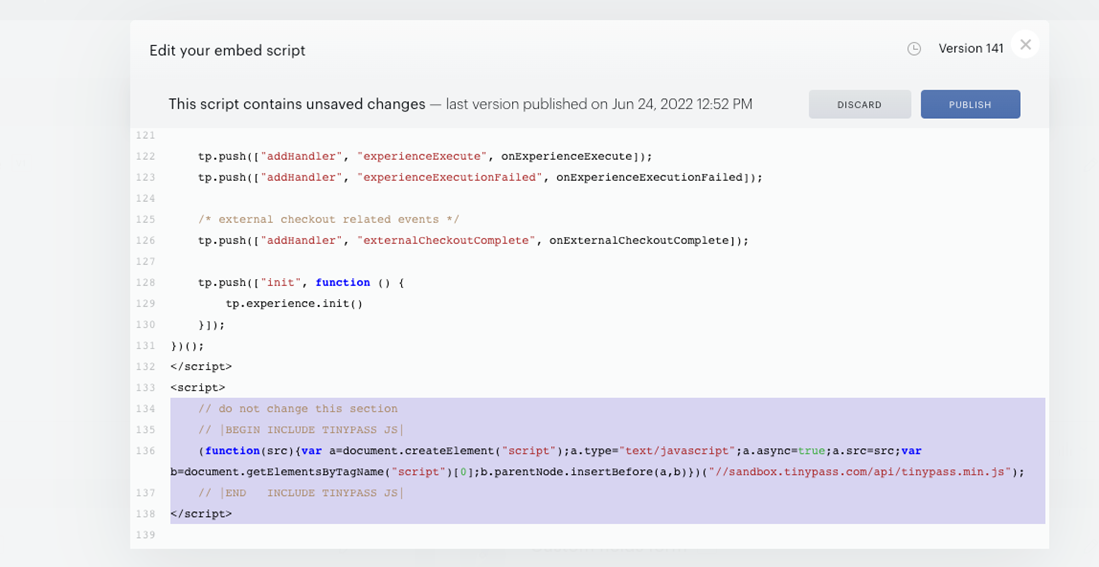
Loading the integration script
This script is loaded automatically by adding the Piano Javascript to your website. The basic workflow, therefore, looks like this:
-
The client loads the Piano Javascript on their website
-
Piano Javascript automatically loads the Composer integration script
In order to make any customizations in the loaded script, you should make changes in the Composer integration script, not in the Piano Javascript.
Piano's Javascript should just be copy-pasted to your website.
How to edit the integration script
The script can be edited in the Piano Dashboard → Products → Composer by clicking on the button Integrate in the top right corner and selecting Edit source.
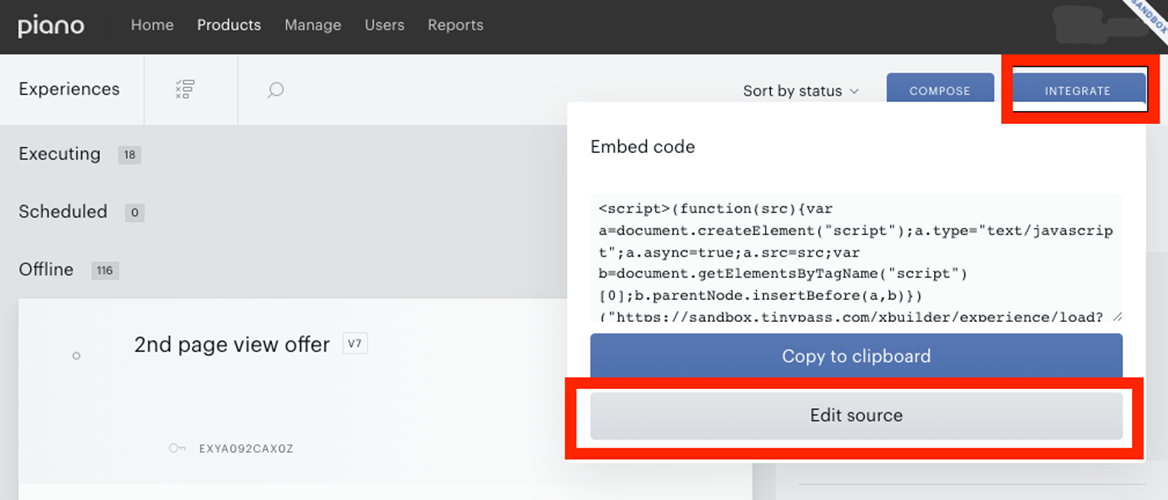
Making any changes in the script and saving it creates a new script version. The new version will automatically be applied automatically on your website (Piano's Javascript must be loaded on this website). The change might take a few minutes to be applied.
⚠️ Important: Please avoid managing multiple applications (AIDs) at the same time across separate tabs within a single browser session. The Piano Dashboard relies on a shared session cookie (SEL_AID) to track which application is currently active, so switching applications in one tab updates the context for every other tab in that session. As a result, actions taken elsewhere — such as publishing integration code or updating business settings — may be applied to a different application than the one shown on screen, with no warning or confirmation.
If you need to work with multiple AIDs simultaneously, we recommend opening each one in a separate browser profile or in an incognito/private window to keep their sessions fully isolated.
You can revert to the previous version by selecting it in the list and clicking on the Publish button.
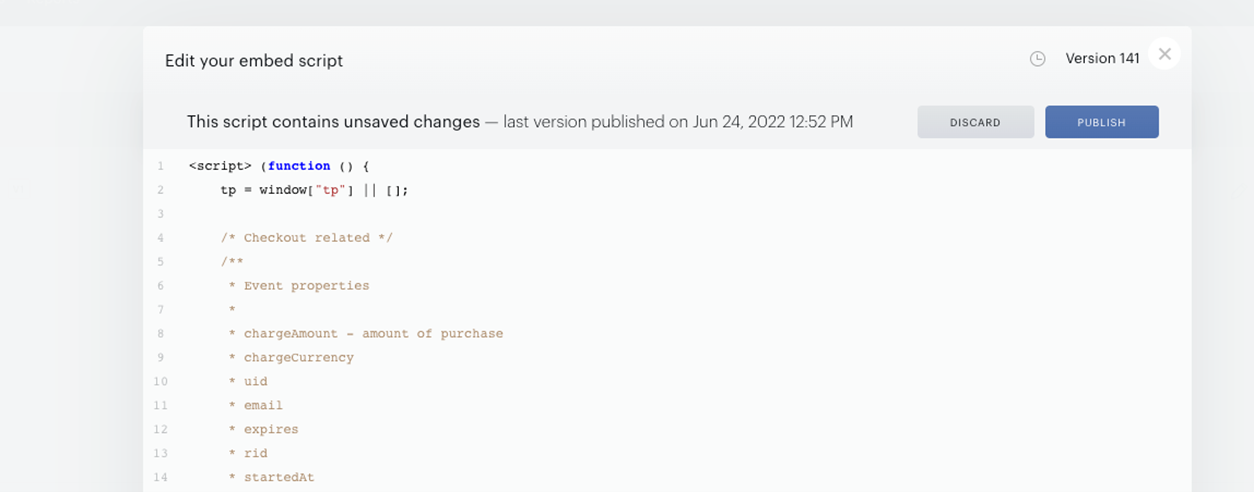
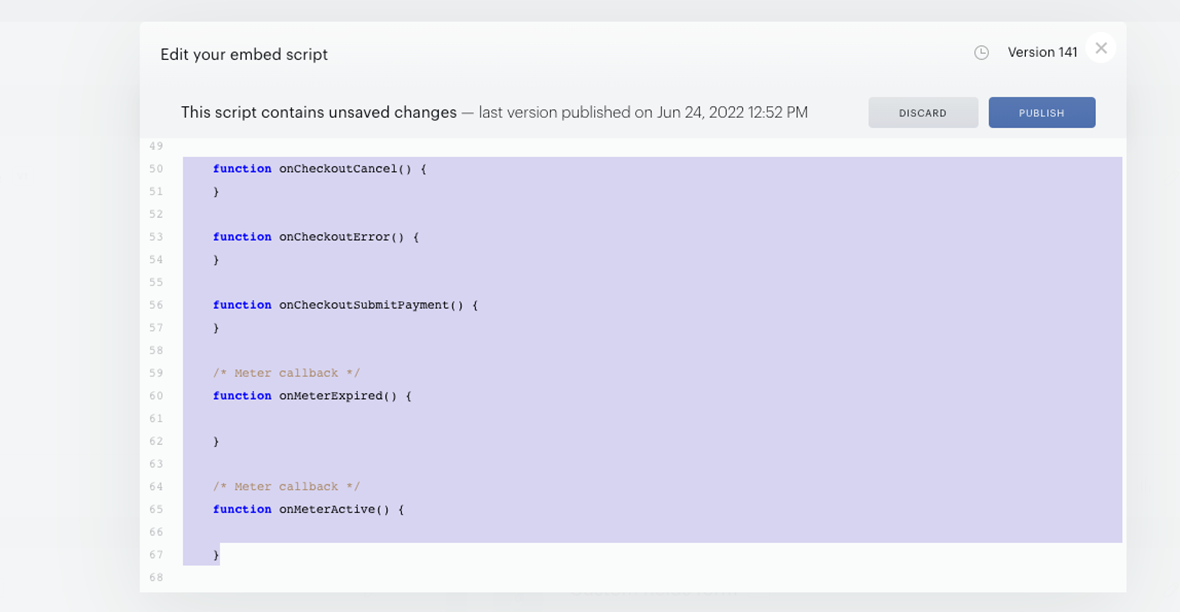
The script already provides callback function definitions, so in order to add some callback code, you can fill the body of a specific callback function.
Provided function definitions examples:
Considerations
Please keep in mind that any changes to the Composer integration script might be immediately reflected on your website. If your Composer integration script has any major errors, it might prevent Piano from running on your website completely. However, if this happens you can easily go back to the previous version of the Composer integration script.
For Single Page Applications (SPA) with Piano JavaScript, this integration script is not loaded.
You should never make changes to code below the line:
// do not change this section
As this would completely break your Piano integration.