
The Audience-Composer integration provides clients with an opportunity to create custom segments in Piano Audience, and make these segments available in Composer. This will enable Composer and Audience customers to use the custom created segments when composing and delivering new Experiences.
Getting Started
-
Open Piano Audience.
-
Select your target Site Group that corresponds with the relevant Composer application that you plan to use custom segments in.
-
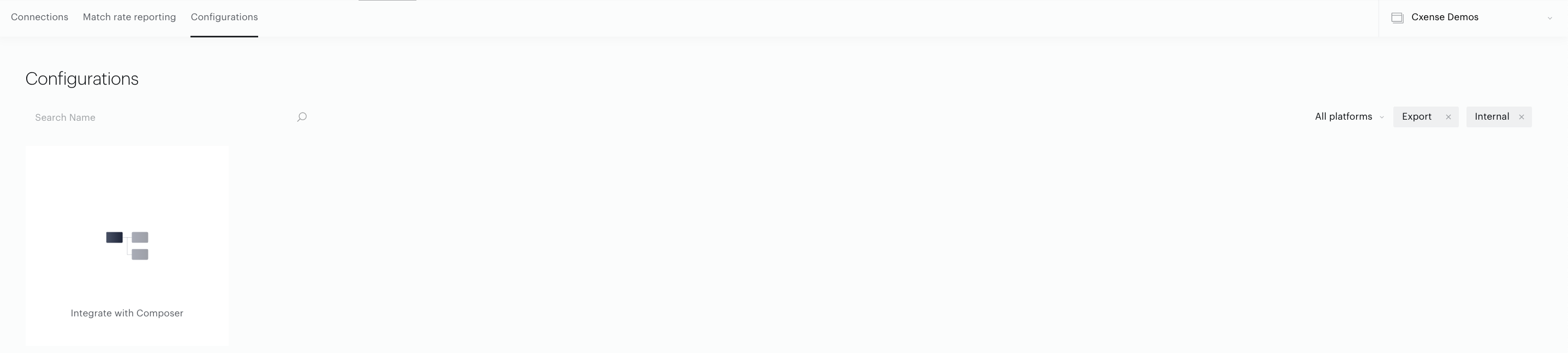
Click the "Connectivity" tab.
-
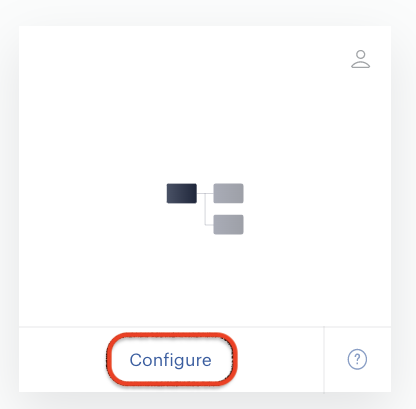
Press the “Configure” button to create a new configuration of connection with Composer.
-
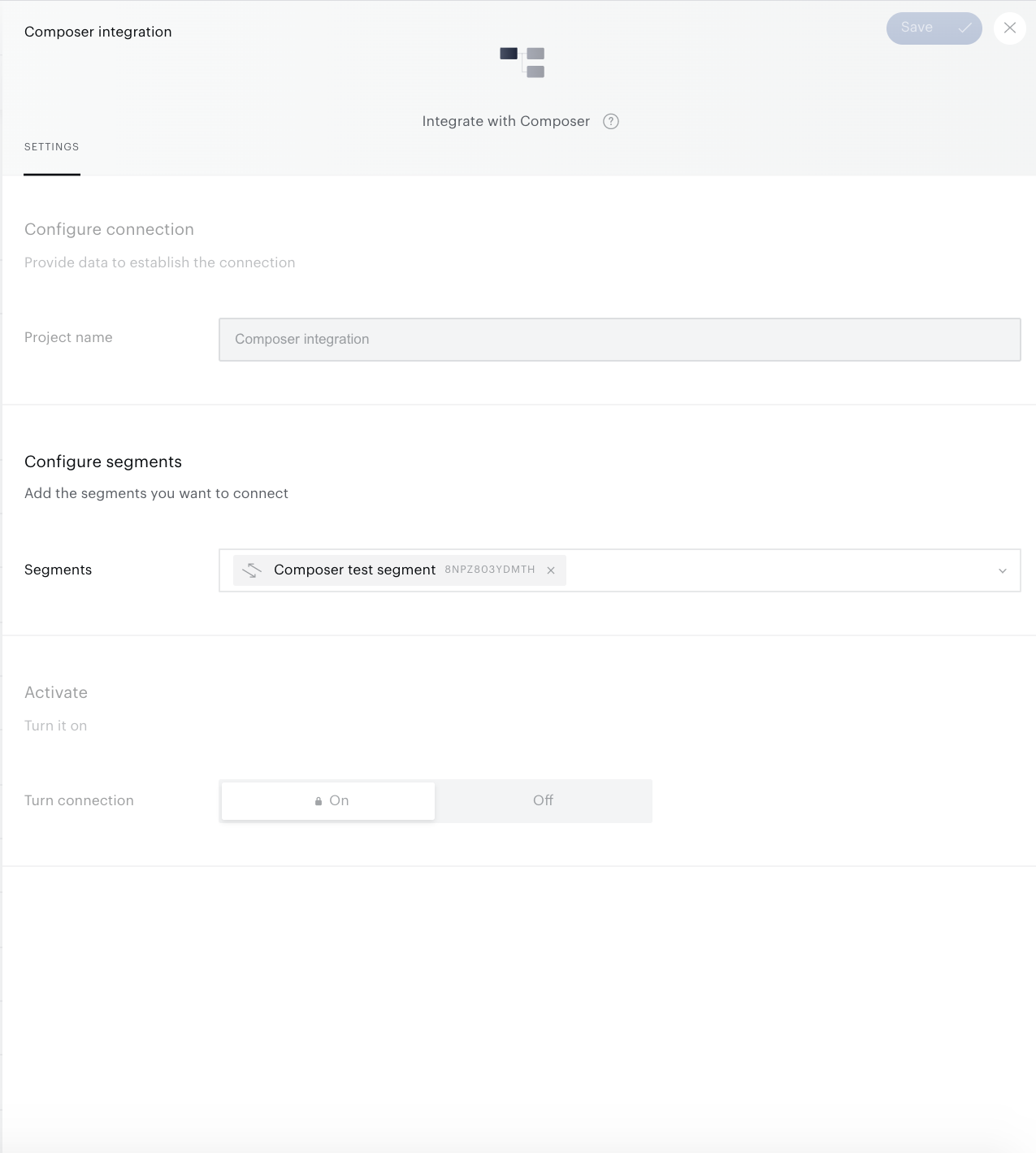
The configuration form will appear.
-
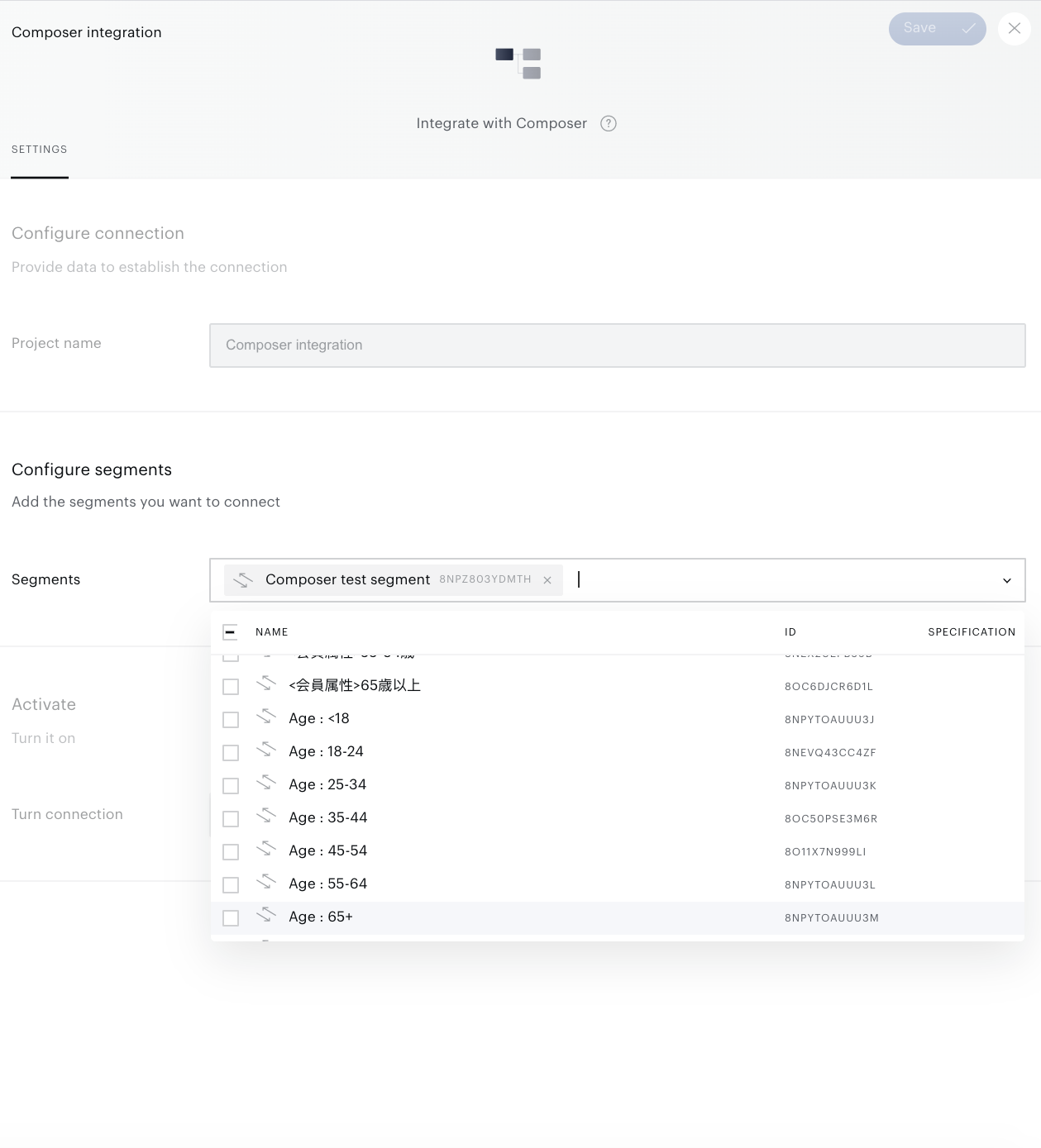
After that, you have to configure your segment settings in the Configure segments section. A special segment selector allows you to define a particular list of segments that will be transferred to the Composer side.
-
Use the bulk function "Add into connection" or the "Integrations" tab in the Segment Builder to add segment(s) into the current connection. Only active Segments (Segments where the Usage parameter is full) can be transferred into Composer.
There is a limit on the number of segments you can push to Composer. This limit is 30 segments for each Site group that is linked with a Composer application.
-
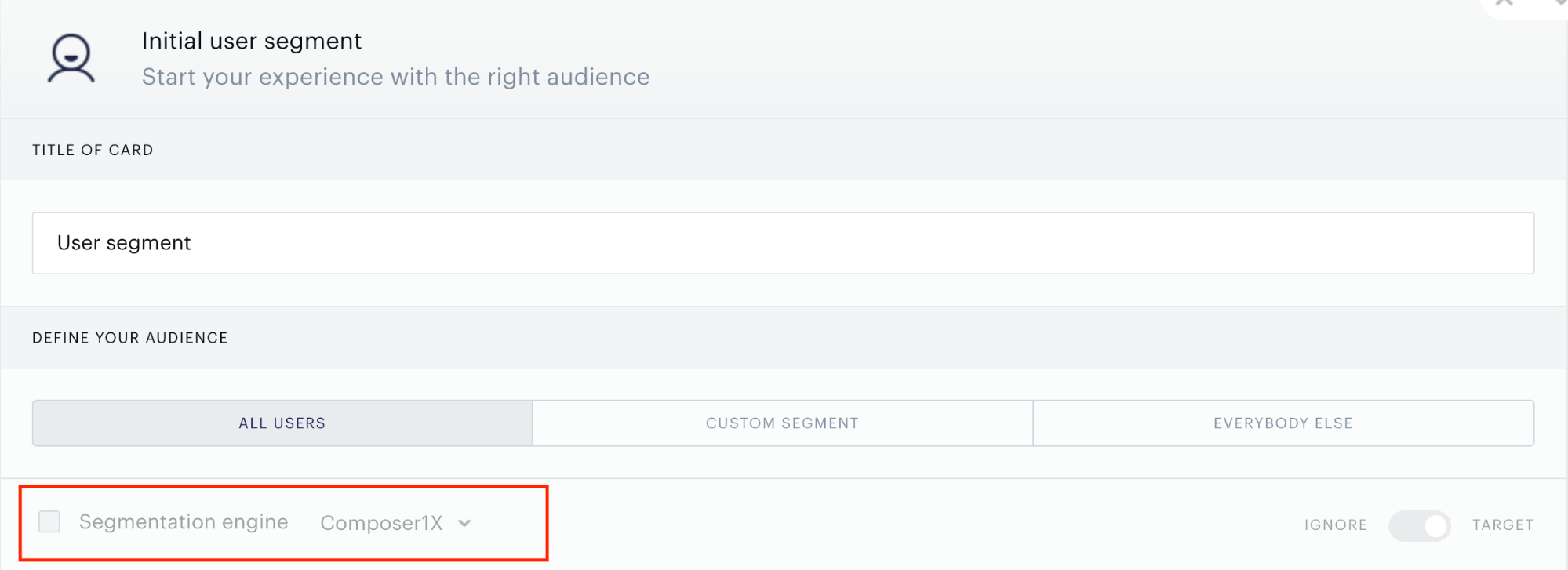
After you have finished selecting segments, click "Save" in the upper right corner of the composer integration menu. The selected segments will be available in Composer within a couple of minutes. The segment will be available for targeting in the “User Segment Card” in the Composer canvas.:
Monitoring and Updates
Now you can see your connection on the list of existing connections (Connectivity ->Connections).
In order to change the segment settings please find the needed connection within the list of existing connections and choose the option in the menu:

Restrictions
There are several restrictions for those segments that are used in the Composer Experience(s):
-
Segment can't be deleted from an active Composer connection.
-
Segment can't be deleted from the Audience Segment list.
-
Usage parameter can't be changed to "Reporting only".
-
Segment group can't be deleted; segments can't be moved to the "Ungrouped" group.