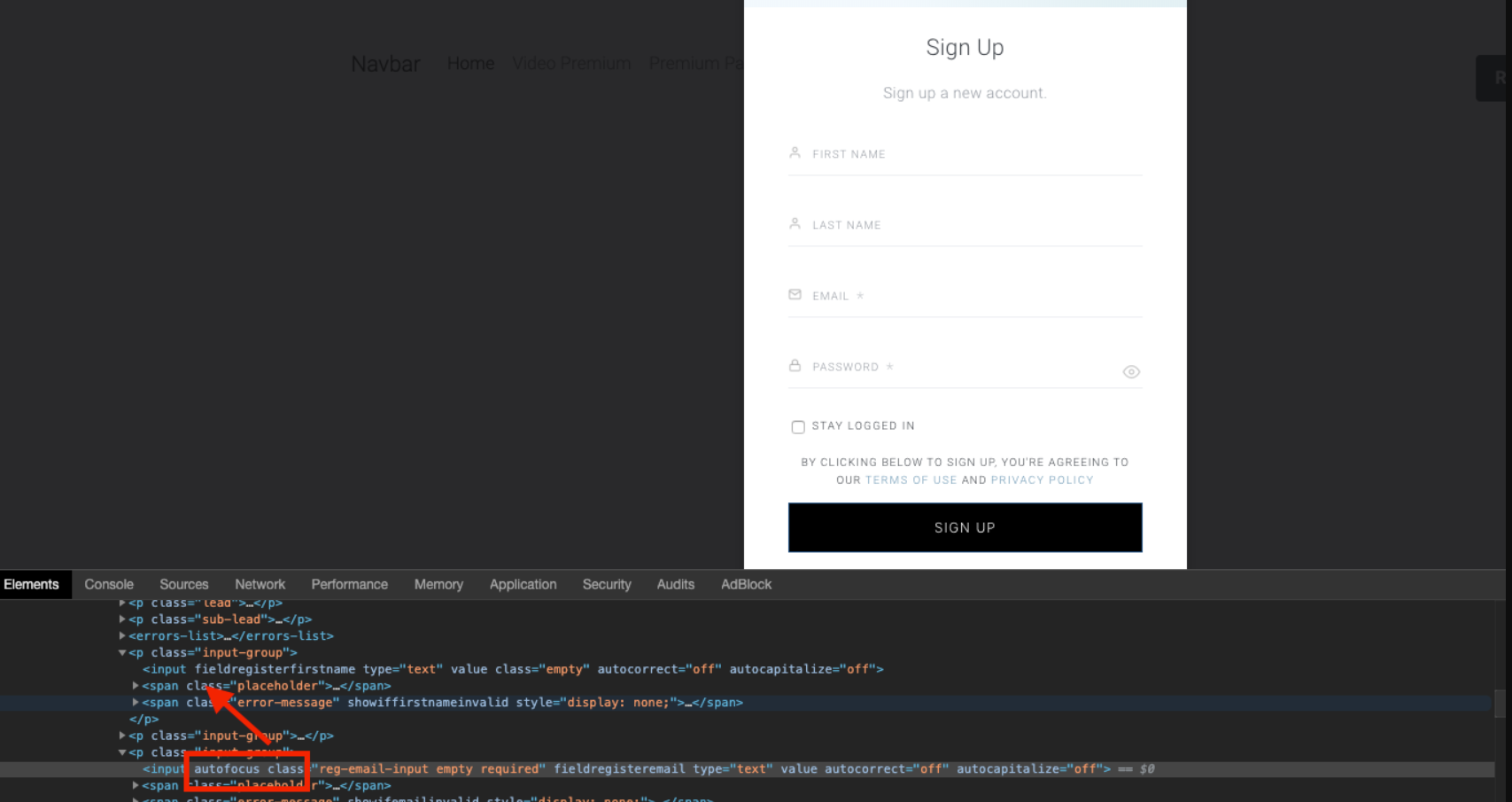
Within the Identity Management registration or login form, when opened, the focus is by default set on the Email field which means that a user has to click back up into the first name or other fields.

This can be changed by removing the autofocus attribute from the email input and adding it to first name input in the Piano ID register page or Piano ID login page template: