
In case a user checks the Stay logged in checkbox on the Login window:
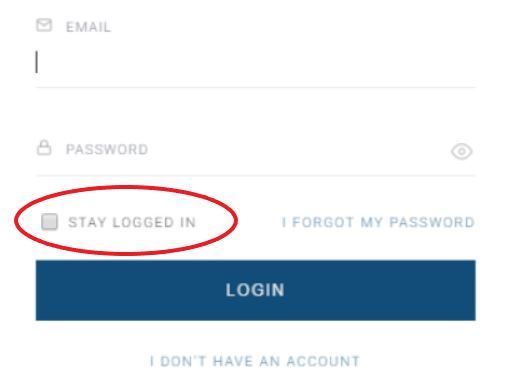
They should be kept signed in for 730 hours (one month), which is the default token expiration date of the Identity Management configuration. If you want users to be kept signed in for a longer or shorter period, you can update this here.
If users don’t check this checkbox, they will only be logged in until the browser session ends. Some browsers keep sessions alive even after the browser is closed.
If you'd like this checkbox to be pre-checked, you would need to update the following part in the Piano ID login page template:
<remember-me></remember-me>
To:
<remember-me byDefault="true"></remember-me>
Or:
<remember-me byDefault></remember-me>
In the Identity Management configuration, there is an additional setting Extend expired access:

If this is selected, users need to re-login only if they want to change their subscription/profile data or make a new purchase.