
When you want to tag a page in the Compose box, you’ll also need to know the exact page name and use the @ symbol. For example, the main Dunkin Donuts’ Facebook page for the U.S. has the screen name DunkinDonutsUS so you would enter: @dunkindonutsus
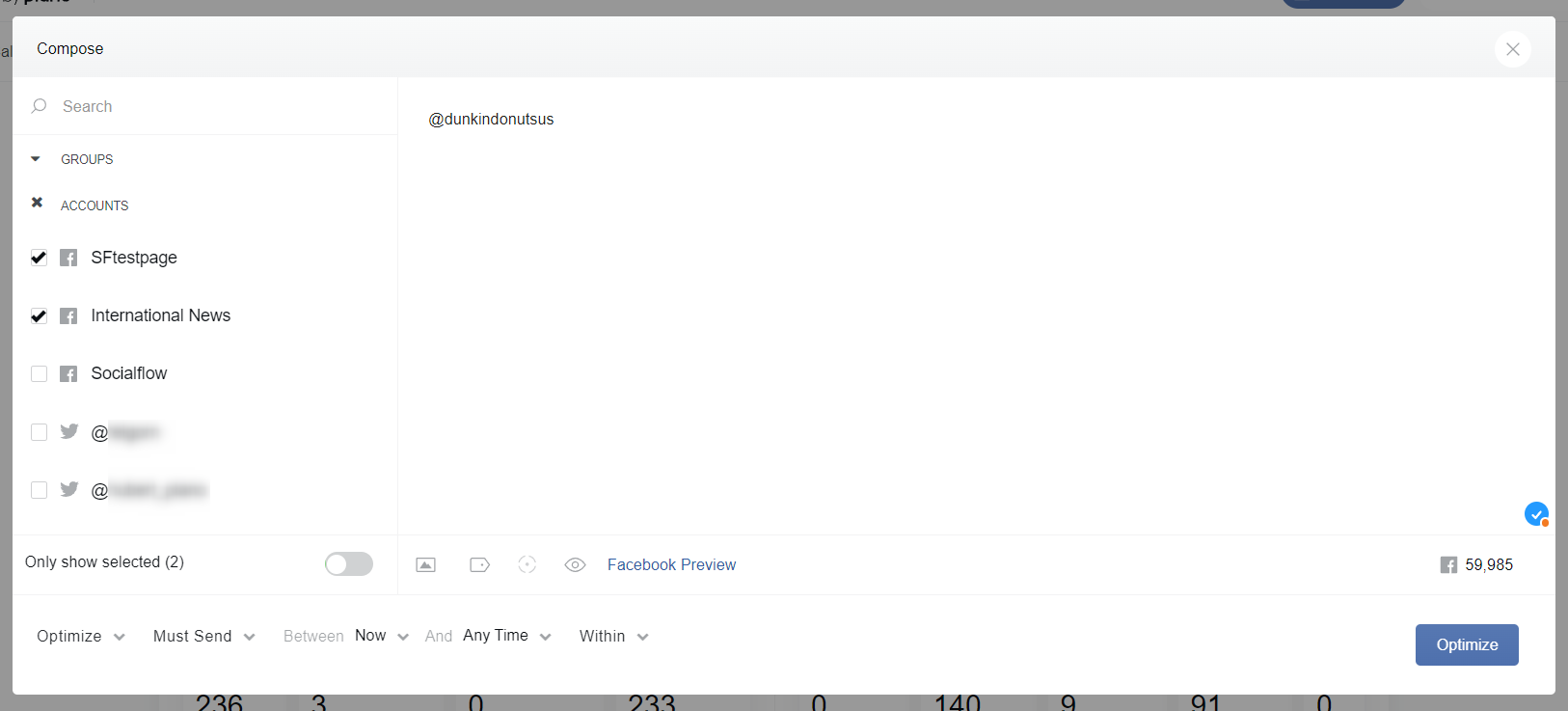
As long as you type it in correctly, the page name will appear in the drop-down. You can select it and the page tag will publish successfully. Please note, only one option will appear in the drop-down.
Now, when using the handshake tool for Branded Content, you’ll need to enter that screen name without the @ symbol.
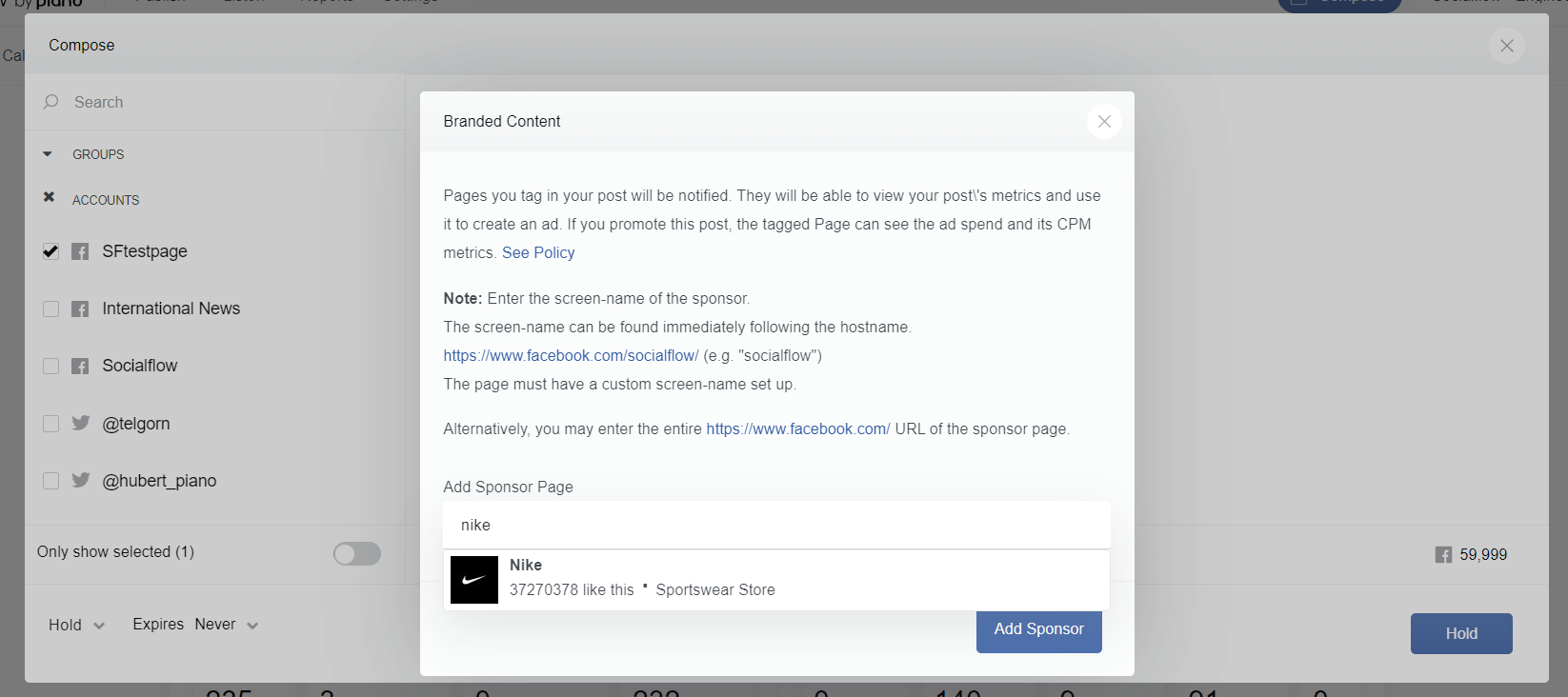
As long as you type the name in correctly, you’ll see that it displays in the drop-down. You can select it and the branded content post will publish successfully.
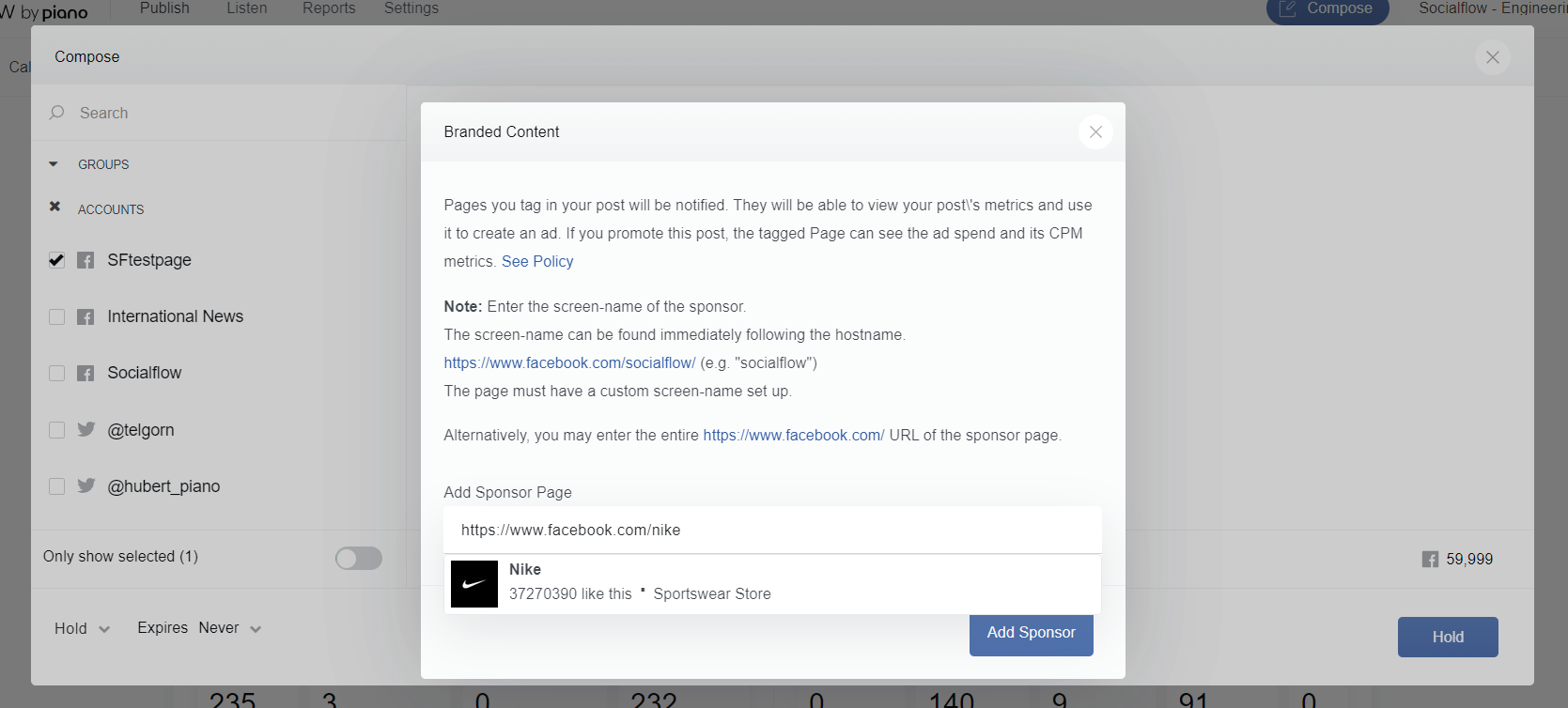
You can also enter the page URL if that’s easier. For example: https://www.facebook.com/nike
For more information from Facebook, you can go here. Please also contact your client services representative or support@piano.io with any questions.