
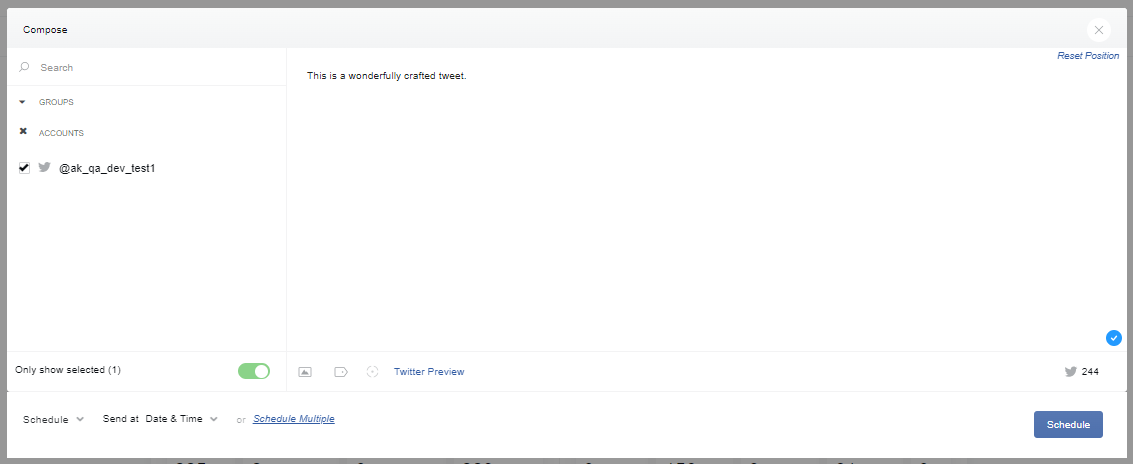
With Twitter, you will see some similarities with Facebook. There are the same buttons for “Tracking Tags,” “Shorten Links,” and Publishing Options.
However, you will notice some different functions. The camera icon here is also multi-purpose, it will allow you to:
-
Attach a single image
-
Attach up to 4 images for the grid or panel design on Twitter
-
Attach an animated .gif
-
Attach a video up to 140 seconds in length
*For more information visit Twitter's Guide To Uploading Media
You’ll also notice we are tracking your character count in the compose box. When you exceed the 280-character limit, the number will turn red and you'll see a negative count so you know how many characters need to be removed.
*For details on Tracking Tags or Shorten Links, visit The Compose Box