Overview
To find the report, follow Reporting→Performance parameters.
Performance parameters are the custom parameters you may set in Piano Audience to track specific events from your websites. Such parameters may include various conversion types, events like user sign-in or sign-up for a specific product, purchase, etc.
If the performance parameters are set, the statistics for them will be shown in this view.
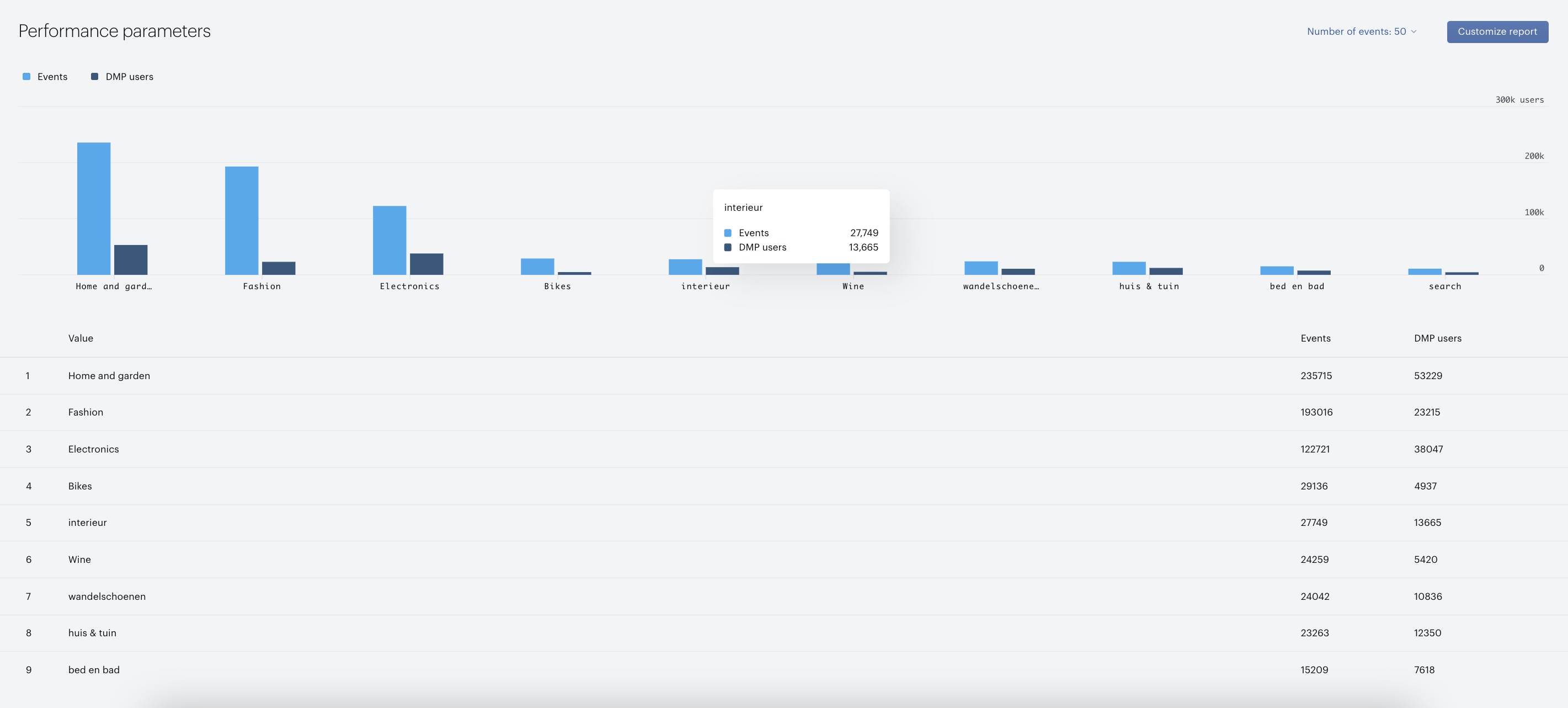
The view include the graph and table with the value, number of events and number of Piano Audience users based on the selected filters, parameters group in particular.
Filters
Performance parameters report offers the following filtering options:
-
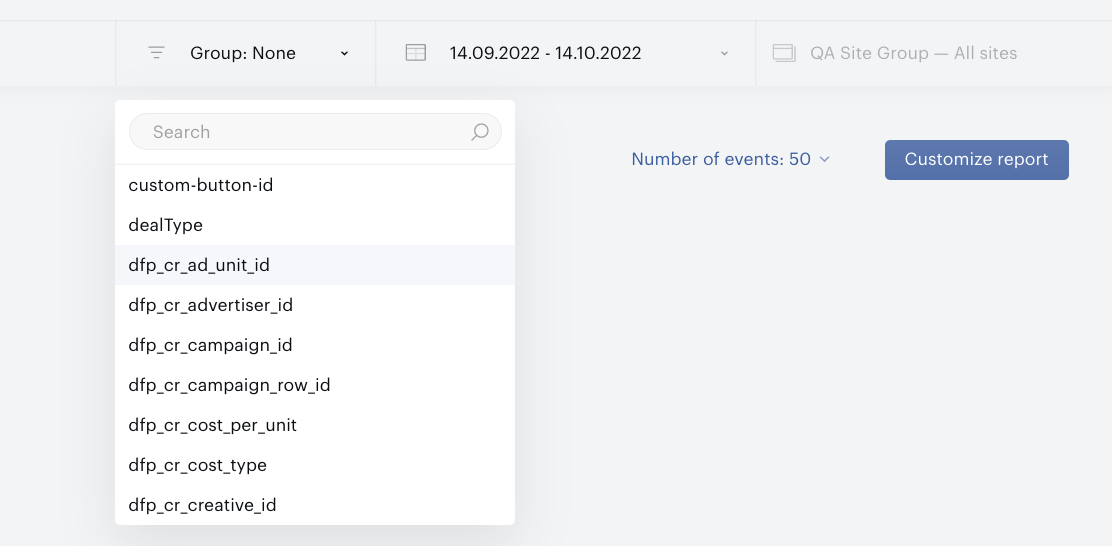
Parameters Group: available items (groups) depend on the customer’ sites
-
Sites filter: requires selecting a single site (there is no option to select multiple sites) or all sites of the current site group.
-
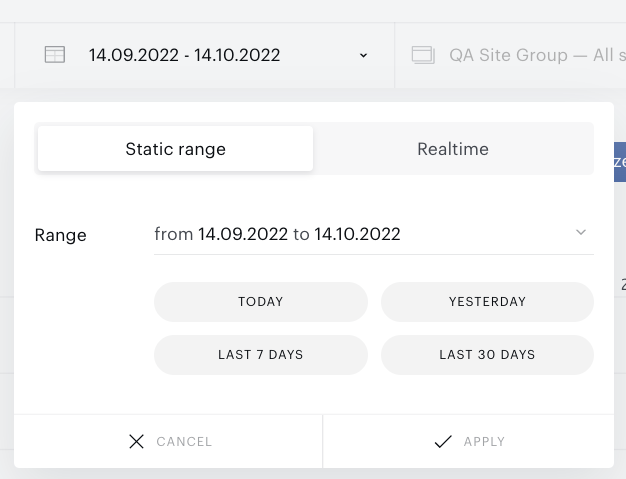
Period filter helps you define the timeframe for the data shown in your report (either the default or a custom interval):
-
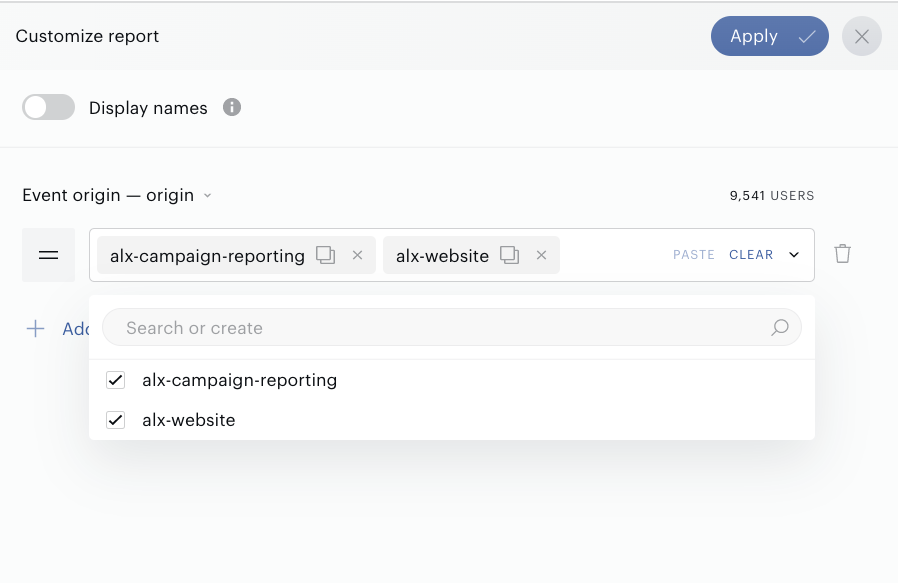
Customize report: a filter panel with a list of criteria including, for example, an Event origin filter. The filter panel can be opened by pressing the Customize report button. You can add a criterion or/and a criterion group and then apply settings to get filtered data. A criterion group can include an additional criterion or/and a criterion group:
-
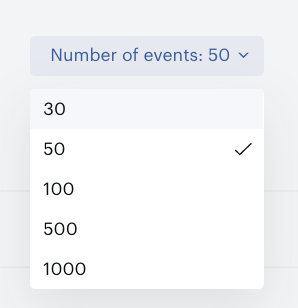
The number of events displayed on the page can be set by selecting the Number of events filter: