
The Show form card can be used to display any custom forms that you have created to your users. Most applicable for progressive profiling purposes, you can use this card to collect user information at any point in the user flow. You cannot select the My Account form.
This card will not display the registration fields (first name, last name, email, and password) to users who are already logged in. If an unregistered or signed-out user triggers this card, it will first display the login modal and it will display the registration form with the custom fields if the user indicates they do not have an account.
We recommend using this card only for a segment that targets logged-in users as a means for progressive profiling. Additionally, we recommend attaching this card to a pageview meter that executes in increments so your dedicated users aren't continuously being shown a form.
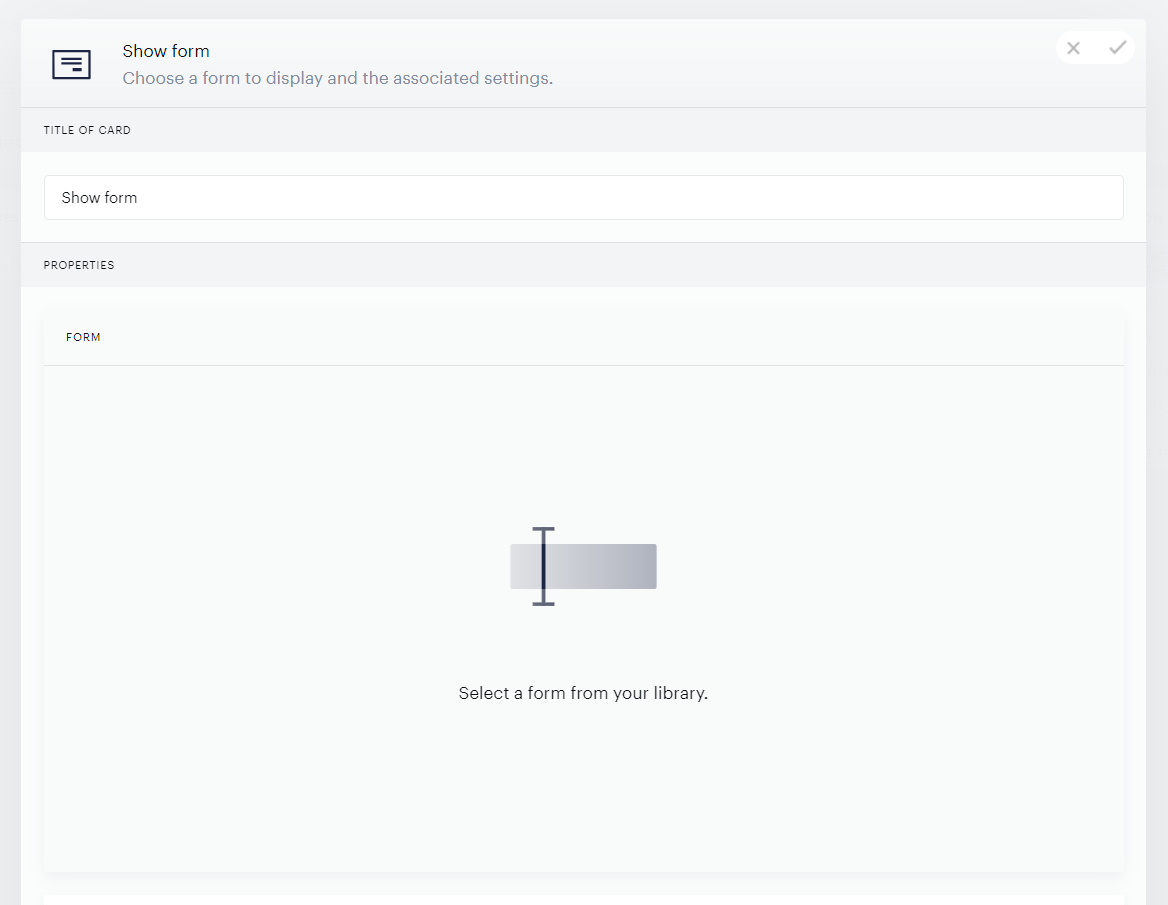
You can select a form:
As well as a Identity Management template or variant that should be displayed to users:
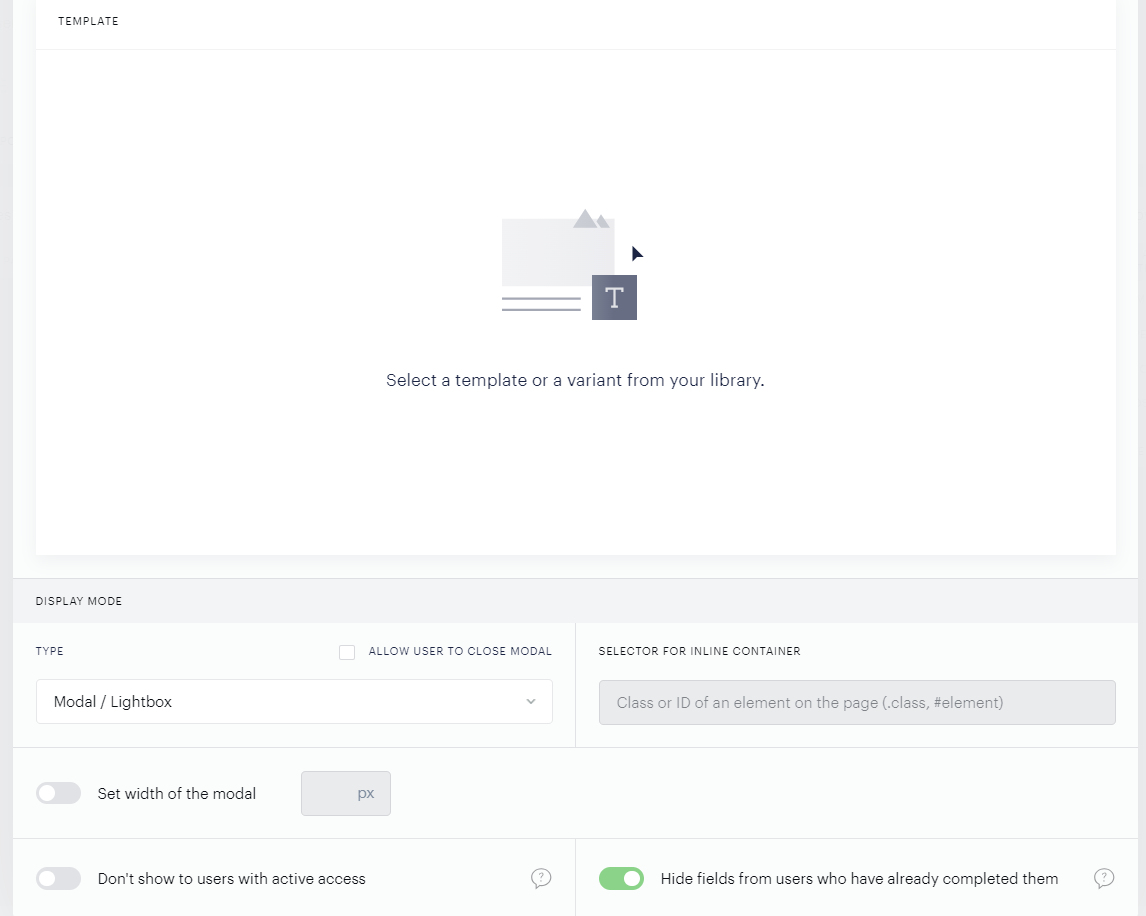
In addition, you can also set the modal width if this display type is selected, choose whether or not the form is displayed to users with access, and indicate whether users should be prompted to complete fields that they have already completed.
Note: If a user has already completed all fields in a form, the form is not displayed at all.