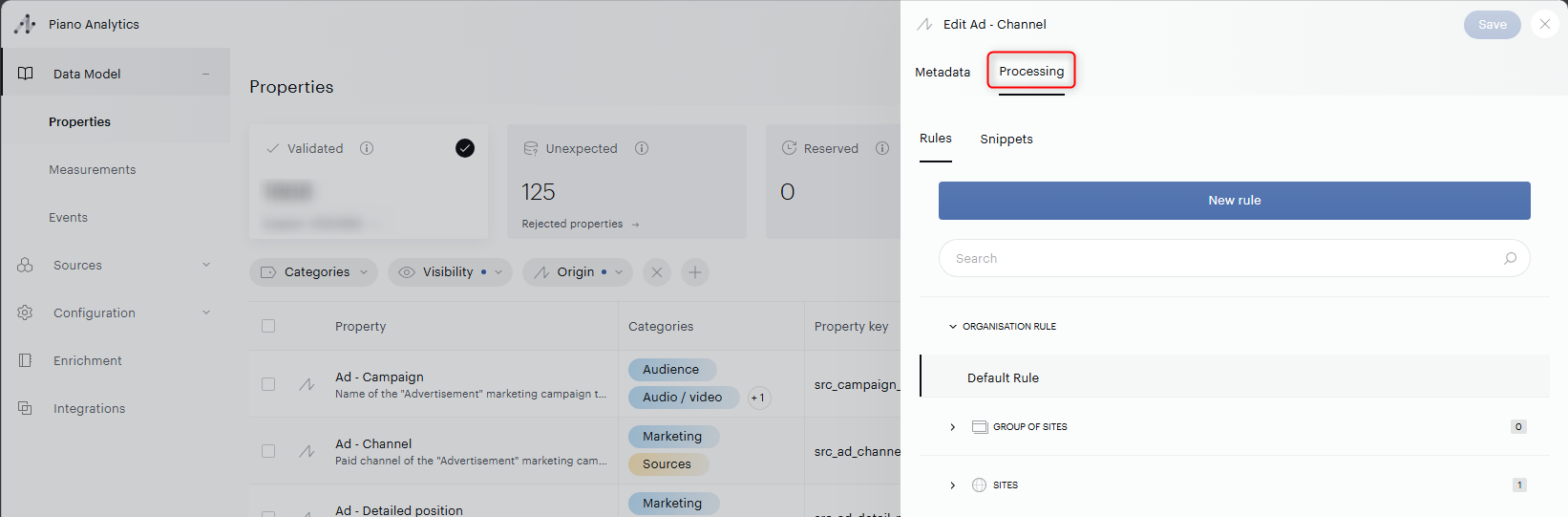
Data processing rules are available inside each property under the "Processing" tab of your Data Model, and it is mandatory to have the right access rights to edit it.
Any Administrator or user belonging to a group where the selected role is Data Supervisor will have access to the rules edition.
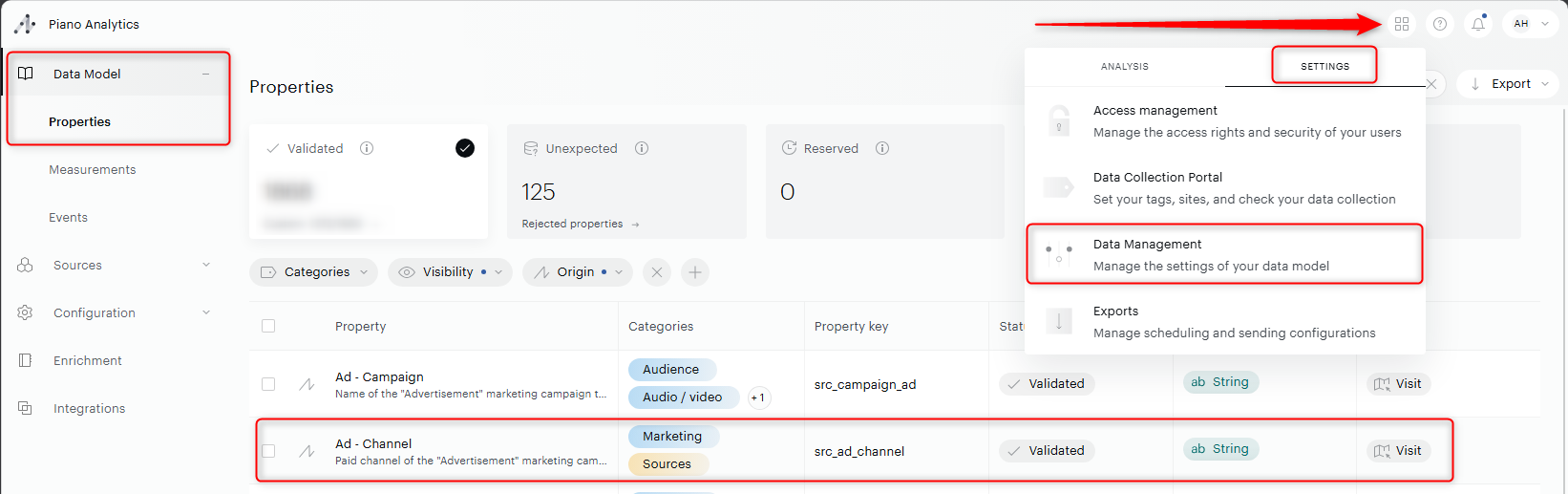
It will be visible in Settings > Data Management > Data Model > Properties > Editing > Processing: