From the Experience list screen, you can find Experiences that use a specific template by typing card.templateId:OT123456789 in the search bar.

To find Experiences, that have a specific offer you can use card.offerId:OFU28L1WVTXA and replace "OFU28L1WVTXA" with the respective offer ID.
For searching Custom forms you can use card.formName:RegistrationFields, for Template variants card.templateVariantId:OTVTZEYB55D0R, for Checkout flows card.checkoutFlowId:CFQC4YKQN13I, for Resources card.resourceId:BRPC5OS3 and for the type of the Display mode of offers (modal or inline) card.displayMode:modal.
The above searches will return any Experiences, where this item is used.
To find an Experience that has a specific card, you can search by the individual card's identifier.
For example, for a Show Template card you could search like this: card.id:showTemplateCA3FJ4CKBM1K38
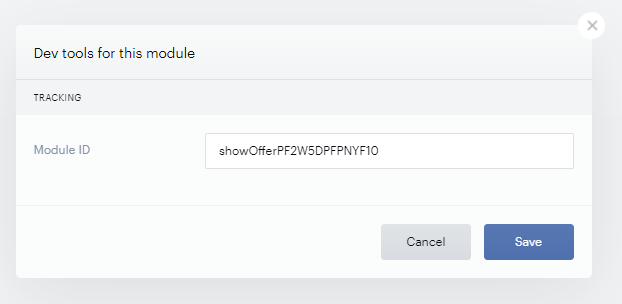
This Module or Card ID from the Composer canvas can be retrieved from debug logs from the browser's console.
It's also available after clicking on the drop-down menu of a card in the Composer canvas and selecting the option Dev Tools: