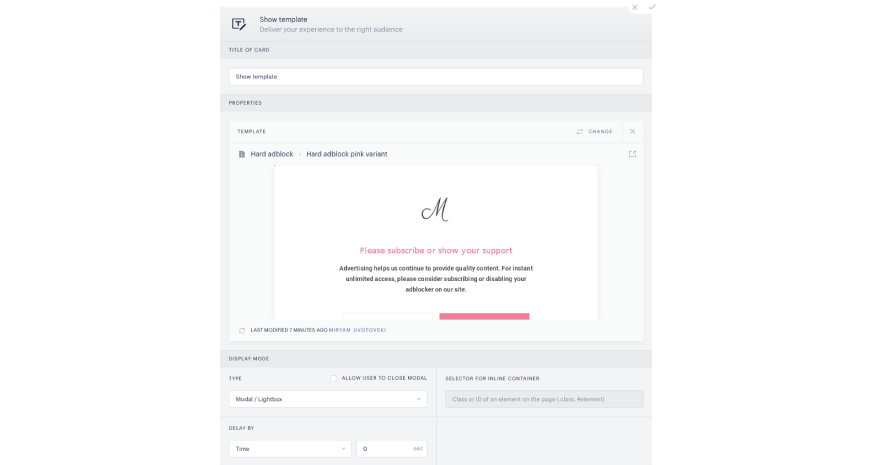
Within the Show offer or Show template card in Composer, click on Select a template or variant from your library box. This will open up the template selector.
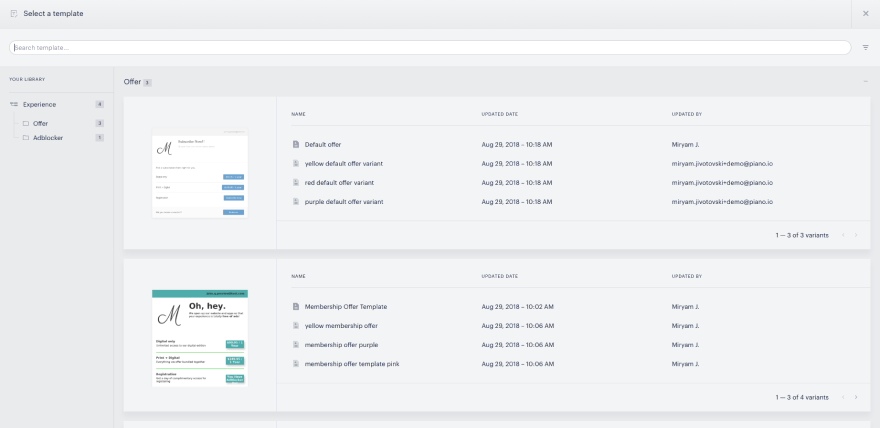
Scroll through or search for your template. Once you've found it, click it to be brought to the template manager screen.
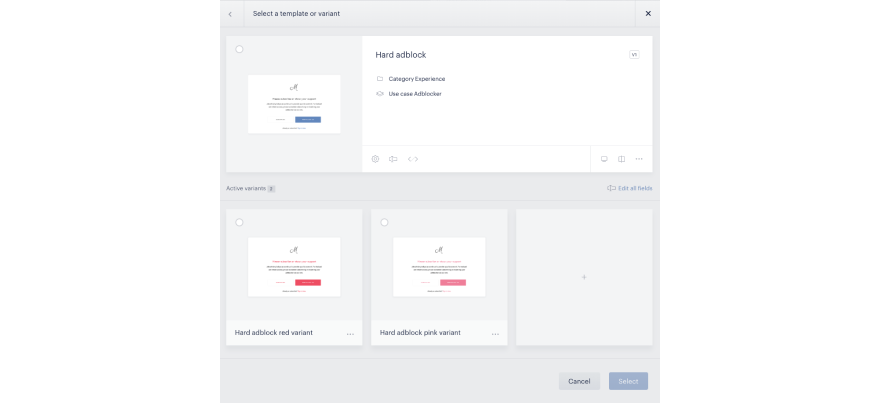
From here, you have the full capacity of the template manager; you can make edits to your template or variants, or even add a new variant. Select the template or variant you would like to add to your experience, then click Select.
You will see a preview of your selected template or variant in the Show offer/template card.