
If you'd like to reuse the same Piano ESP template across multiple email campaigns, you can download it from an existing campaign and re-import it into a new one.
Downloading a template
-
Navigate to Email → Campaigns.
-
Choose the relevant campaign.
-
Go to the Template & Style tab.
-
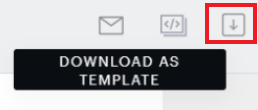
Select the Download as a template icon on the right-hand side.
This starts a download of a JSON file representing the template. (This action always produces a JSON file, never HTML.)
Uploading a template
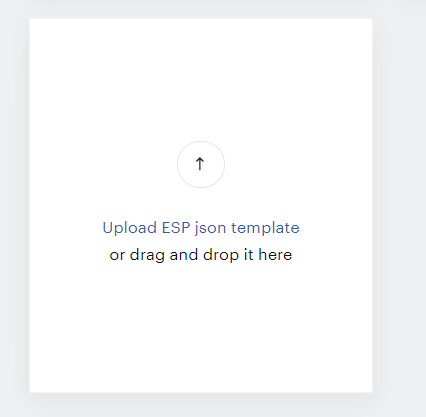
During the process of creating a new email campaign (Email → Campaigns → Create campaign), on the Template & Style step, scroll down and select Upload ESP json template, then choose the .json file you previously downloaded.
The imported template will retain its full block structure and can be edited normally through the ESP UI.
If instead you want to upload a template built outside of Piano (a ready-made HTML file from a third-party builder), see Upload a send-ready HTML to the ESP template builder. Note that this is a different workflow with different capabilities and limitations than the JSON template reuse described here.