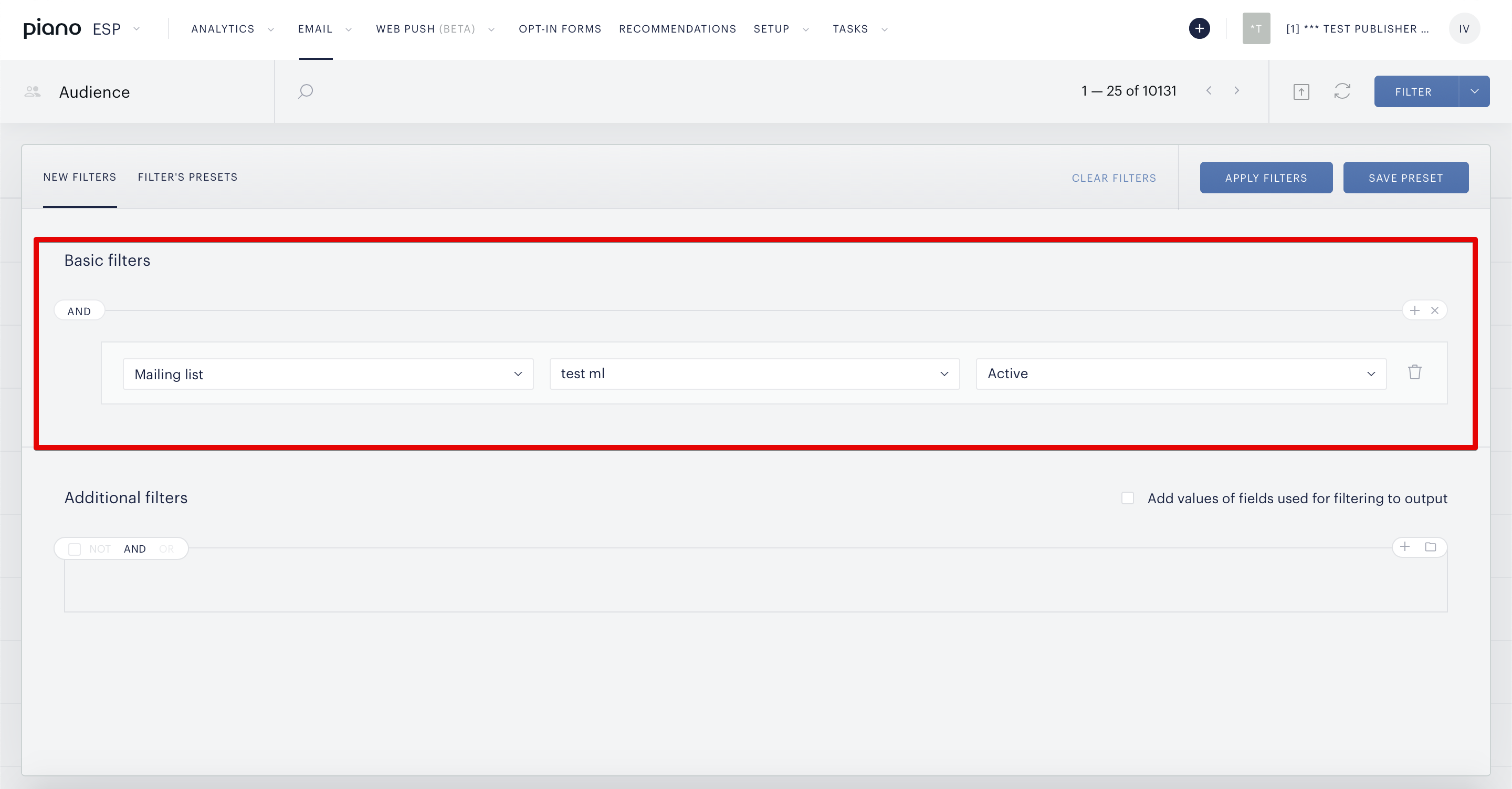
In case you need to filter out active subscribers on the Audience page, you can use a Basic Filter as follows:
1. Select the type "Mailing list" → select a particular mailing list(s) for the segmentation process → Define the status "Active"
2. Click on the Apply Filters button
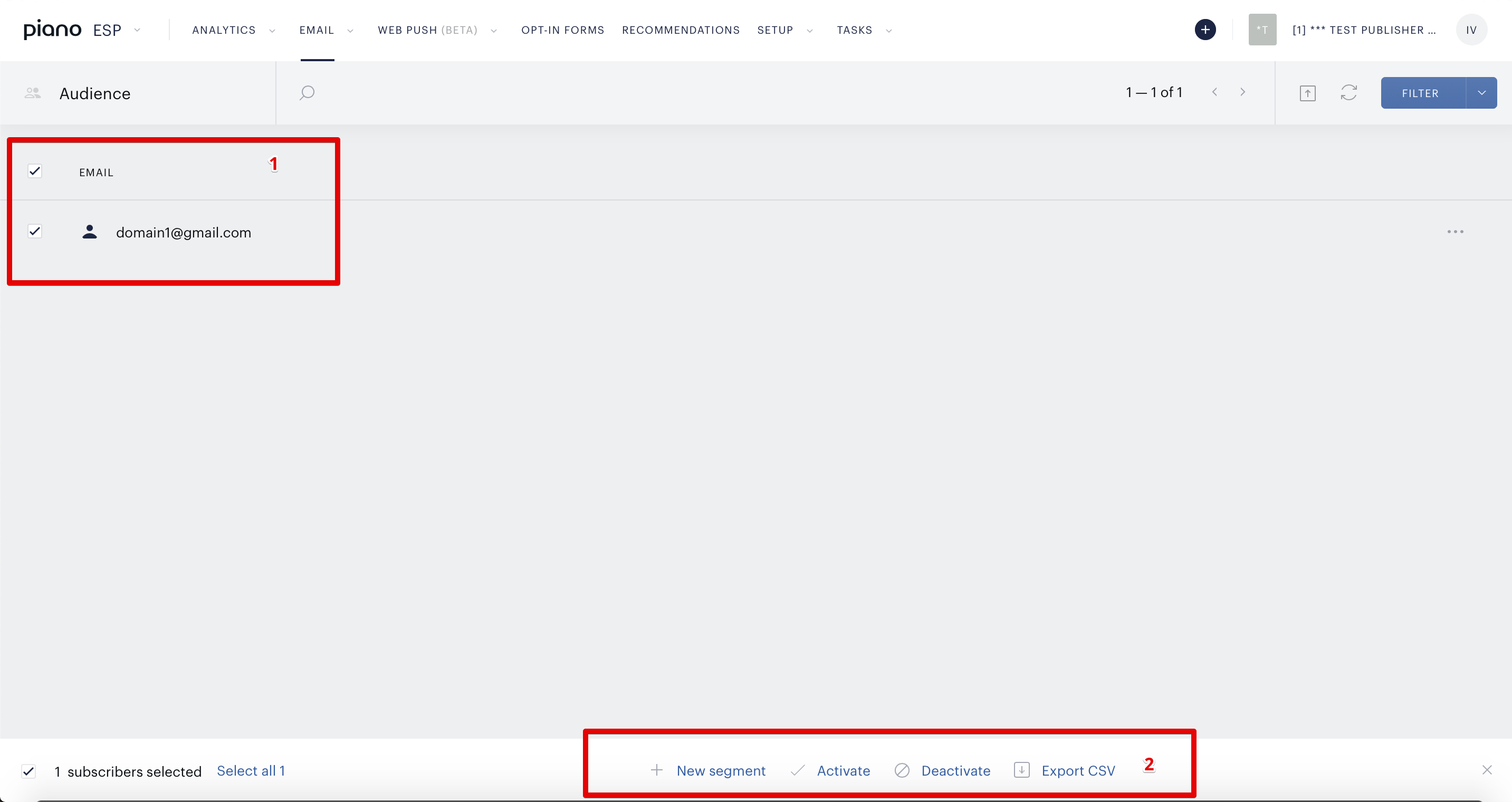
Once ESP provides a filtered users list based on the filter rules, you will be able to select specific users' emails (or all users) with checkboxes at the bottom of the page and create a new segment (Mailing list) or export the defined list of users as CSV file.