
Accounts Management treats site groups as combinations of multiple sites. Each site can be a member of one or more site groups. Site groups are used in both the API and GUI for report generation based on events from all sites in the group.
The Site groups tab in Accounts management allows to manage customer's site groups, i.e.:
-
Create a new site group.
-
Modify site group.
Also, you can find any groups using the search bar or the All specs filter.
Creating a site group
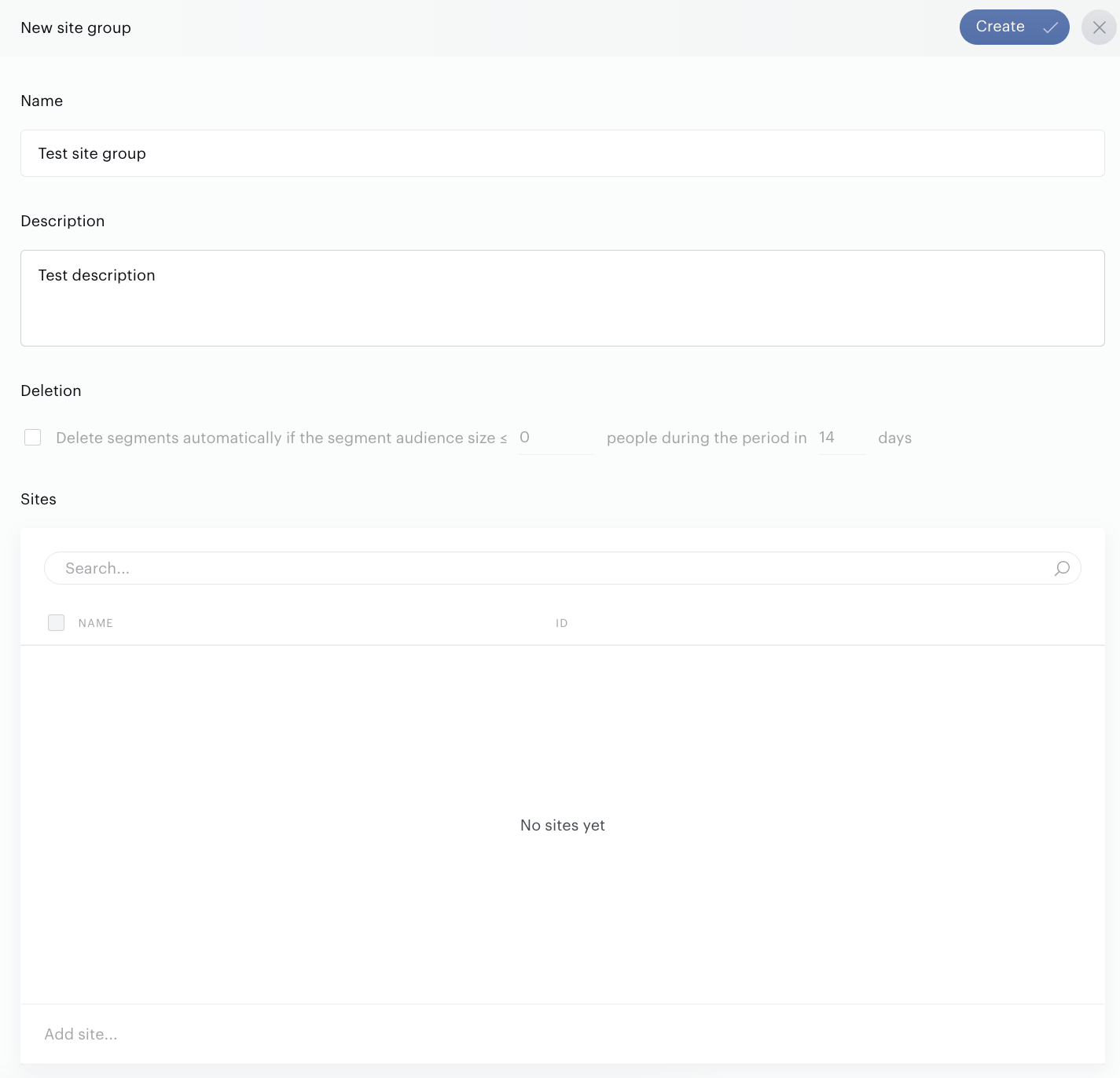
To open the New site group menu, click the Add site group button.
-
Enter the Name and Description.
-
Select one or more sites in the Sites selector.
-
If needed, enable auto-deletion by selecting the Deletion checkbox. Read how it works here.
-
Select Child site group if needed.
-
Click Create.
-
Done!
Modifying a site group
To update a site group, click the name of the group on the list. The edit form will appear:
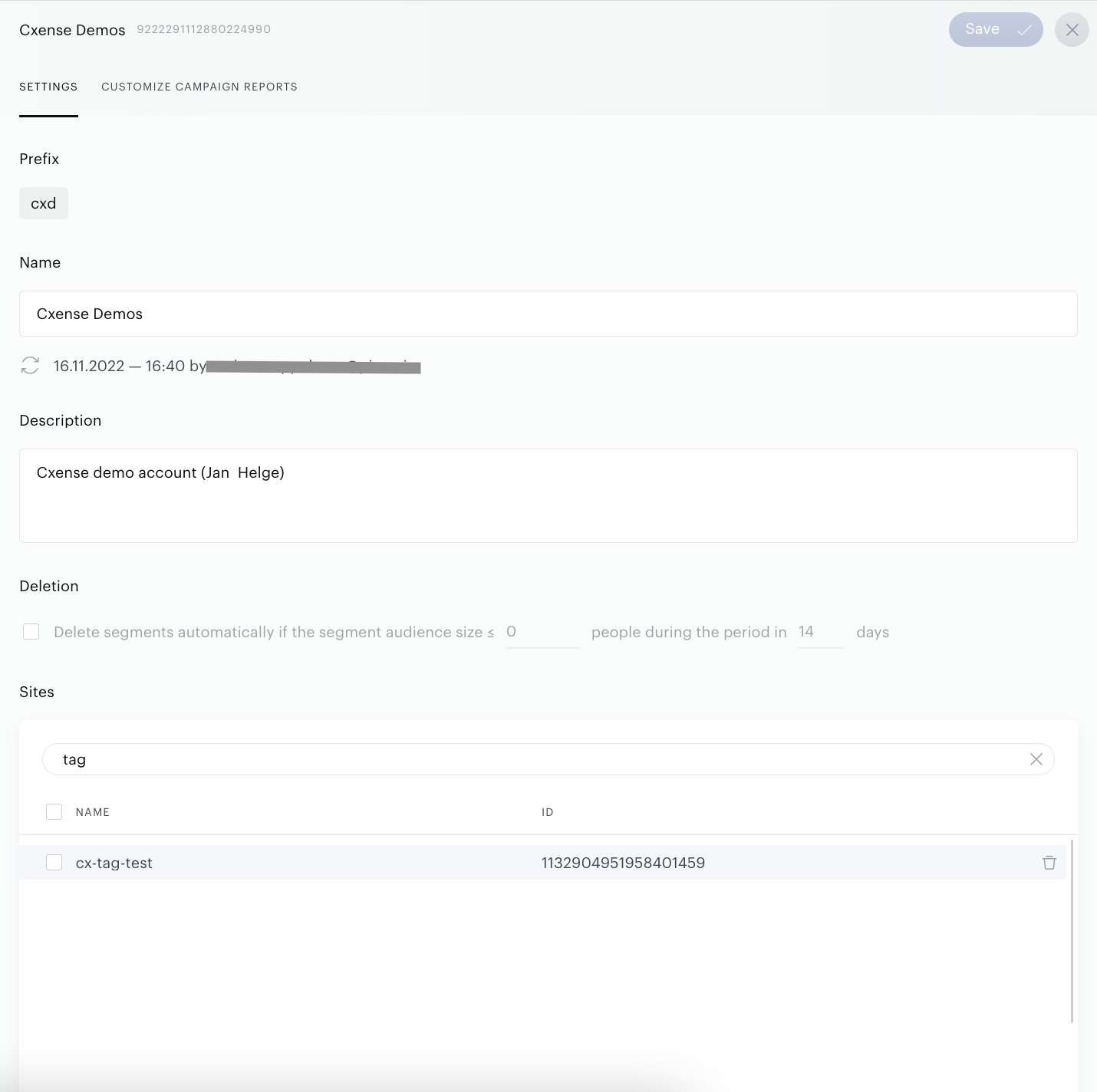
Make all needed changes and click Save.