
In Piano Audience each event is attributed to a single site.
On this tab of Accounts Management, you, as a customer, can edit your website or create a new one.
-
In Piano Audience, open the Accounts management application.
-
Select the Sites tab.
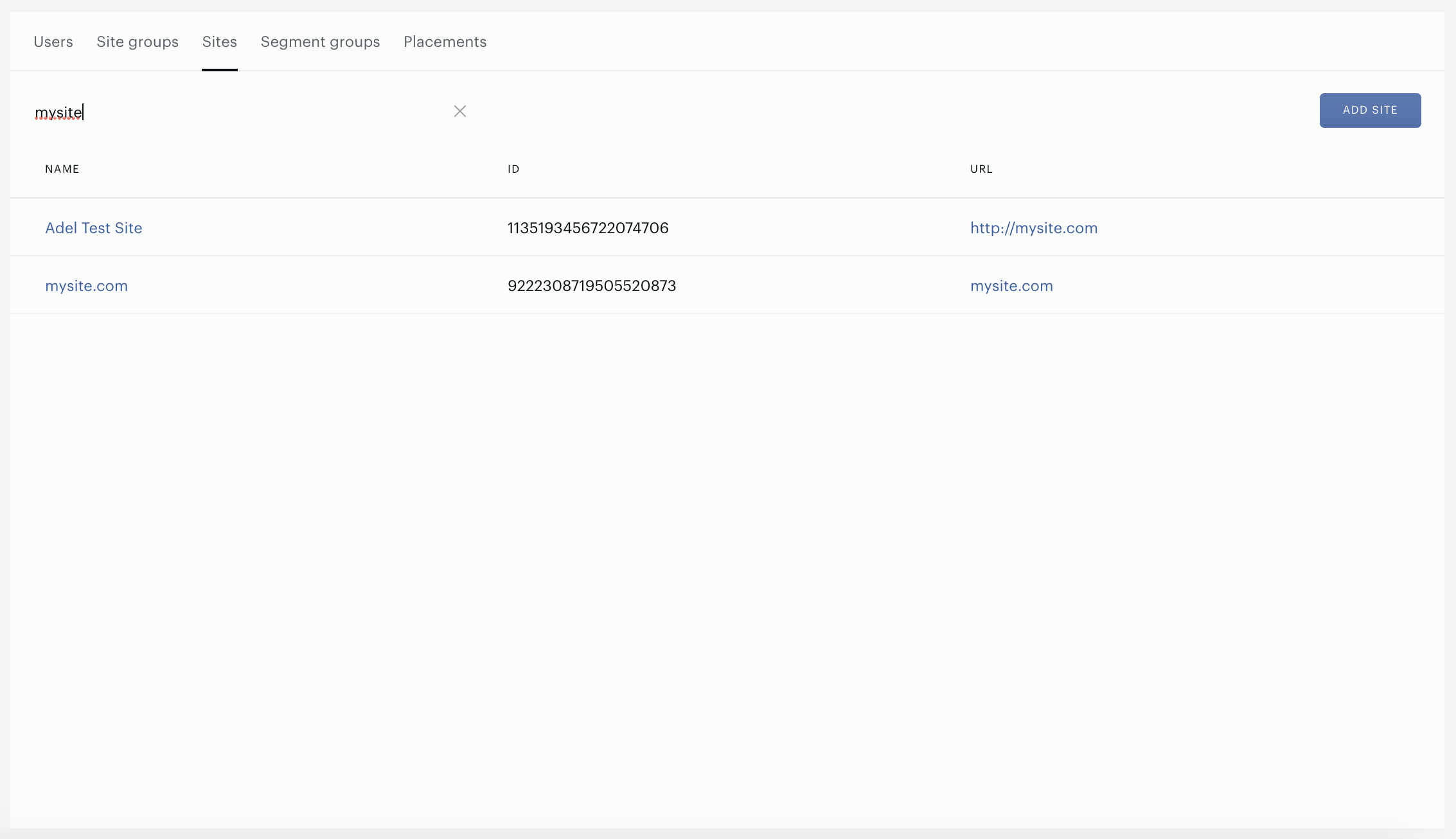
Use the search bar to find a site on the list. Start printing the name, URL, or ID of the site.
Also, sites can be sorted by name.
The following functions are available:
-
Create sites.
-
Modify sites.
Press the Add site button to create a new site. The following form will appear:
Define all the needed parameters:
-
Name - give a meaningful name.
-
URL.
-
Select a site group in the drop-down list.
-
Select Country, and after that, you can select a Time zone.
-
Select Language.
Don't forget to save all changes, click Create in the top right corner.
Click the site name to open the edit form. Click the Save button to save all changes.