
It is possible to create custom names for the Customer’s prefixes. These custom names will be used in other applications, such as Segment builder or Reporting, including the XLS files of the reports.
To create custom prefix name, do the following:
-
Open Audience→Accounts Management.
-
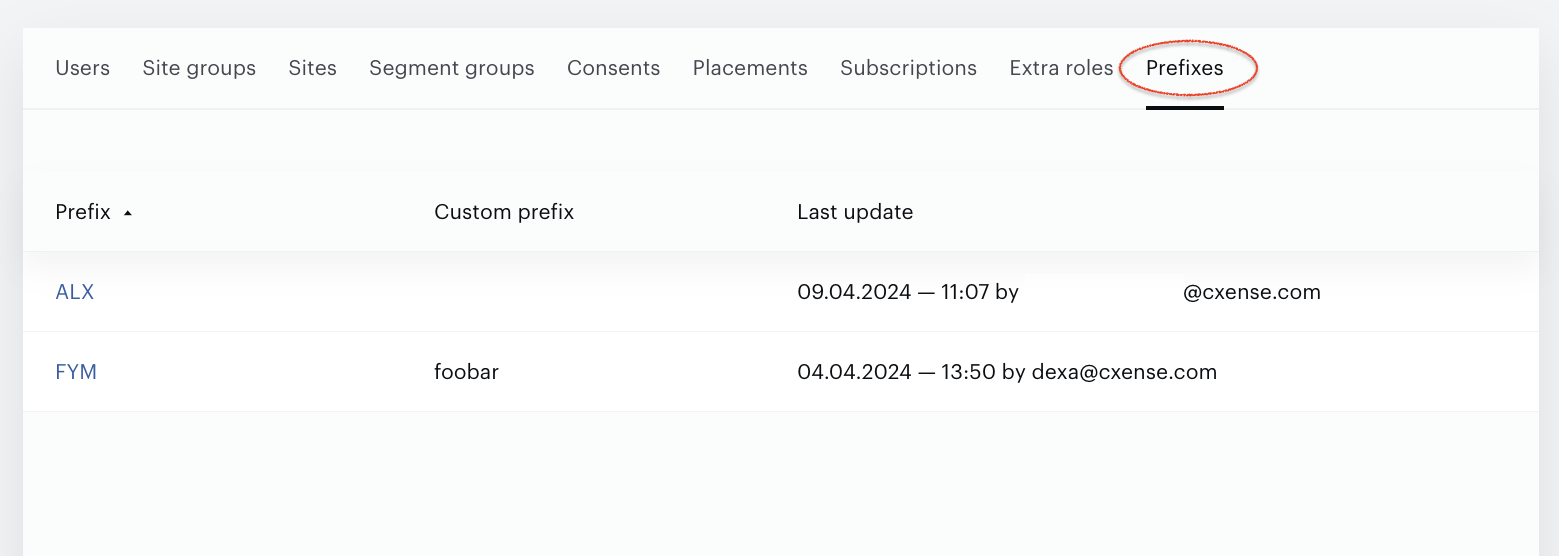
Go to the Prefixes tab.
-
Click on the Prefix name in the table view (Prefix column) to open the Prefix Builder:
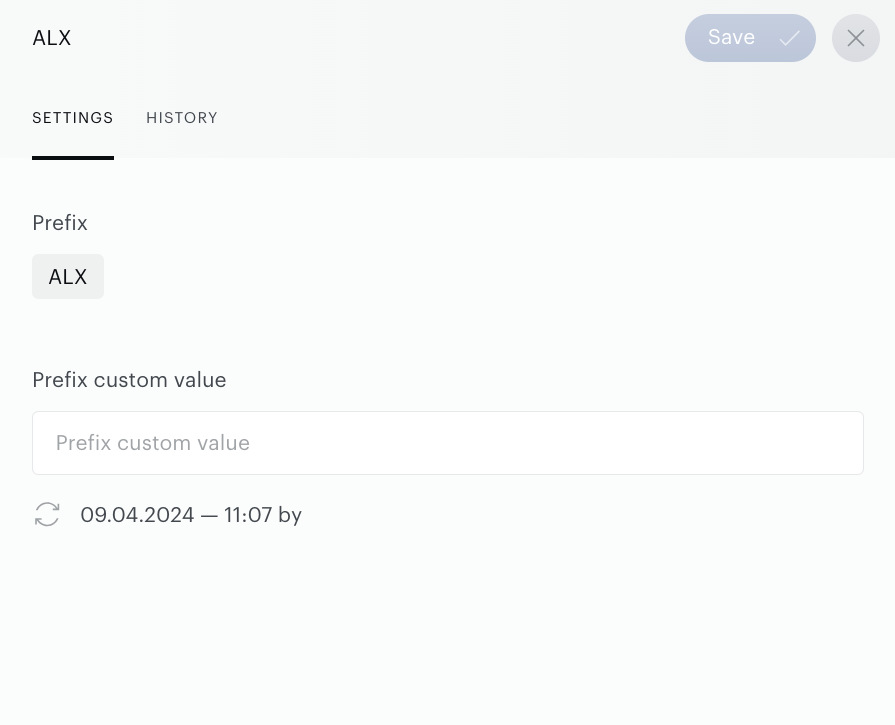
Use the Prefix custom value input field for the custom names. Now there is a limit – you can use up to 25 symbols only.
Customer’s prefixes are common for all Customer’s site groups. It means that the same custom names will be shown in all site groups and your changes will affect all the site groups. Now custom prefix names (if they are existing) will be shown in the:
-
Segment Builder→User IDs tab, including the XLS file that can be downloaded by pressing the Download button.
-
Reporting→External User IDs report, including the XLS file that can be downloaded by pressing the Download button.