
The interface described in this article is currently not supported. If the availability of this interface is critical for you, please let us know through the Support team.
Piano Audience' Account Management interface automatically reflects user consents provided through certified IAB Consent Management Platforms (CMPs). When Piano is listed as a certified vendor within the configuration of your preferred CMP, user consents will be automatically pushed to Piano upon their collection. Any pageviews or events generated by that user will be registered (or not registered) in a manner that is consistent with their consents.
In support of the original GDPR requirements, Piano has introduced 4 consent classes that govern the actions permissible. These classes, listed below, correspond to the enabling or disabling of specific JS functions that pertain to that consent:
-
pv: The Pageview consent. When this is false or not set, Piano captures no data on any pageviews or events executed by a user. This means that any of their onsite behavior cannot be tracked.
-
ad: The advertising consent. When this is false or not set, Piano does not synchronize a user’s identifier with any 3rd party platforms.
-
segment: The Segmentation consent. When this is false or not set, Piano does not surface any segments to which a user belongs. The data and events generated by the user are available for reporting, but the user could not be identified as belonging to any given segment.
-
recs: The Recommendations consent. When this is false or not set, Piano will not provide any content recommendations personalized for a user.
In support of TCF2.0, Piano has introduced new consent classes that similarly control the functionality inherent in Piano’s tech stack to ensure that all consents are upheld. These changes are detailed below:
-
device: The Device consent. When this is false or not set, Piano will scrub any characteristics used to identify a user based on their browser, such as IP address, browser type, OS, etc.
-
geo: The Geolocation consent. When this is false or not set, Piano will not store any geolocation information obtained through pageview metadata, and any users who do not consent will not be included in segments generated on the criteria of geolocation. This also includes high-level geolocation identification, such as timezone detection.
Between these 6 consent classes, Piano can respond appropriately to users’ TCF2.0 consents and disable the relevant functionality.
To learn how Piano works with CX.js and GDPR, read here. Mapping methods and strategy in Piano. Read more here.
A special form in the Piano Audience' UI allows to manage the exact mapping between the IAB TCF2.0 purposes, features and specific consent classes.
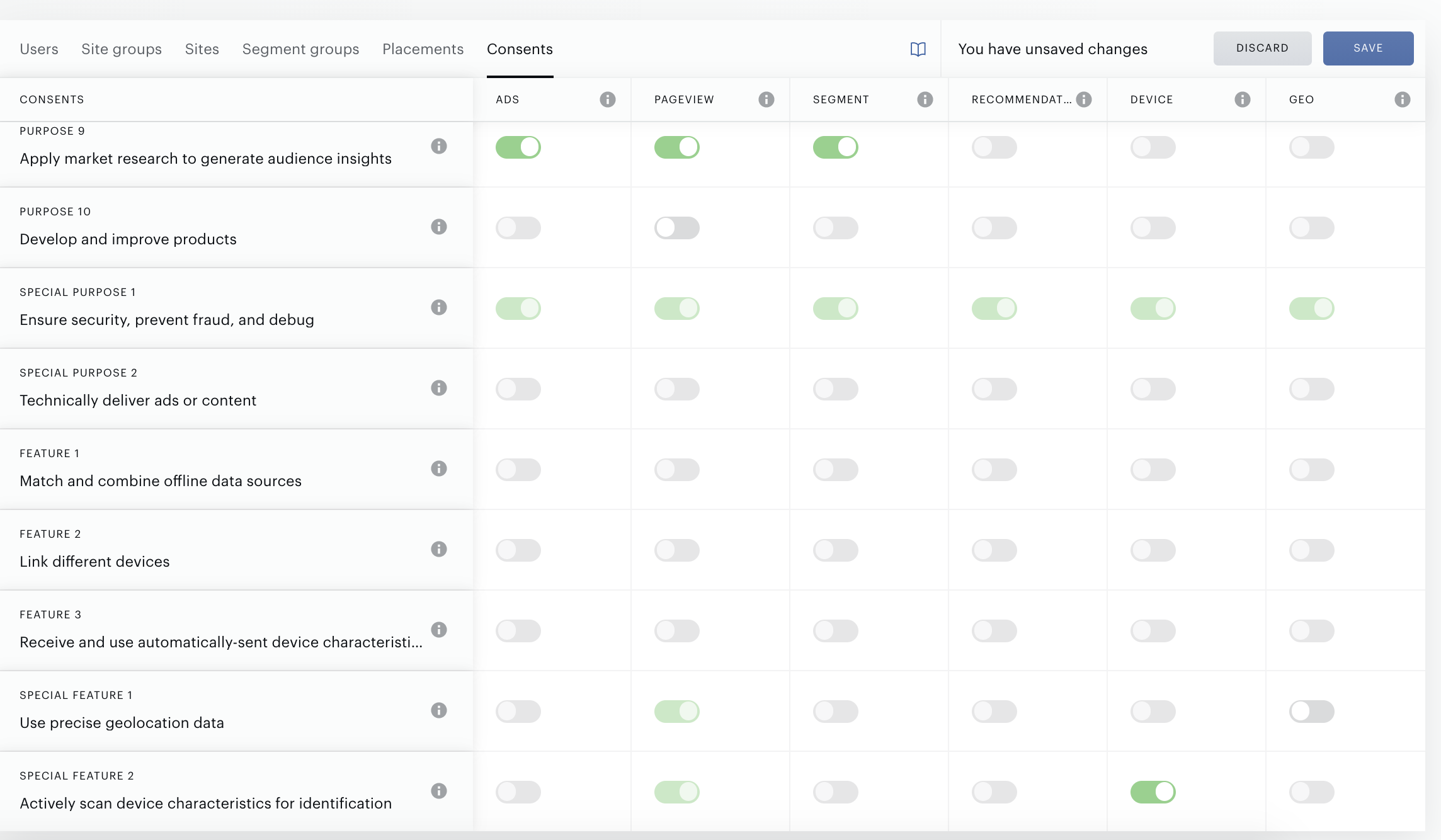
To see the current statements and update them, go to Audience → Account management and select the Consents tab.
As far as you can see, the consent classes form includes the table with all purposes, features provided by the IAB. Piano supports managing only some of them.
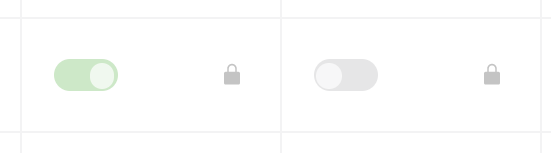
If the cell includes the lock icon, it means that customer can’t update it:
Other options (purposes-classes, features-classes) can be managed, but customers should be aware of saving changes.
Feel free to use hints including short descriptions of each purpose, class and possible consequences in case when the purpose/class is disabled. Use the “i” icon next to the name of a class, purpose or feature in the table.
