
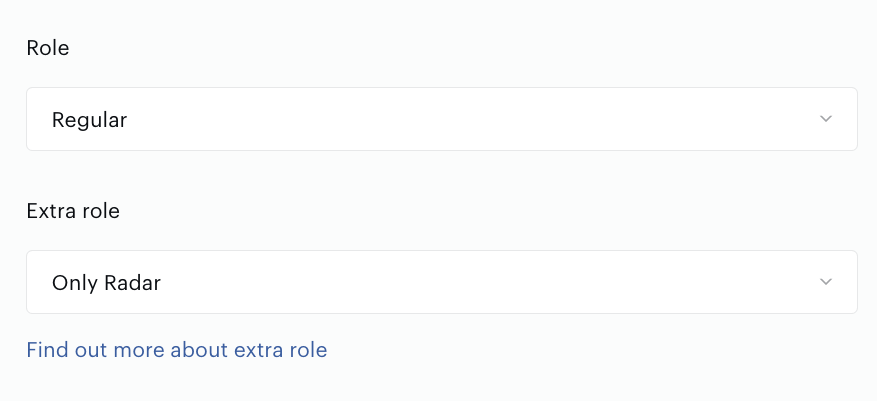
Regular roles provide app users with permissions to all functionality except those special for admins. When an app user should have UI restrictions, in addition to a regular role, one of the extra roles can be added on the Users tab.
Use the Extra roles tab of Accounts Management to manage app users extra roles: create or update them, observe the role permissions and other details.
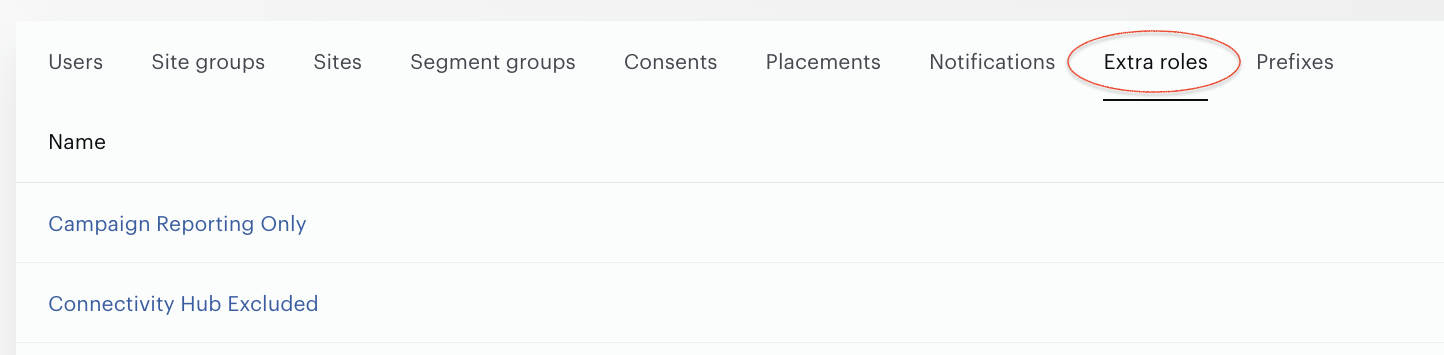
Extra-role create/update operations available only for admins (only for internal Piano staff).
To see role details, press the extra role name:
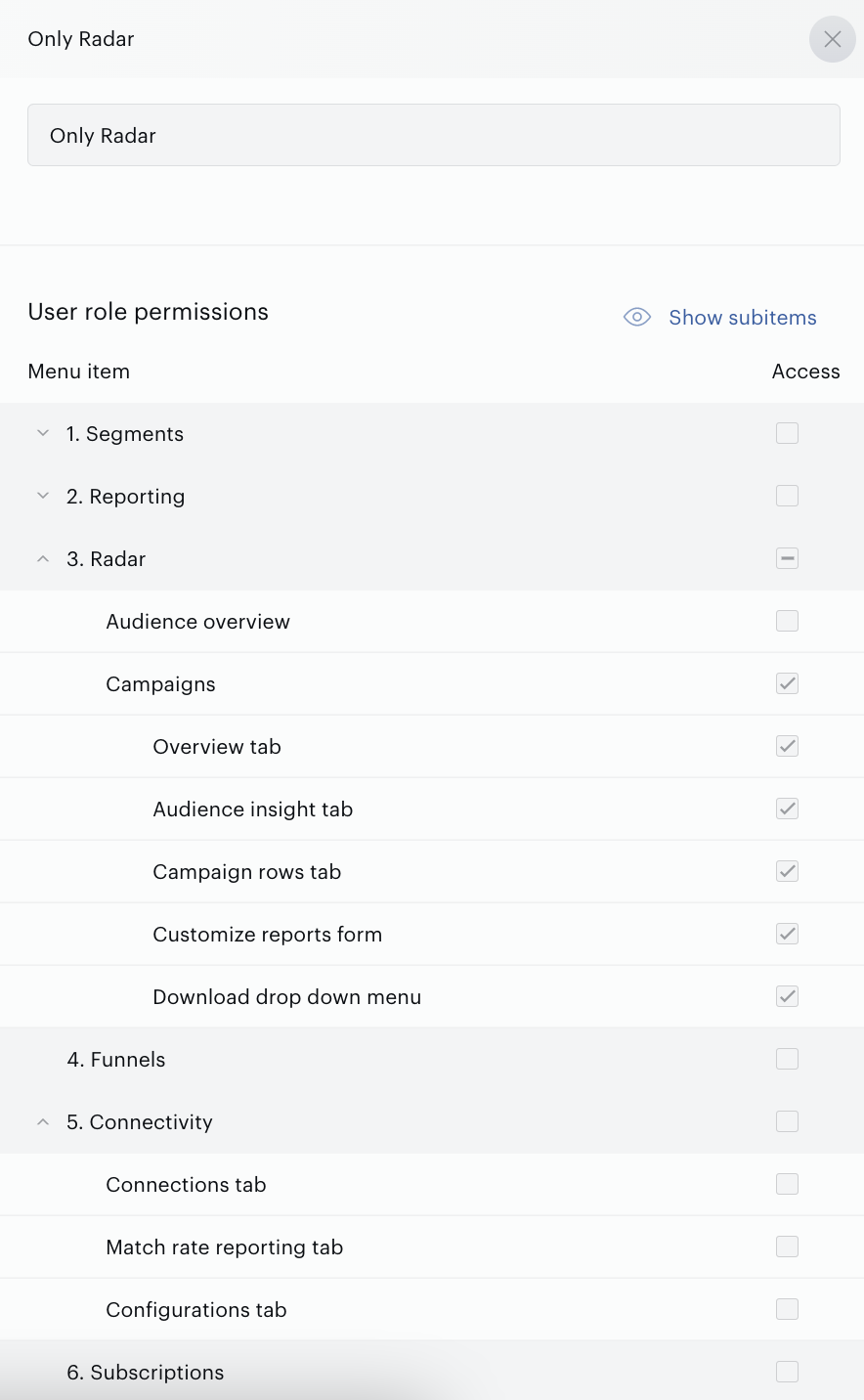
At the moment the following Extra roles are supported, see below:
|
Extra roles |
Description |
|
Insight Only |
This role is intended only for users who should have access to Insight but not to Audience. |
|
User Reporting Excluded |
Users with this role have access to the following functionality:
|
|
Campaign Reporting Only |
Users with this role have access only to the Radar functionality, excluding the Audience overview report. |
|
Connectivity Hub Excluded |
Users with this role have access to the following features:
|
|
Limited Access |
This role is intended for users whose organization has a Composer license but does not have an Audience (formerly known as DMP) license. |
Since roles are entities shared across the entire platform, it is not recommended to use test roles for real users. Please contact Support to create new roles.