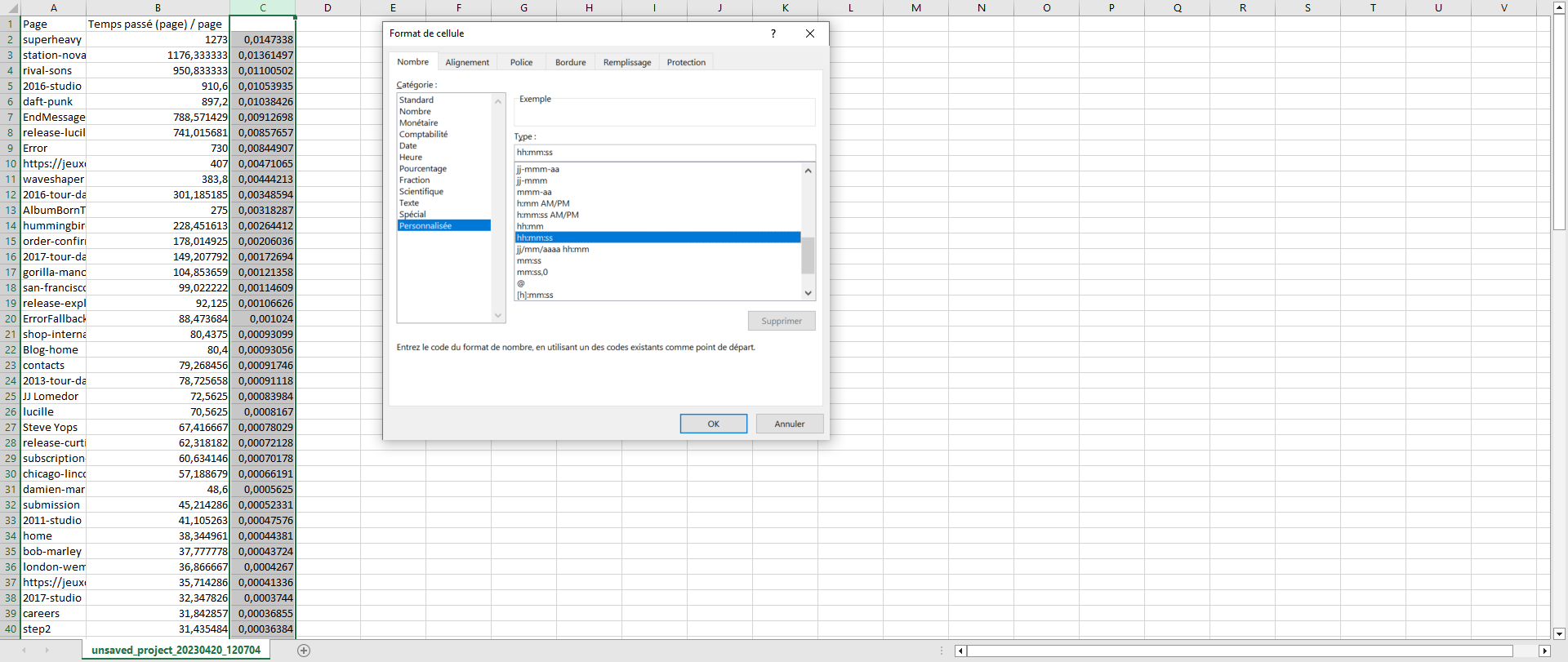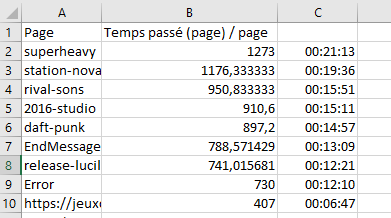
When you export time spent data from Piano Analytics, you get raw values that Excel doesn't format as a duration. You can display them as "hh:mm:ss" in two steps: convert the values, then apply a custom cell format.
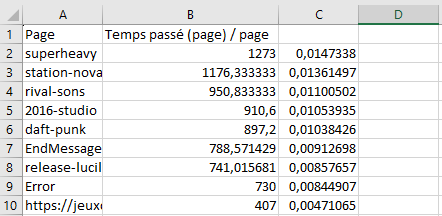
Excel stores a time as a fraction of a day, so a value in seconds must be divided by 86400, the number of seconds in a day. For example, 3600 seconds (one hour) becomes 0.0416667, which Excel can display as "01:00:00".
-
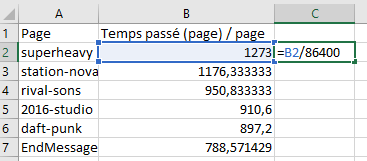
Divide the value by 86400, then copy the formula down through all your values.
If the metric is expressed in milliseconds, use (CELL/86400)/1000 instead of CELL/86400.
-
Change the format of the cells to a custom format: "hh:mm:ss".