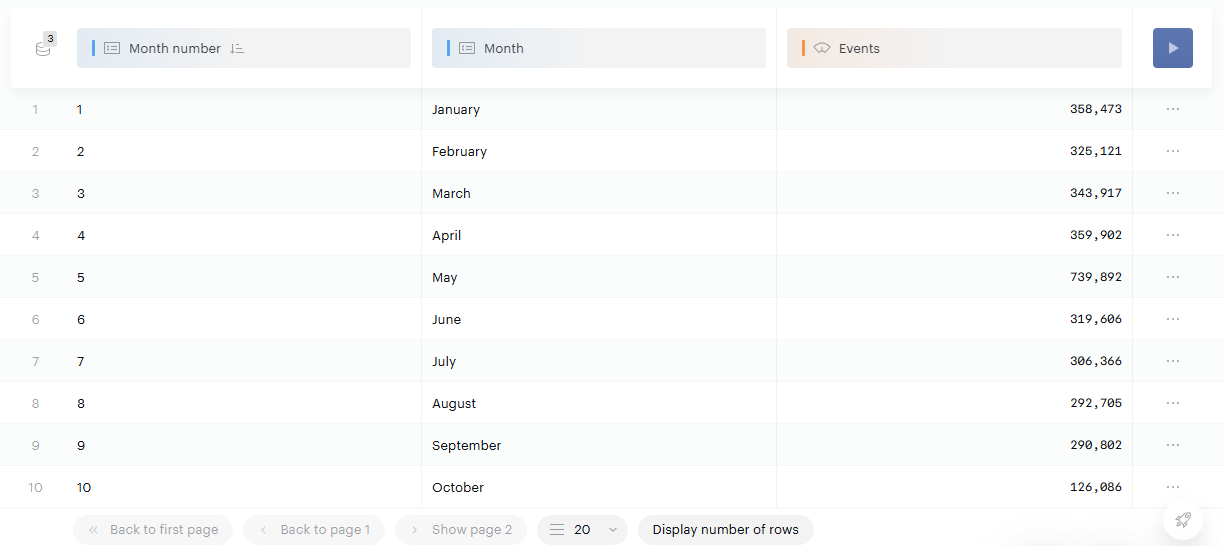
Sort on the numeric property that goes with each one: Month number for Month, and Day number for Weekday.
The Month and Weekday properties contain text, so they sort alphabetically ("April" comes before "January", and "Friday" before "Monday"). The numeric properties give you the chronological order.
|
Property |
What it shows |
|---|---|
|
Month |
The month of the measurement date: January, February, and so on |
|
Month number |
The month number, from 1 to 12 |
|
Weekday |
The day of the week of the measurement date: Monday, Tuesday, and so on |
|
Day number |
The day number, from 1 to 7 |
-
Add the text property (Month or Weekday) and your metrics to your report.
-
Add the matching numeric property (Month number or Day number).
-
Sort the report on the numeric property. The text property now appears in chronological order.