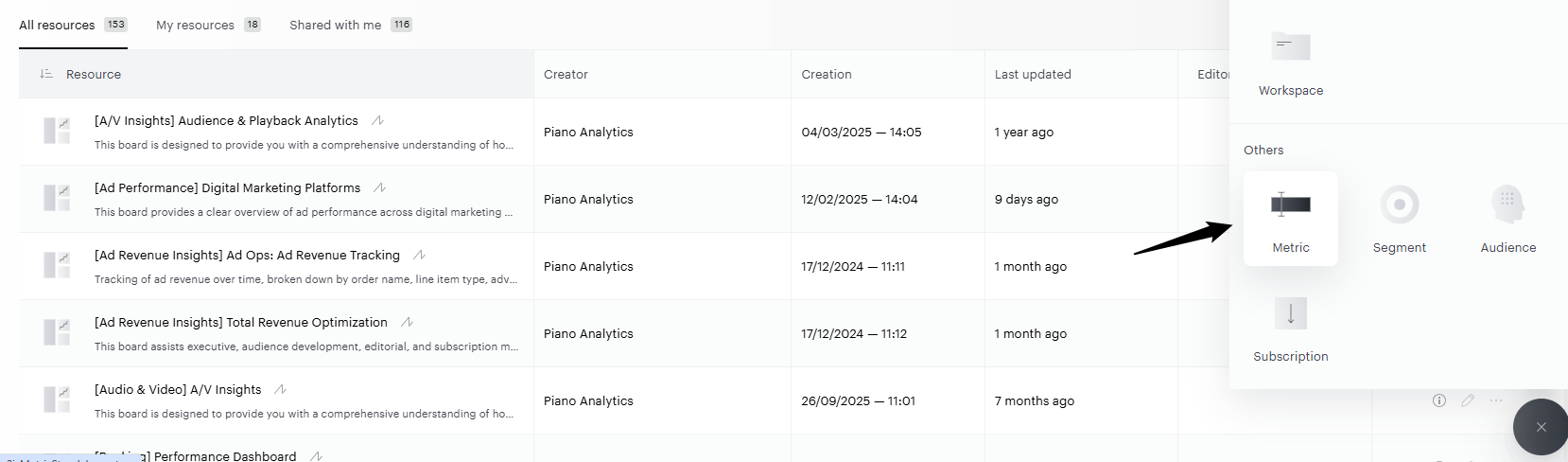
You can use custom metrics everywhere you use standard metrics. You can only create them from Data Query or from the Library.
Where to use a custom metric
|
Where |
How you use it |
|---|---|
|
Explorer |
Select the custom metric in your analyses like any other metric. |
|
Data Query |
Add it to a report, in the metrics list. |
|
Boards |
Show it in a tile, through a report that uses it. |
|
API calls |
Use its |
For example, you create a "Visits from France" metric once. Your colleagues can then add it to their reports and boards, and a developer can request it through the API.
The metric key is the name used in the API. It's set when you save the metric and can't be changed afterwards, so choose it carefully.
Where to create a custom metric
You can create custom metrics from two places:
-
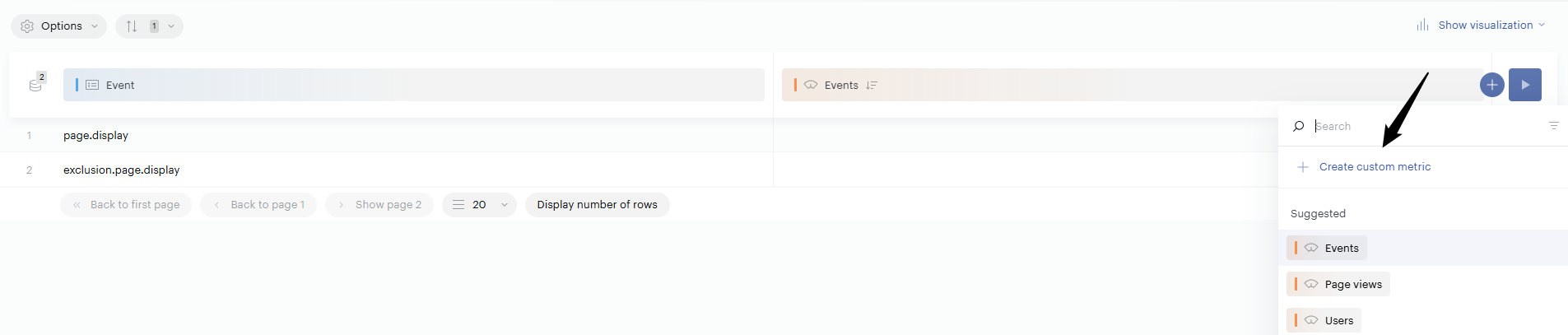
Data Query: build the metric directly in your report.
-
Library: create it from the Library, which also lets you manage your saved metrics.