
Navigate to Settings → User Account and you will land on the User Account Settings page.
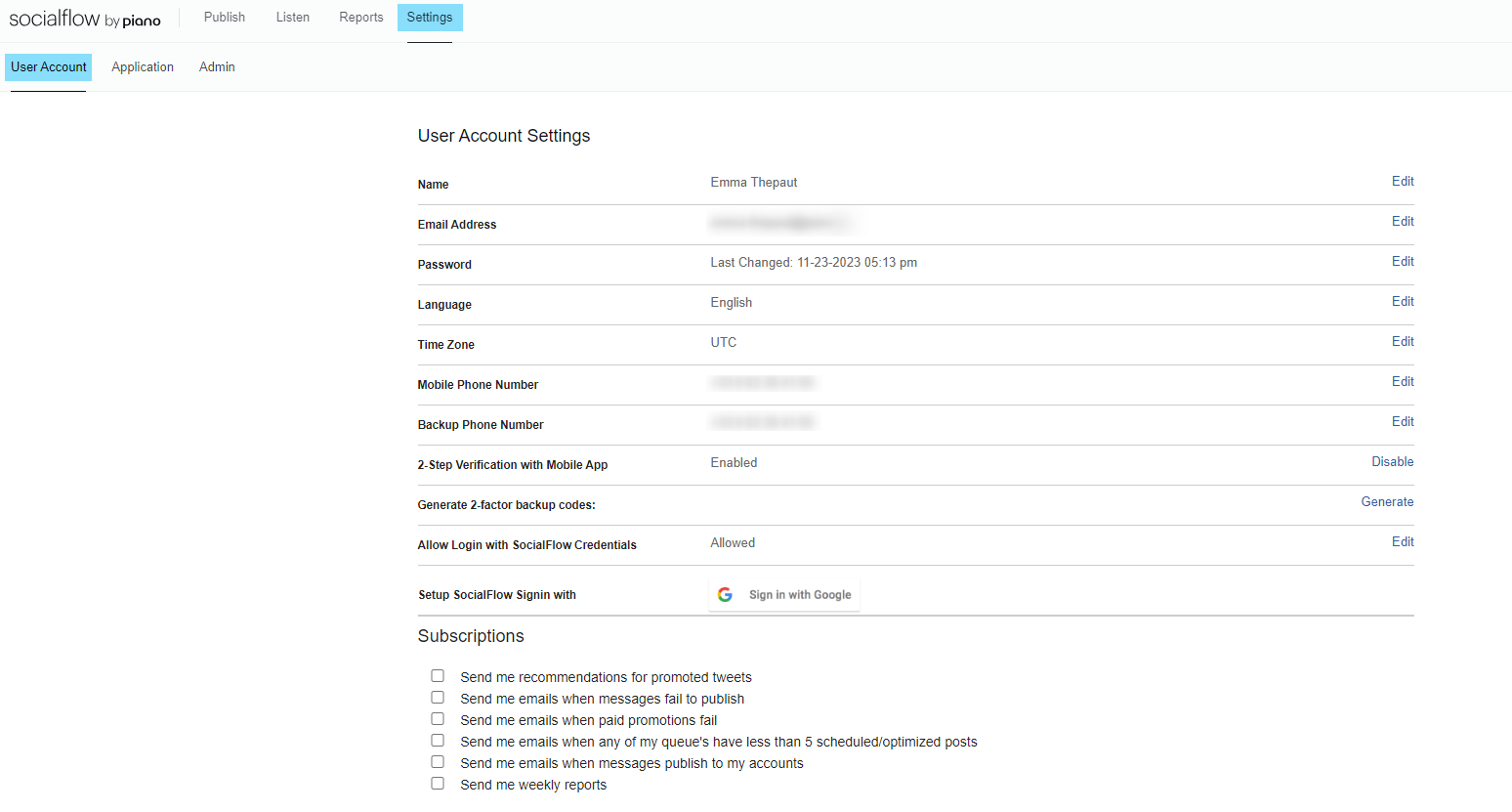
In the top section of this page, you can edit your name, email address, and password, as well as confirm your mobile number (which we can use to send you a code that will allow you to access your account should you get locked out).
This section will also allow you to edit the language and time zone for your PERSONAL SocialFlow account.
There are also some security options in this section. You will have the ability to enable or disable 2-Step Verification, generate 2-factor backup codes (which can also be used if you are locked out of your account), and enable or disable logging in with SocialFlow credentials. You can also link your Google account.
Subscriptions
The middle section of this page will feature email subscriptions to which you can opt-in and out.
You can choose to receive emails when a post does particularly well and is recommended for promotion, for messages that fail to publish, for when messages do publish, etc., as well as opt in to receiving weekly progress reports from the platform.
These subscriptions will apply to ALL publishing accounts to which you have access.
Client Accounts
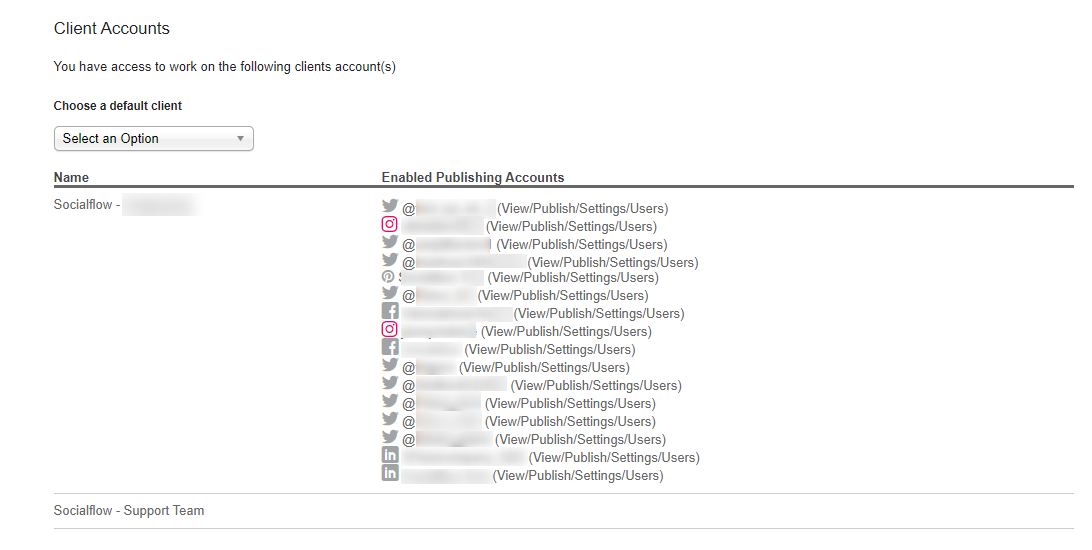
The bottom section of this page displays the publishing accounts within SocialFlow to which you have access. If you have access to more than one account, you can choose a default client by selecting one from the dropdown list at the top of this section.
Your default client will be the account that automatically appears when you first log into the platform, but you will still be able to toggle among all of the other clients you have access to.