In some cases, a large company using SocialFlow may have their regions or teams set up as separate “clients” within our platform to make division easier to accommodate.
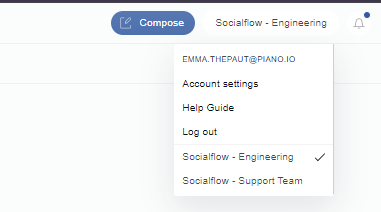
If you have access to multiple divisions or clients within SocialFlow, you will see those listed in a drop-down on the top right, next to the compose box, under your default client name.
If you click the client name, it will open the client drop-down. From here you can select which client you wish to view.
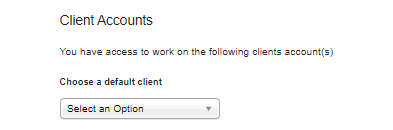
You can also change your default client by going to your Settings/User Account page and scrolling down to the Client Accounts section. The Client Account selected from this drop-down will be the default one to appear when you log in.