
Why does content potentially expire?
RSS feeds have expiration settings in Socialflow so that you can be sure that, if some of the content pulled in is not used, it will not linger in the queue forever. It's a good idea to keep your queue up to date with only the most relevant content.
Additionally, any message that is set to Optimized / Can Send has the ability to expire if the message is not published by the end of the Optimized time window. This can occur if there are too many messages in the queue that our system cannot publish them all in the time frame allowed. Can Send is considered lower in priority so our system will ensure other types of messages are sent first.
Where does the expired content go?
When a message expires it is moved from the Queue on the Publish Page to a column on the Listen page.
To find the expired message, just go to the Listen Page and select the relevant social account on the left side.
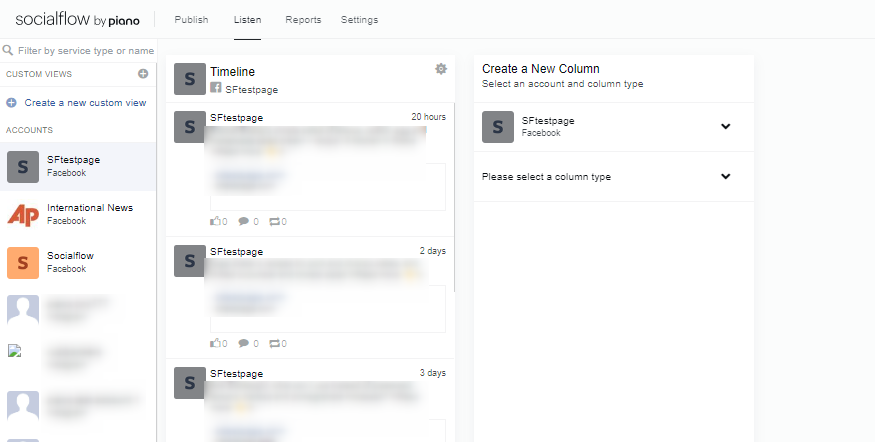
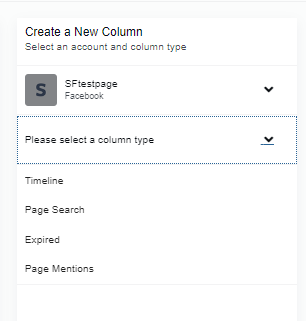
Then click on Please select a column type on the right side and choose Expired.
This will open the Expired column:
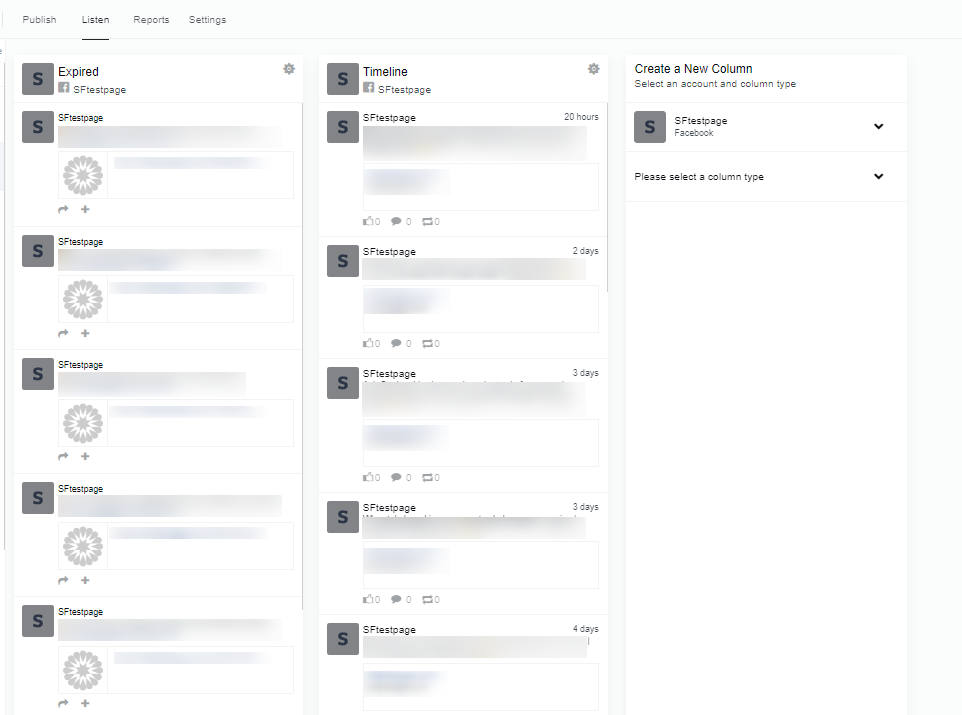
Any messages you see here that are still worthy of publishing, can be sent back to the Queue for another chance. Just click the arrow icon under the message and choose if you want the message sent back on Hold for editing, or back on Optimize so that our system can start looking to publish it without additional steps.