Adding content fields
To create variants of a template, go to the Content Fields tab within the template manager.

Click on Add new content field. Enter a name and value for the content field. Make sure not to include spaces in the name of your field.

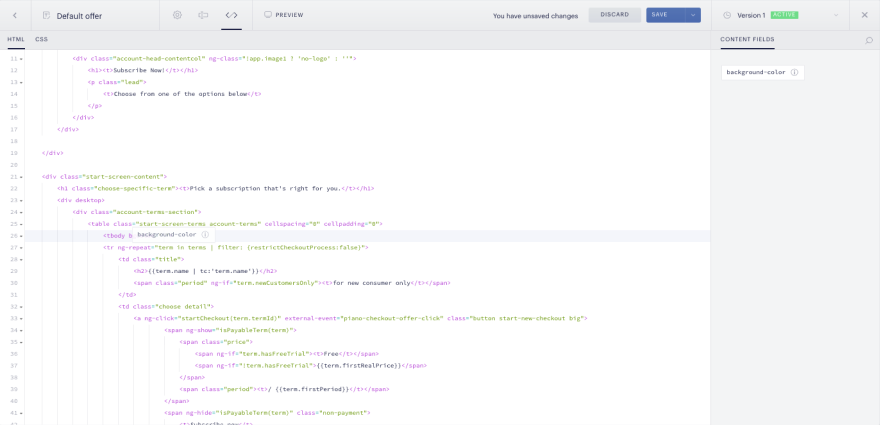
Then go into the template’s code by clicking the (</>) tab and drag the content field into the proper area within the code.
Creating variants
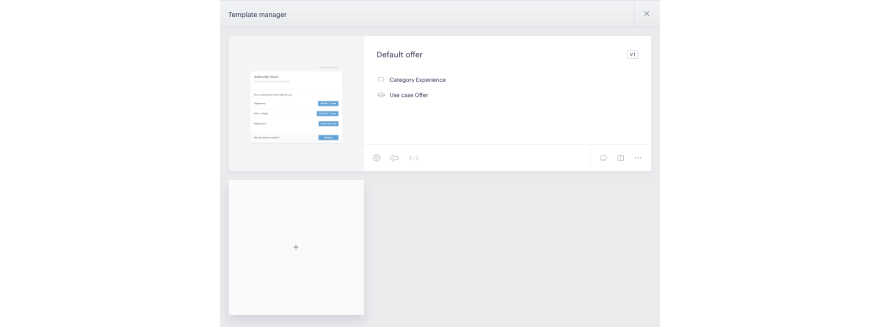
Click into the template you would like to create variants for. Before you can add variants, your template must have at least one content field. Click the plus sign to add a variant.
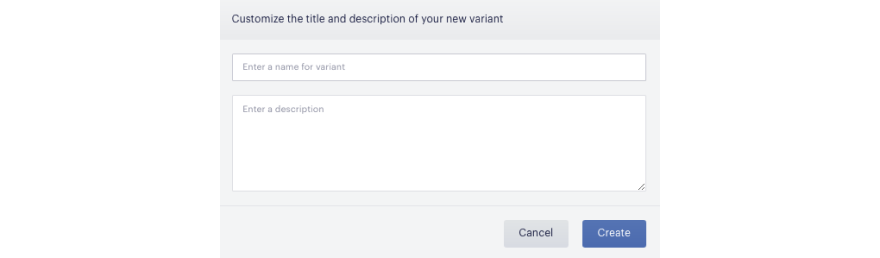
Enter a name and description for your variant and then click Create.
There are two ways to edit the content fields of a variant. First, you can click on the individual variant to get to the variant detail screen and then select the pencil (Manage) in the upper right-hand corner.
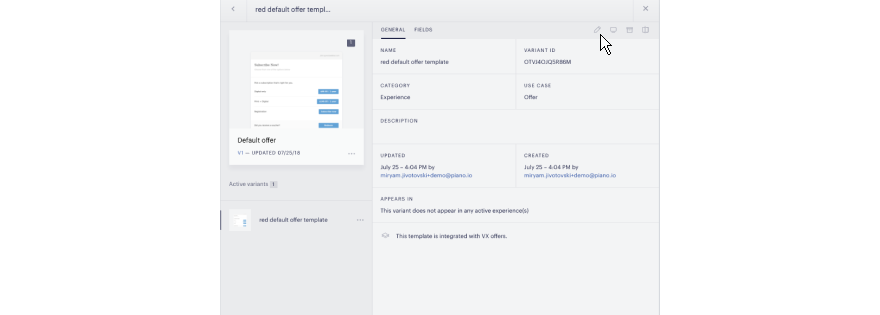
You can then select the Content field ( 
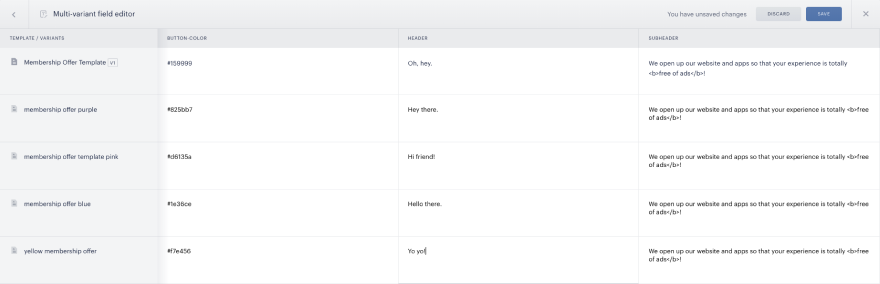
To edit all of your variants, simply click on Edit all variants in the template manager.