Example 2b - Resizing to content size (pixel resizing)
In many cases, the response content can be of varying size, and the layout of the page will look bad if there are too much whitespace shown.
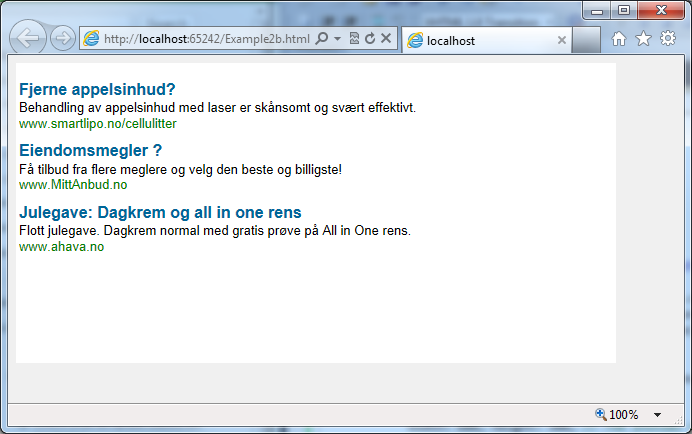
E.g. in this example, our initial iframe size is 600px x 300px:
It looks bad, because there's too much whitespace.
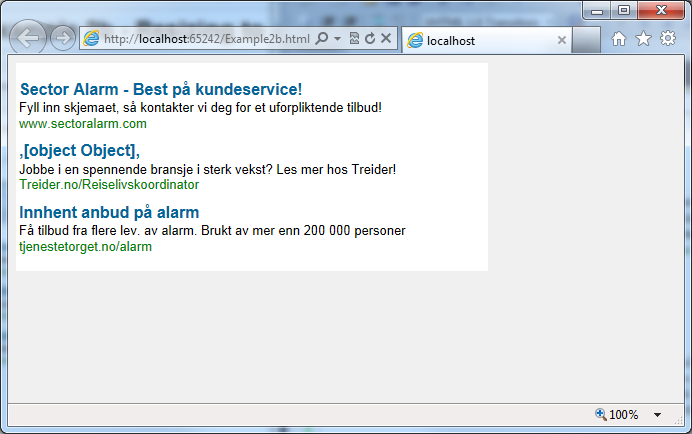
But there is a mechanism to resize the iframe after the content size is known. When we do that, our output is more like we want it:
The way to do this, is to:
Add the "resizeToContentSize: true" flag to the ad / widget tag
In the rendering template, after the content has been rendered, measure it and report the actual content size back to the parent frame
Here is an example code that does this.
The ad tag:
<!-- Ad tag begin -->
<div id="insertAdSpaceBeforeThis_0000000000a33e25" style="display:none"></div>
<script type="text/javascript">
    (function() { try { var scriptEl = document.createElement('script'); scriptEl.type = 'text/javascript'; scriptEl.async = 'async';
    scriptEl.src = ('https:' == document.location.protocol) ? 'https://scdn.cxense.com/cx.js' : 'http://cdn.cxense.com/cx.js';
    var targetEl = document.getElementsByTagName('script')[0]; targetEl.parentNode.insertBefore(scriptEl, targetEl); } catch (e) {}; }());
</script>
<script type="text/javascript">
    var cX = cX || {}; cX.callQueue = cX.callQueue || [];
    cX.callQueue.push(['insertAdSpace', {
        adSpaceId:'0000000000a33e25',
        width: 600, height: 300, // The initial size
        resizeToContentSize: true, // Allow the template to resize this iframe by pixel size
        renderTemplateUrl: 'Example2b_template.html'
    }]);
</script>
<!-- Ad tag end end -->
The rendering template code:
<!DOCTYPE html>
<html>
<head>
    <title>Resize to content size example template</title>
    <style type="text/css">
        html, body { padding: 0; margin: 0; background-color: White; }
    </style>
</head>
<body>
    <!-- Include the cx.js script -->
    <script type="text/javascript" src="http://cdn.cxense.com/cx.js"></script>
    <!-- Main page structure -->
    <div id="adSpace"> <!-- This is the div that is measured -->
        <!-- The ads are inserted into this div: -->
        <div id="adTarget">
            <!-- This is the invisible template that is used to instanciate the ad -->
            <div id="adsTemplate" class="template">
            <!--%
            var ads = data.searchResult.spaces[0].ads;
            for (var i = 0; i < ads.length; i++) {
                var ad = ads[i];
                %-->
                <div class="adUnit">
                    <div><a tmp:href="{{ad.clickUrl}}" target="_blank">{{cX.getAllText(ad.creative.title)}}</a></div>
                    <div><a tmp:href="{{ad.clickUrl}}" target="_blank">
                    <!--% for (var j = 0; j < ad.creative.content.length; j++) { %-->
                        {{cX.getAllText(ad.creative.content[j])}}
                        <br />
                    <!--% } %-->
                    </a></div>
                    <div ><a tmp:href="{{ad.clickUrl}}" target="_blank">{{ad.creative.displayUrl}}</a></div>
                </div>
                <!--%
                }
            %-->
            </div>
        </div>
    </div>
    <script type="text/javascript">
        function sendParentResizeMessage() {
            // Measure content width and height, and resize this IFRAME now that content size is known:
            var contentEl = document.getElementById('adSpace');
            var hashArgs = cX.parseHashArgs();
            var message = 'method=updateAdSpace'
                + '&contentWidth=' + (contentEl.clientWidth || contentEl.offsetWidth)
                + '&contentHeight=' + (contentEl.clientHeight || contentEl.offsetHeight)
                + '&elementId=' + encodeURIComponent(hashArgs.parentElementId);
            // It's safe to use '*' as targetOrigin here, because the message content is not secret.
            cX.postMessageToParent(message, '*');
        }
        cX.insertAdSpace({
            templateElementId: 'adsTemplate',
            targetElementId: 'adTarget',
            forwardHashArgs: true,
            onImpressionResult: sendParentResizeMessage
        });
    </script>
</body>
</html>