
Geography template provides the ability for Advertisers to target their audience using geographic locations.
Product managers can specify the scope of the targeting usage - for the entire Campaign and/or individual Advertisements.
You can also control whether the adserver will navigate through the taxonomy matching locations further up the tree. For example, if an advertiser sells pizza in San Francisco and a user searches for "pizza, soho" the adserver will match pizza restaurants in SOHO and San Francisco. You can see this option in the screenshot below.
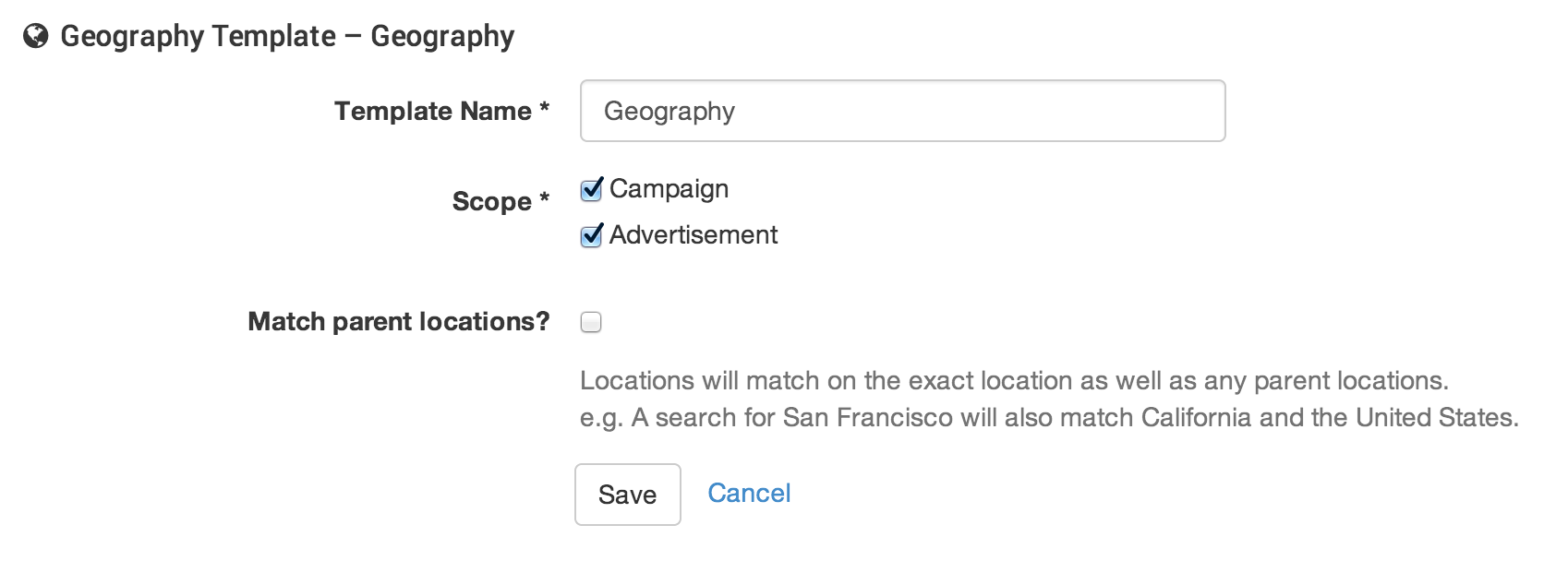
Here's a table containing examples of how the 'Match parent locations?' setting affects geographic targeting:
|
Ad Targeted To |
User Location Without Parents |
Ad Matches Without Parents? |
User Location With Parents |
Ad Matches With Parents? |
|---|---|---|---|---|
|
Spain (Country) |
Barcelona (City) |
False |
Barcelona (City), Barcelona (Region), Spain (Country) |
True |
|
Madrid (City) |
Barcelona (City) |
False |
Barcelona (City), Barcelona (Region), Spain (Country) |
False |
|
Barcelona (City) |
Barcelona (City) |
True |
Barcelona (City), Barcelona (Region), Spain (Country) |
True |
|
Barcelona (Region) |
Mataro (City) |
False |
Mataro (City), Barcelona (Region), Spain (Country) |
True |
Geo Matching within Cxense Advertising
A User's current location is used for Geo Targeting, specifically user-country, user-region, and user-city are sent as location parameters (e.g. l=Oslo, Norway).
You can read more about usage and how to specify Request params in the Search REST and JavaScript API pages.
Keyword or Location ?
Some inventory may contain references to locations, for example, a page entitled "The 30 best beaches in the Australia". This contextual information is not used by Geo Location Matching, but is instead added to a User's interest profile. Advertisers can add these locations as Keywords to match users interested in these locations.