Create a Combo product that includes all the media used in the rich media ad
Create an AdSpace to serve the product
Create a Campaign and an Ad with the required media
Add rendering code to the publisher page
You can do the same with expanding Flash ads, or combinations of expanding an image into a flash object or expanding flash into image.
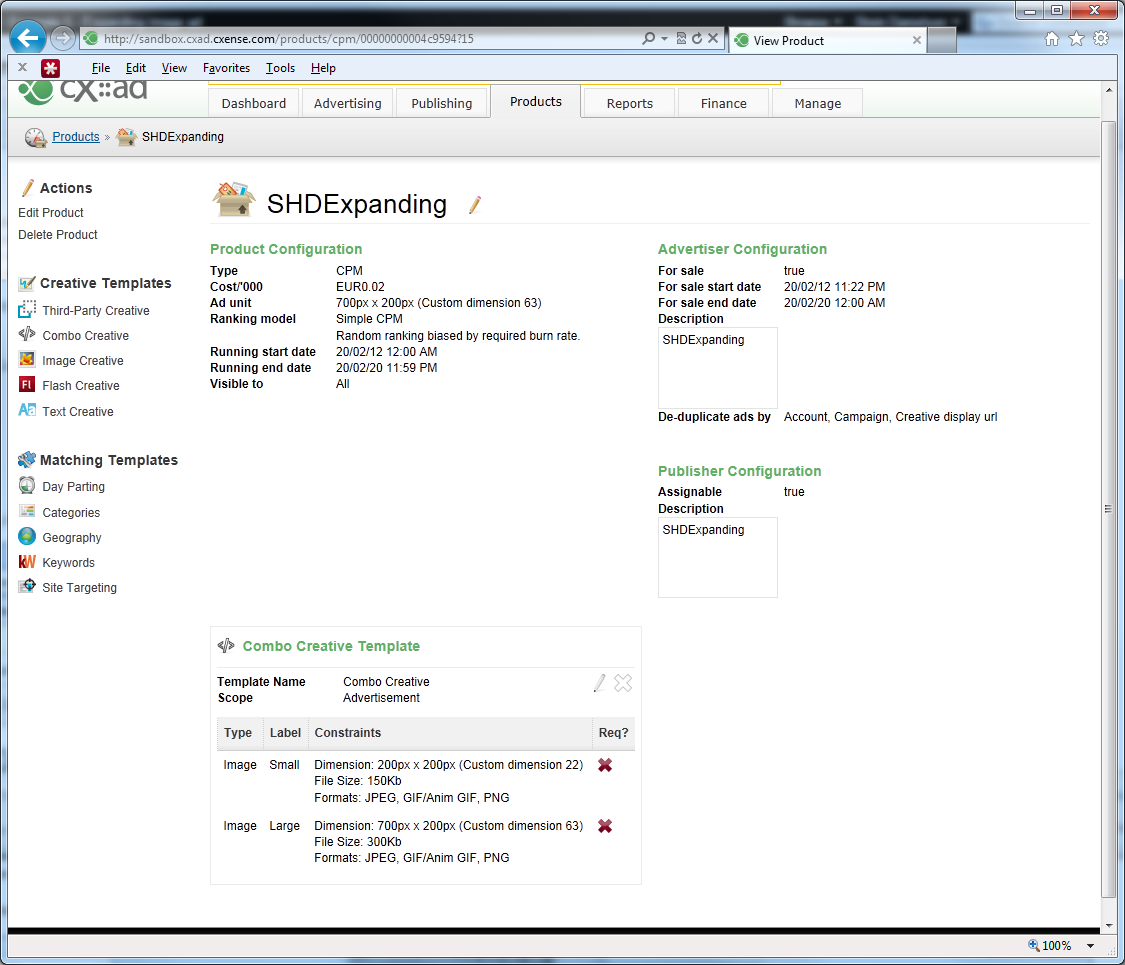
The product setup should look like the following (note the presence of the combo creative template, with two image creative specifications (the default and expanded images):
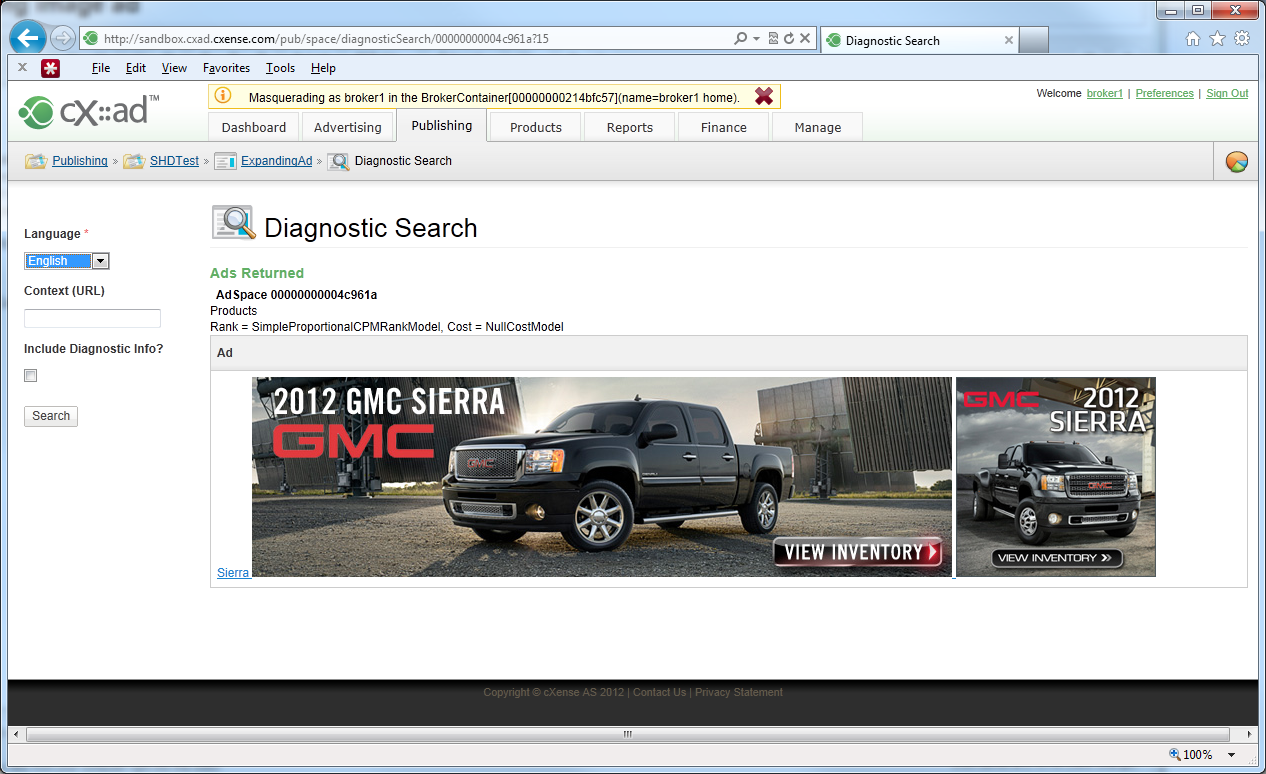
Diagnostic search should look something like this: (note diagnostic search simply returns the Creative content, without any layout markup, hence you will see the two creatives that will form the default and expanded Ad)
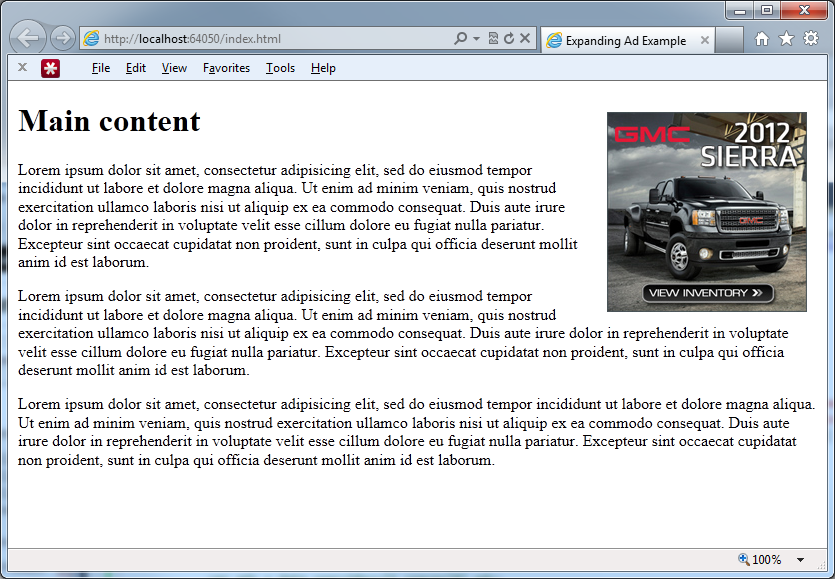
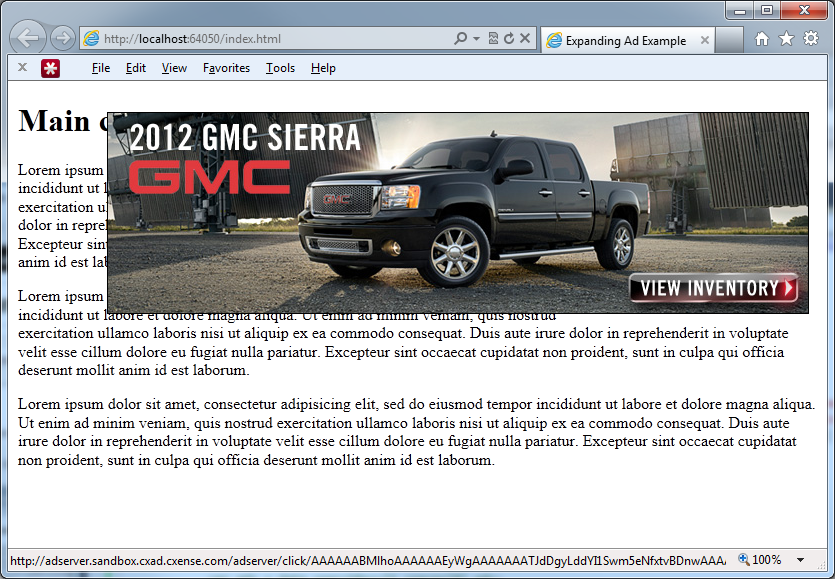
Finally, put code similar to this one on the publisher page:
<!DOCTYPE html PUBLIC "-//W3C//DTD XHTML 1.0 Transitional//EN" "http://www.w3.org/TR/xhtml1/DTD/xhtml1-transitional.dtd">
<html xmlns="http://www.w3.org/1999/xhtml">
<head>
    <title>Expanding Ad Example</title>
</head>
<body style="min-width:720px; margin: 10px; padding: 0; ">


    <!-- Expanding Ad Tag Begin -->
    <style type="text/css">
        #smallImageBox { float: right; position: relative; width: 200px; height: 200px; padding: 0; margin: 10px; }
        #largeImageBox { position: absolute; right: 0; width: 700px; height: 200px; padding: 0; margin: 0; display: none; }
        #largeImageBox a, #largeImageBox a:hover, #largeImageBox a:visited, #largeImageBox a:active { border: 1 solid black; color: Black; }
        #largeImageBox img { border: 1px solid black; }
    </style>
    <!-- The ads are inserted into this div: -->
    <div id="smallImageBox" onmouseover="document.getElementById('largeImageBox').style.display = 'block';">
        <!-- This is the invisible template that is used to instanciate the ad -->
        <div id="AdsTemplate"  style="display: none;">
        <!--%
            var ads = data.searchResult.spaces[0].ads;
            for (var i = 0; i < ads.length; i++) {
                var ad = ads[i];
                var smallImageSrc = '';
                var largeImageSrc = '';
                var images = ad.creative.images;
                for (var k = 0; k < images.length; k++) {
                    if (images[k].key === 'Small') { smallImageSrc = images[k].source; }
                    if (images[k].key === 'Large') { largeImageSrc = images[k].source; }
                }
                %-->
                <div id="largeImageBox" onmouseout="document.getElementById('largeImageBox').style.display = 'none';">
                    <a tmp:href="{{ad.clickUrl}}" target="_blank">
                        <img id="largeImage" width="700" height="200" tmp:src="{{largeImageSrc}}" alt=""/>
                    </a>
                </div>
                <img width="200" height="200" tmp:src="{{smallImageSrc}}" alt=""/>
            <!--%
            }
        %-->
        </div>
    </div>
    <!-- Insert AdSpace -->
    <script type="text/javascript">
        var cX = cX || {}; cX.callQueue = cX.callQueue || [];
        cX.callQueue.push(['insertAdSpace', {
            adSpaceId: '00000000004c961a',
            templateElementId: 'AdsTemplate',
            targetElementId: 'smallImageBox',
            backend: 'sandbox'
        } ]);
    </script>
    <!-- Load cx.js -->
    <script type="text/javascript">
        (function() { try { var scriptEl = document.createElement('script'); scriptEl.type = 'text/javascript'; scriptEl.async = 'async';
        scriptEl.src = ('https:' == document.location.protocol) ? 'https://scdn.cxense.com/cx.js' : 'http://cdn.cxense.com/cx.js';
        var targetEl = document.getElementsByTagName('script')[0]; targetEl.parentNode.insertBefore(scriptEl, targetEl); } catch (e) {}; }());
    </script>
    <!-- Expanding Ad Tag End -->


    <h1>Main content</h1>
    <p>Lorem ipsum dolor sit amet, consectetur adipisicing elit, sed do eiusmod tempor incididunt ut labore et dolore magna aliqua. (...)</p>

</body>
</html>