You can use the submitPayment callback to get the tax amount and then add your custom GA code to send it to your Google Analytics account.
tp.push(["addHandler", "submitPayment", function(data){
   //get taxAmount from term object
   var conversionTax = data.term.taxAmount;
   //send to GA
}]);
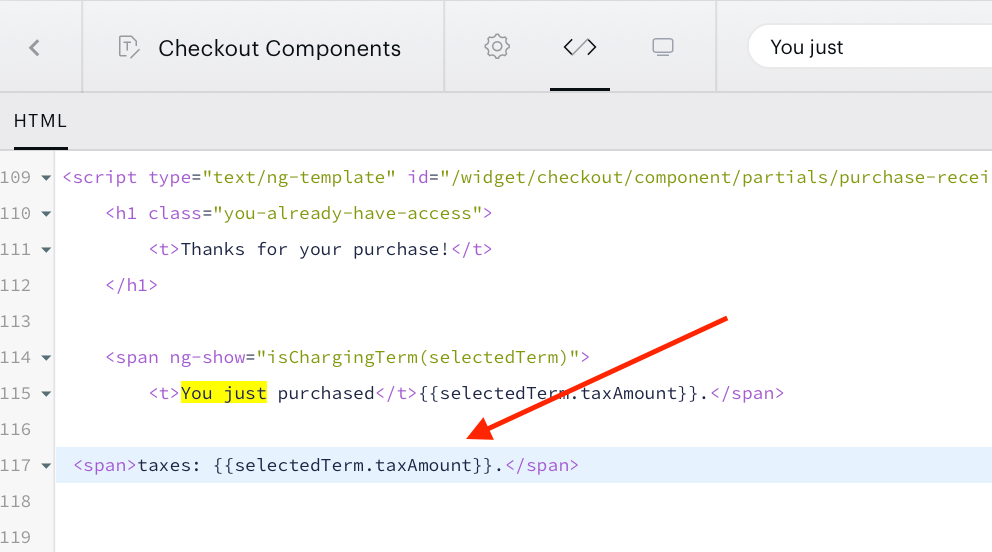
The tax amount is also available in the Checkout Components template under the variable {{selectedTerm.taxAmount}}:
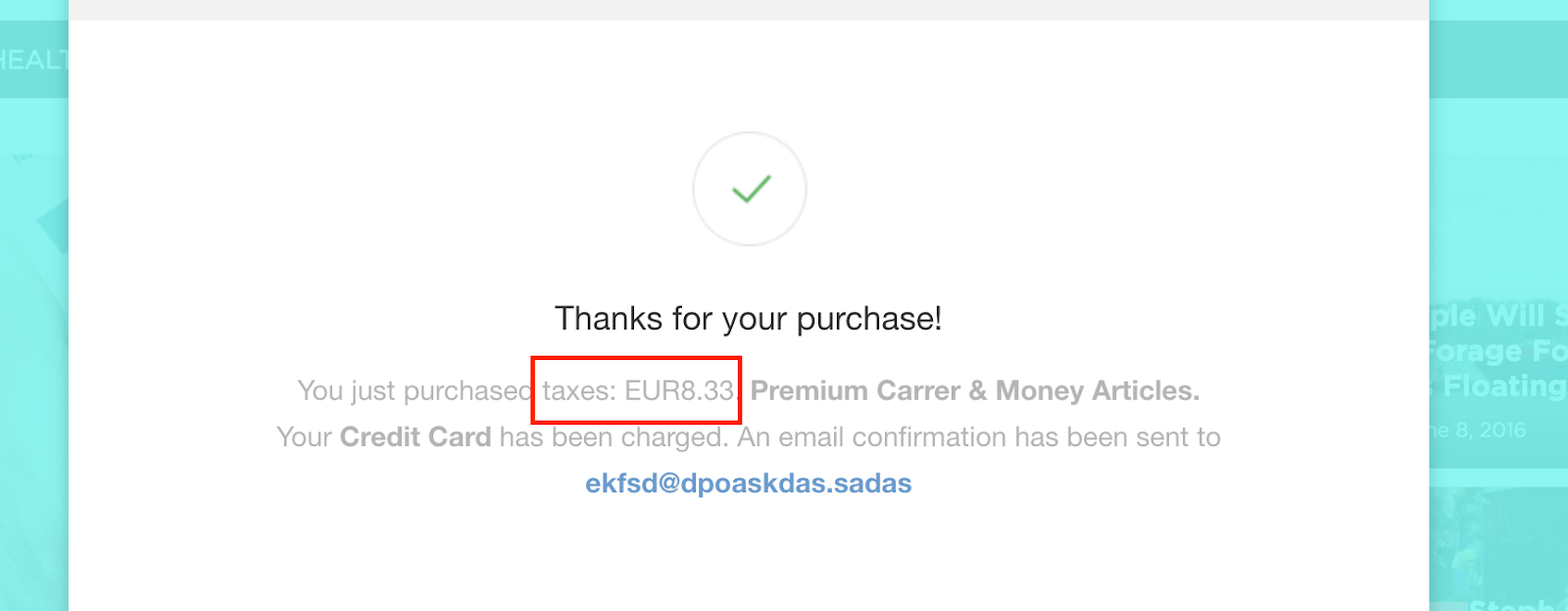
It will be shown on the Receipt template screen: