
It's possible to easily update a Site License Contract schedule via the UI in the Piano dashboard under Manage → Site Licenses:
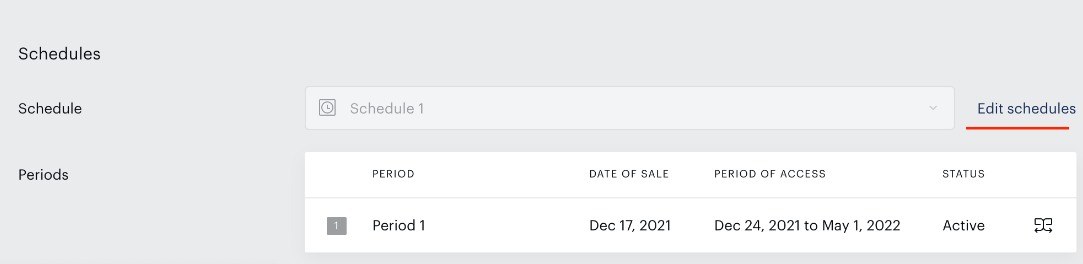
When doing this, you will be automatically prompted to also update the schedule for any active subscriptions. This will update all contract subscriptions/accesses linked to the schedule.
When doing the schedule update via API, it's necessary to execute 2 calls to API endpoints, so that the schedule will be changed and also any subscriptions with this schedule updated.
-
Call
/publisher/schedule/period/update(API docs) or/publisher/schedule/update(API docs) - to update the schedule -
Call
/publisher/licensing/schedule/contract/periods/activate(API docs) - to activate the updated schedule for any active subscriptions/accesses for theschedule_idspecifiedIf you'd like to update the schedule only for a specific contract, you can do so by calling the endpoint
/publisher/licensing/contract/periods/activate(API docs) with the relevantcontract_id