
LIGHTWEIGHT TEMPLATES
Lightweight templates support Global templates and they work in the same way as Classic templates.
In order to make a Lightweight template global in the parent application and deploy it as an inherited template in the child application, you need to do the following steps:
-
Ensure You Have Global Admin Permissions
Only users with global admin privileges can manage and deploy global templates. This is configured through the Team Manager, where "Global admin" can be granted from the permissions drop-down. -
Make the Template Global (Push to Global Library)
-
Navigate to Manage → Templates in the source application.
-
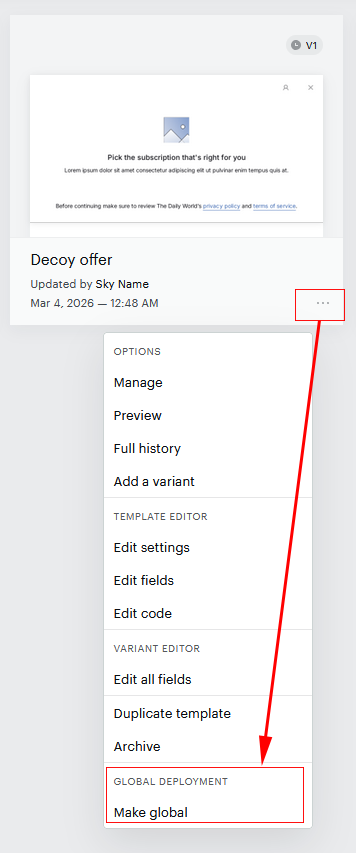
Click the ellipsis / 3 dots (⋯) on the template card to open the options menu.
-
Under the Global deployment category, click Make global.
-
Confirm the action in the confirmation modal by clicking Continue.
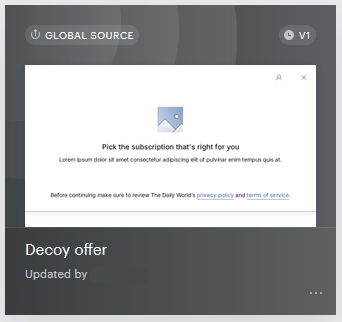
A Global source icon will appear on the template card, indicating it is now available in the Global Library.
This feature only applies to Experience templates (Offer templates).
-
-
Deploy the Global Template to Other Applications
-
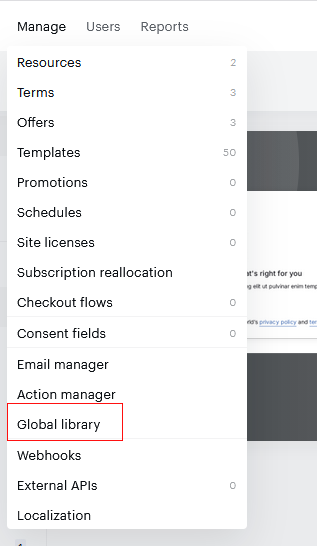
Navigate to Manage → Global Library → Templates.
-
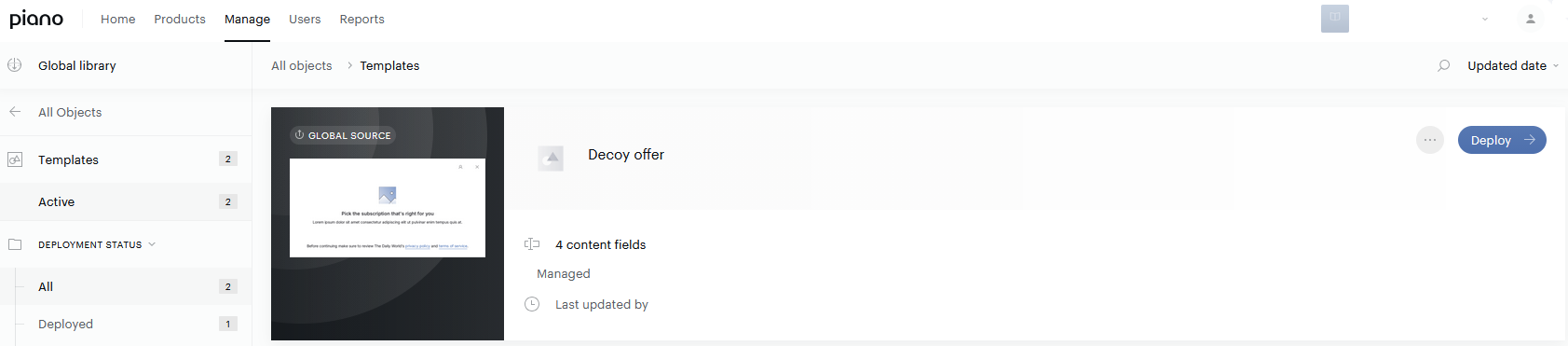
Click the blue Deploy button on the template you want to distribute.
-
Select the applications you want to deploy the template to (up to 999 applications).
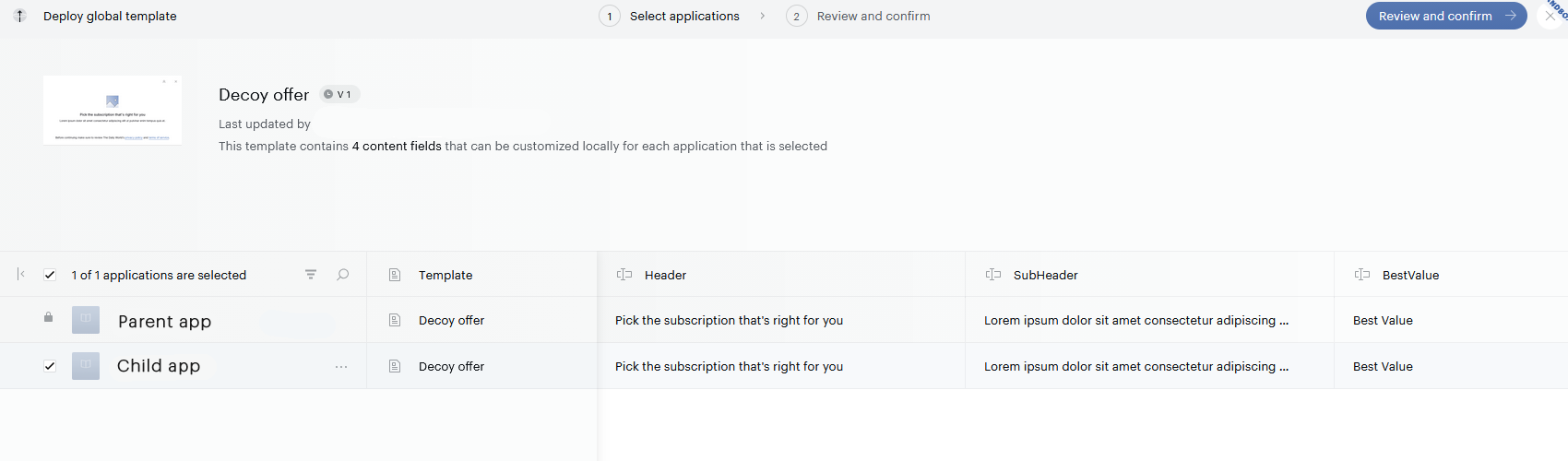
-
Optionally, adjust content field values for each application.
-
Click Deploy and confirm in the dialogue.
-
Wait for the Deployment completed message before closing the window.
-
Once deployed, the template appears in each target application's Template Library with a distinct styling indicating it is inherited.
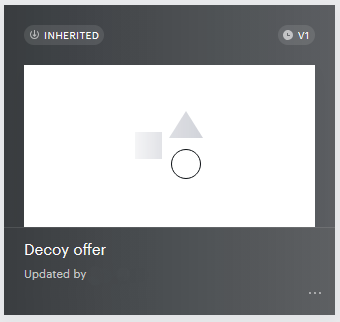
The following limitations apply:
|
Action |
Available? |
|---|---|
|
Edit content field values |
✅ Yes |
|
Edit HTML/CSS code |
❌ No |
|
Edit names, descriptions, or content field structure |
❌ No |
|
Archive (for that app only) |
✅ Yes |
|
Duplicate (creates a local, independent copy) |
✅ Yes |
If you update the global (source) template, those changes must be redeployed to propagate to the inherited templates in other applications. Variants also need to be added manually to inherited templates — they are not deployed automatically.
For further details, consult the Global templates documentation.