
Most segment configurations can be done using the Piano Audience Basic mode. For more complicated logic, of segment criteria, there is an advanced mode.
In the Advanced mode, you can configure criteria based on filters by editing code. The start and stop parameters stand for Recency. Note that here you can set time both in days and in hours.
The field for entering the segment configuration has a built-in scheme verification - if the criteria you entered are not valid, you'll see the red checkmark:
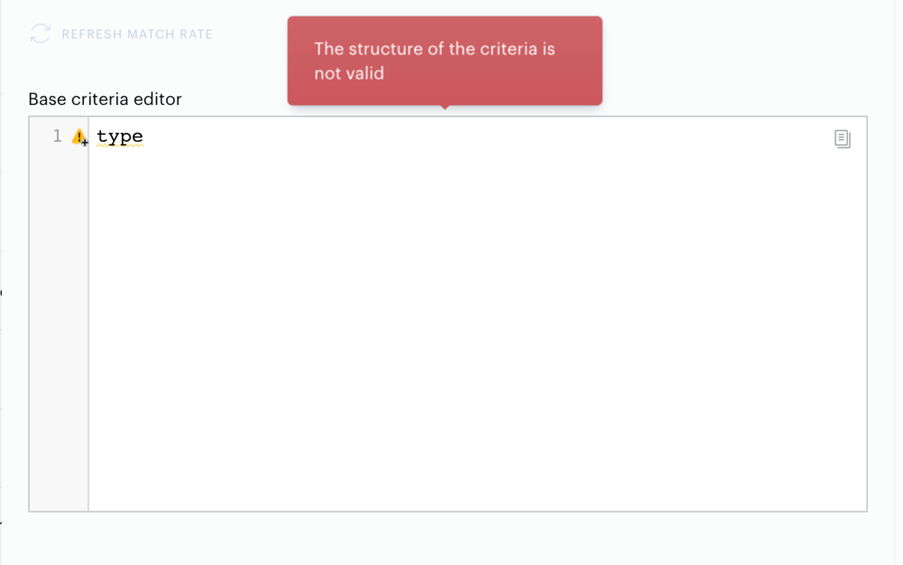
As long as your configuration is supported by the Basic mode, you may switch between the two modes of Segment Builder; if the criteria entered in the Advanced mode can no longer be visualized, the Basic mode will display errors in the criteria list.
If you keep encountering errors or need help with the Advanced mode, please contact the Piano support or your onboarding specialist.