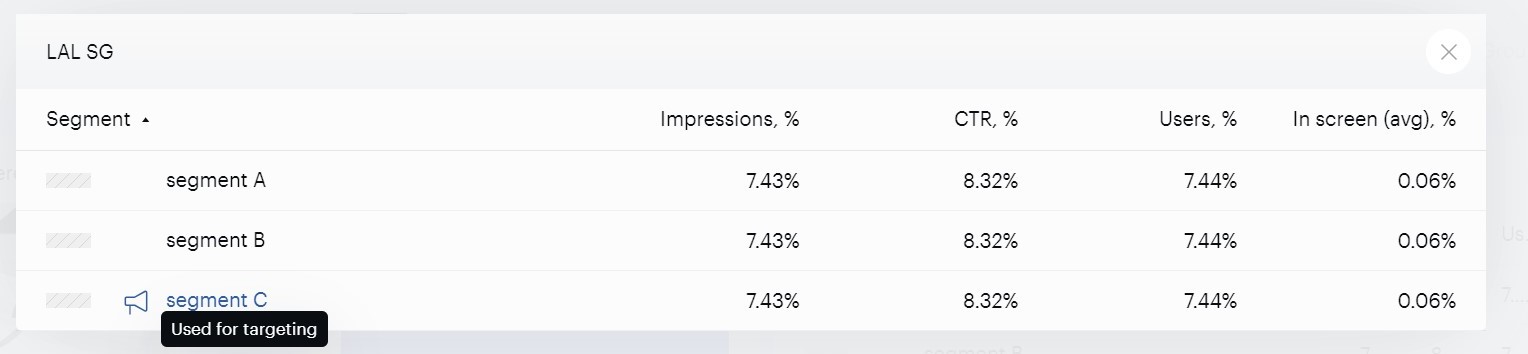
Overview
Every day Piano Audience automatically exports segments to various platforms (e.g., SSP and DSP), data providers and social networks. Among such importers are ad servers where segments are used to target marketing campaigns.
When you have set up your Campaign reporting connection with an ad server (GAM in our example), your segment data gets imported from your ad server regularly and can be found in the following parts of Piano Audience:
-
The Audience insight report of Campaign reporting
Segment list and Segment builder
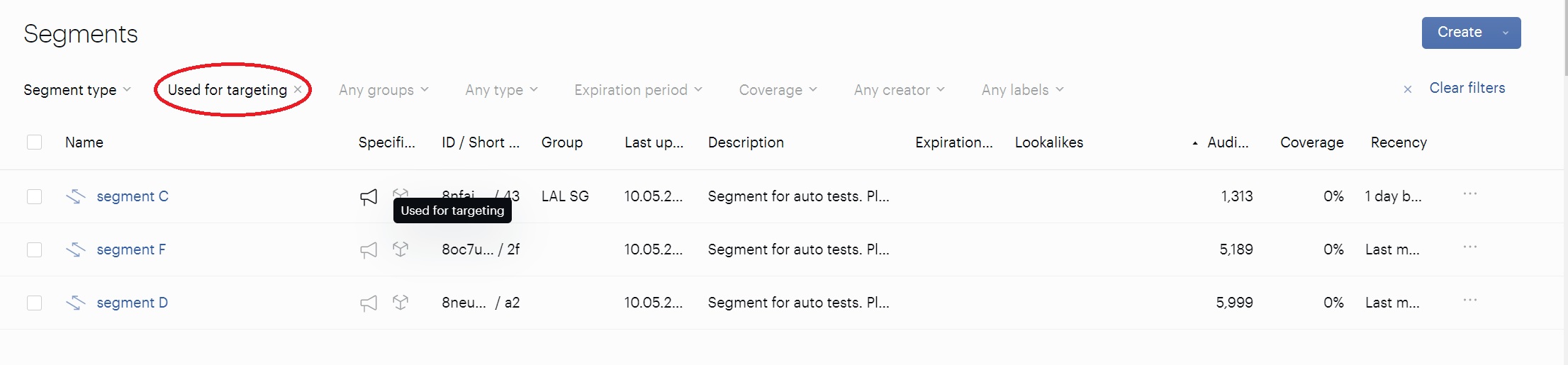
Our system considers a segment to be in use by an ad server if the status of the segment’s campaign row is active (this status is updated every few hours). Such segments are marked with a special icon and can be selected with a Used for targeting filter on the Segments list page.
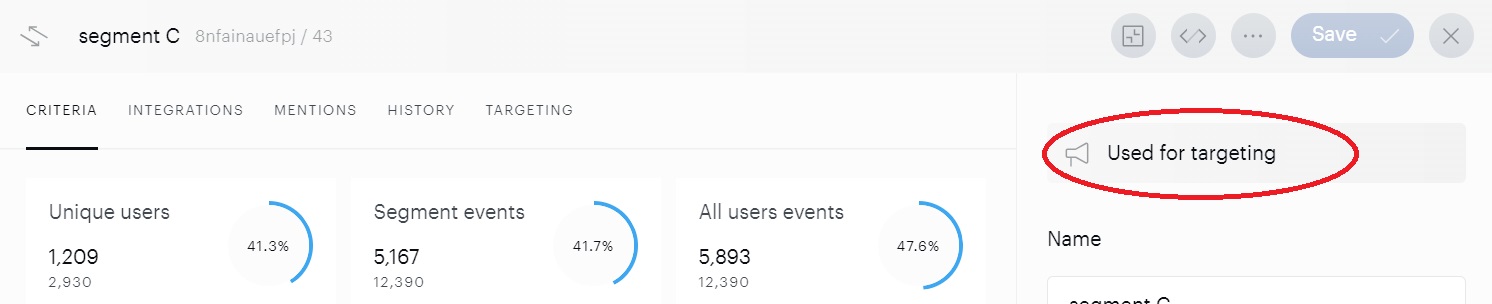
Targeting is also indicated in Segment builder.
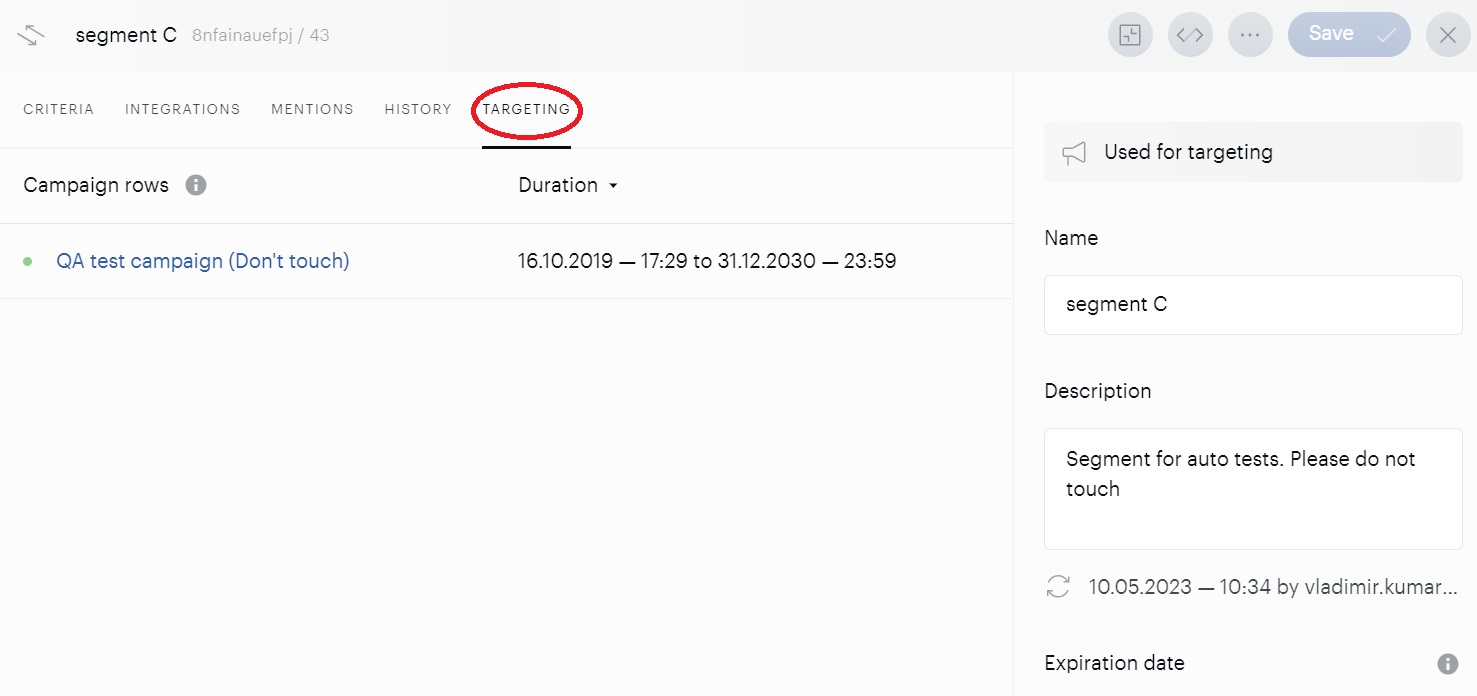
Besides, regardless of the current status, a segment that has been used for targeting within the last 90 days, gets a Targeting tab with a list of campaign rows that used it within 90 days. The name and duration are stated for each campaign row.
You can click the name of a campaign row to open its Overview tab.
Audience Insight
Here, segments of the current campaign row that have been used are also marked with the special icon. Clicking a labeled segment will forward you to Segment Builder.