
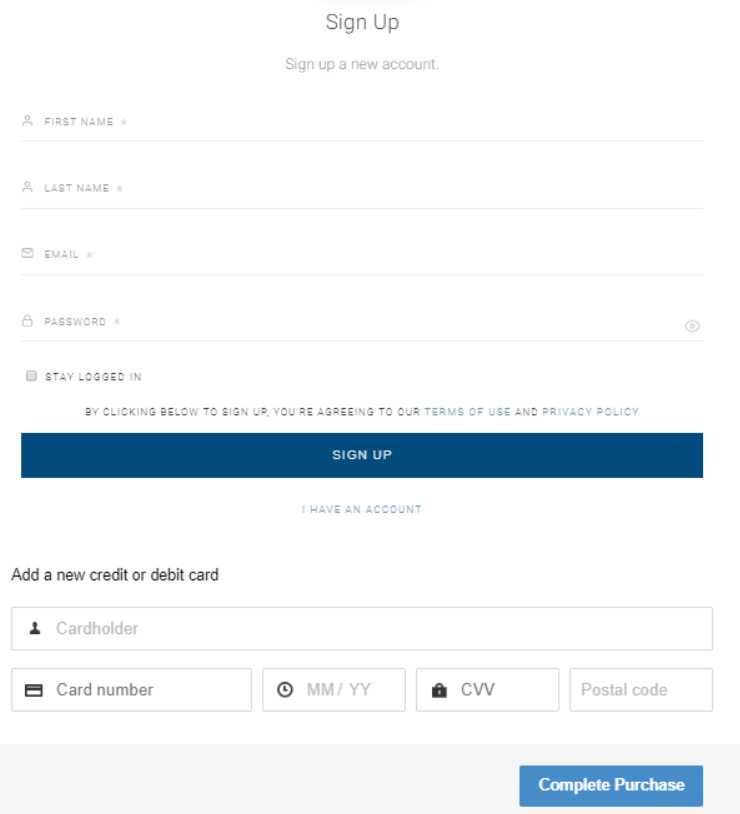
For Identity Management, the login/registration form can be displayed either prior to the checkout template, in a separate window, or inside the checkout template on the same screen as the payment details input fields.
As an example, inside the checkout template, the screen may look like this:
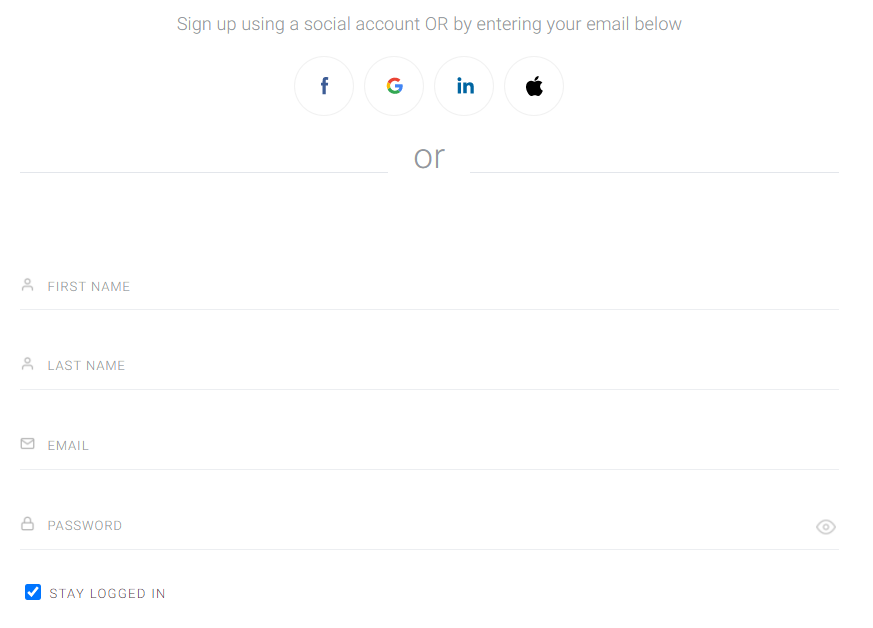
If it's outside the checkout, there are two separate screens.
First, there is the registration (or login) screen:
And once a user logs in or registers, they are taken to a second screen to enter their payment details:
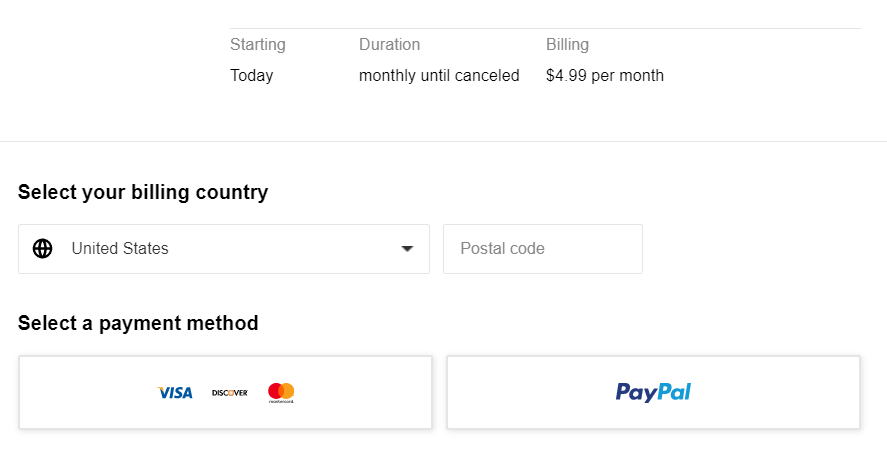
This behavior is controlled by the Checkout authentication in separate state setting in the Edit Business section:

-
If enabled: The checkout process is split into two separate screens.
-
If disabled: Registration/Login and checkout appear on a single screen.
You can find more details about configuring form behavior here.