
By default, in the checkout the user sees the resource name of the term selected from the offer on your website.
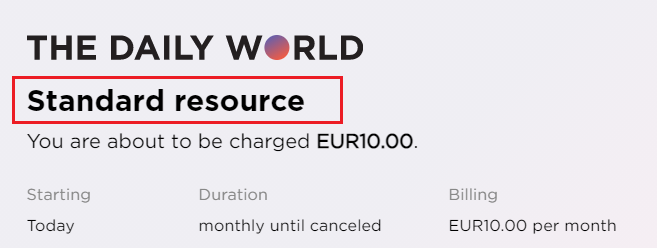
In order to show the term name instead, you can update the Checkout template's code for the <h1> from:
HTML
<h1>{{selectedTerm.resource.name | tc:'resource.name'}}</h1>
To:
HTML
<h1>{{selectedTerm.name}}</h1>