
Overview
This integration is available only for clients who have the dasIntegration feature flag enabled.
Since this integration does not support cookie syncing, for the Server-side export option the client must ensure that External User IDs with the required prefix are uploaded into the Audience.
Configuring Piano Audience
Create a configuration
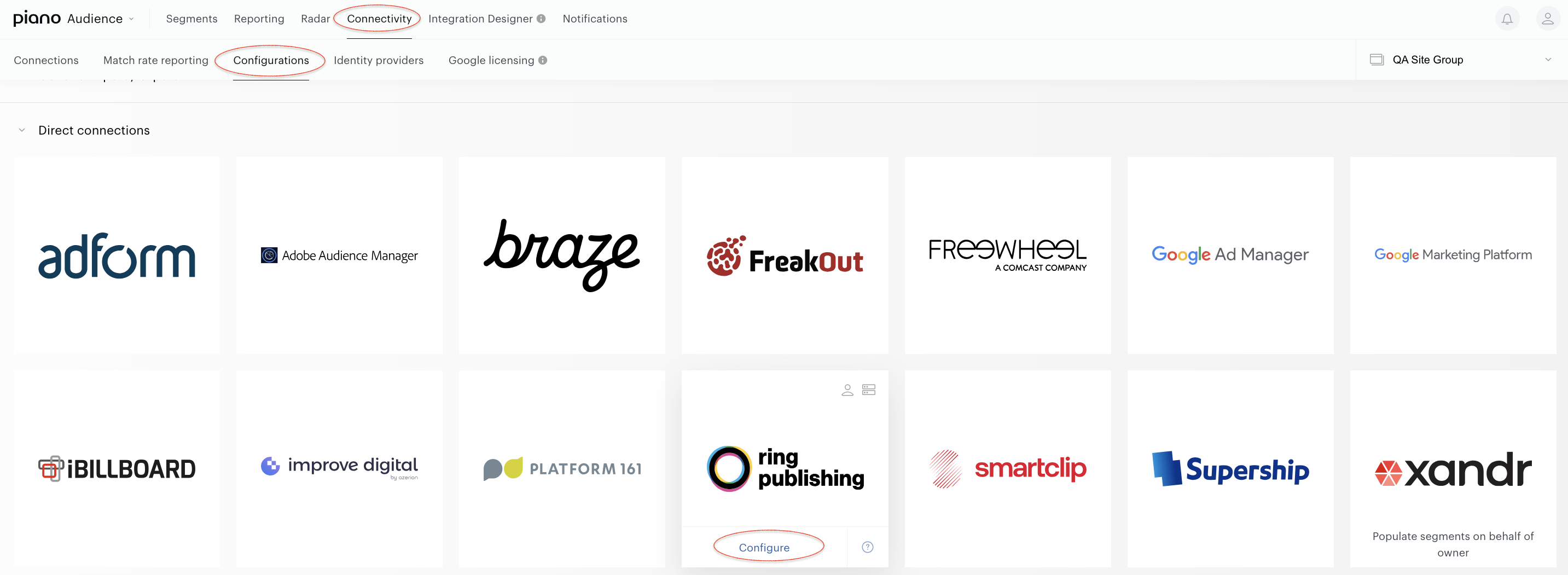
With your site group selected, from Piano Audience home page, go to the Connectivity tab → the Configurations tab →the Ring Publishing icon; click the Configure button.
Configure the connection
In the New Connection menu, the following parameters are available:
-
Project name: to be shown in Piano Audience only, intended to simplify managing numerous integrations.
-
Network code, Client login, and Client token: credentials that allow to connect to particular DAS account.
-
Type of synchronization: Client-side integration will send segments only, while server-side integration will also send members of those segments. If the Server-side option is selected, it is also mandatory to specify the prefix that the system will use to identify users for export.
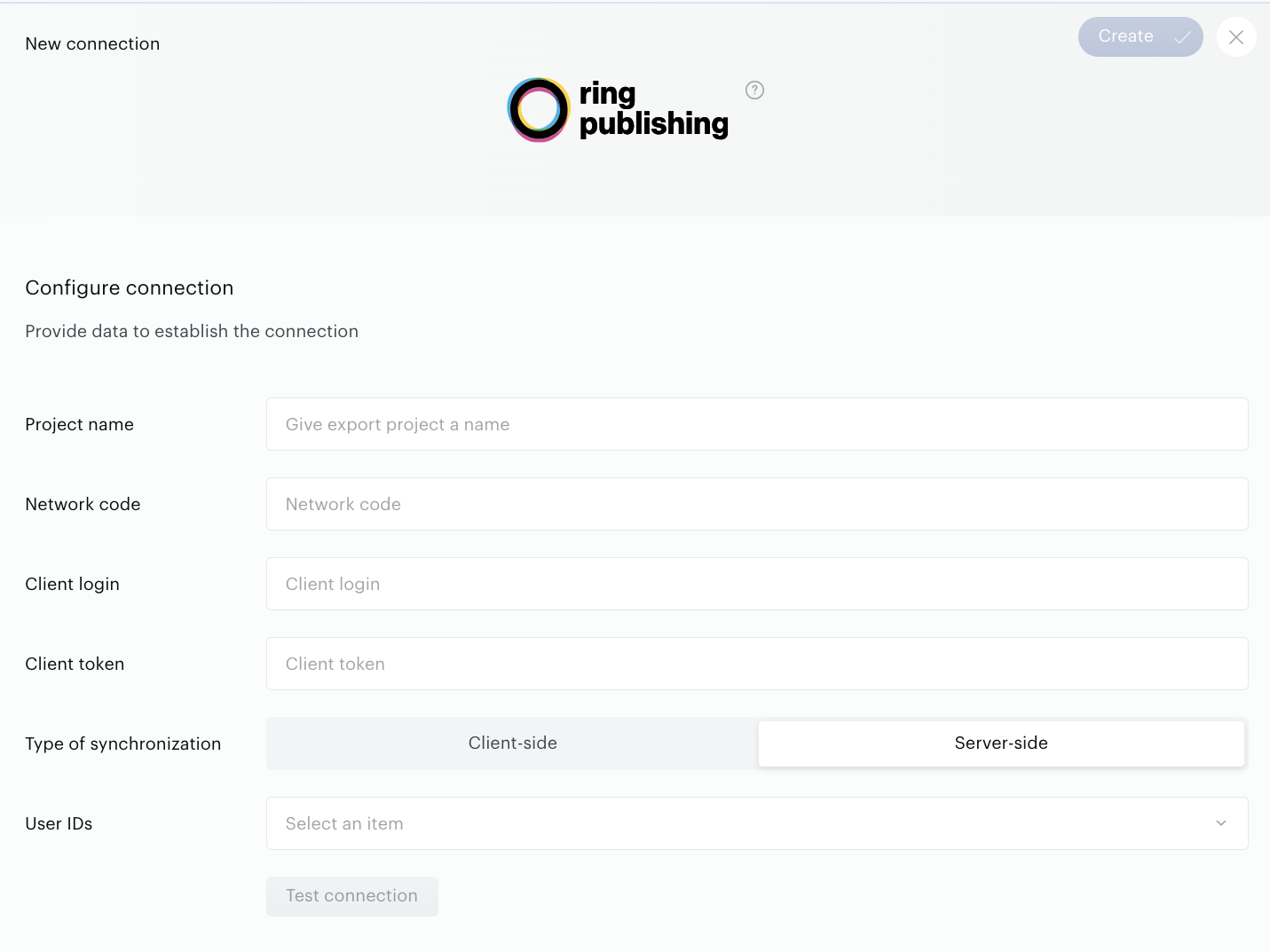
Set the parameters and click Test Connection.
Configure segments
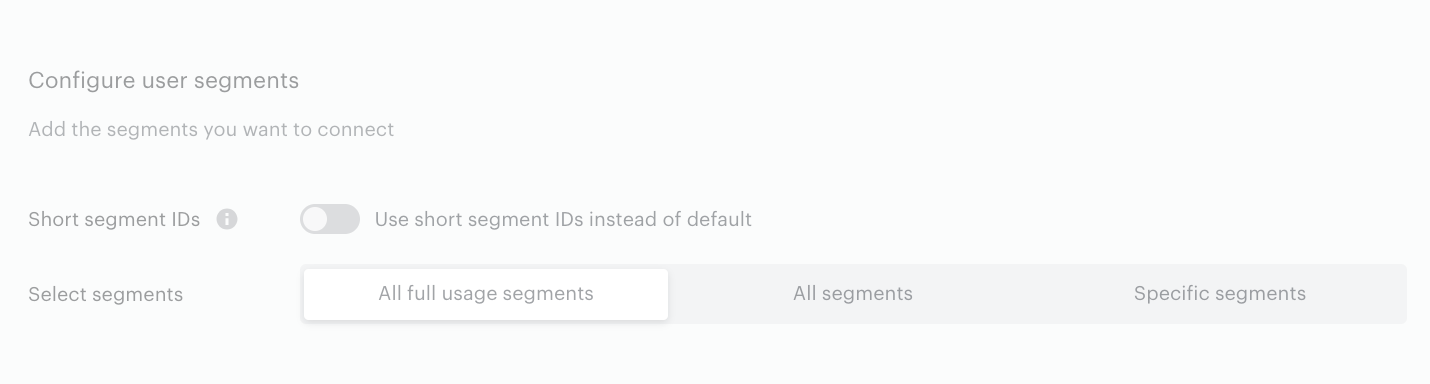
Successful test connection enables the Configure user segments form where:
-
All full usage segments means that all active full usage segments will be sent to Nativo; any newly created active full usage segment will be added automatically.
-
All segments includes both types of usage segments: Full and Reporting only segments.
-
Specific segments allows the customer both to send some part of the active segments and to check if a needed segment is active now. If a needed segment is inactive, it can be activated on the Segments tab.
Specific segments options allow the customer to choose how exactly Audience should select segments for export:
-
Separate segments allows the customer to search and select segments one by one manually.
-
By labels allows the customer to select one or more labels (key-value pairs). Audience will find segments by the selected labels and export them.
-
By segment groups allows the customer to select one or more segment groups, and Audience will export segments within these specific segment groups. It is more suitable for those clients who prefer to organize their segments specifically.
Short segment IDs allows integrations to replace Audience's regular segment IDs and thus evade partner platform's restrictions. It makes sense, for example, when your marketing purposes demand a lot of segments, and the same users belong to a lot of them simultaneously.
Set the parameter.
Export segments
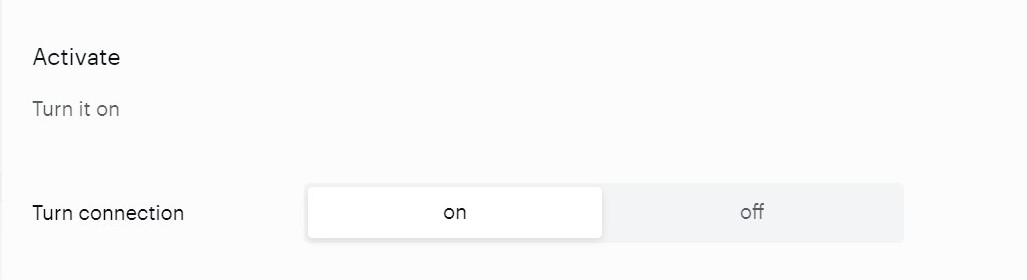
The other option is configuring scheduled data transfer in the Activate section. There, you can either set up daily data transfer by turning the connection on or hold the created configuration without activation yet and set the connection to off.
When ready, click Create or Save (if editing) in the top right corner of the page.
Monitoring and update
Configured connections can be viewed and edited on the Connections tab.